COVCHEG
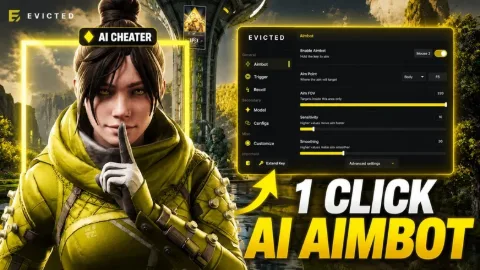
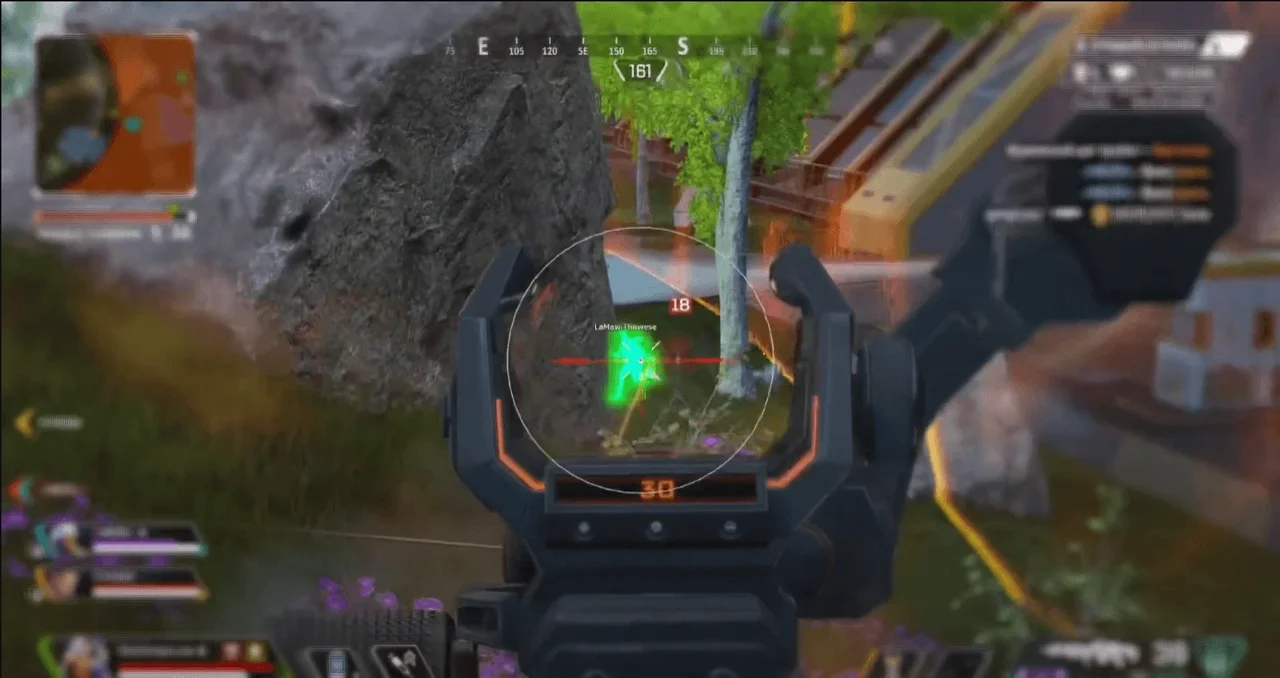
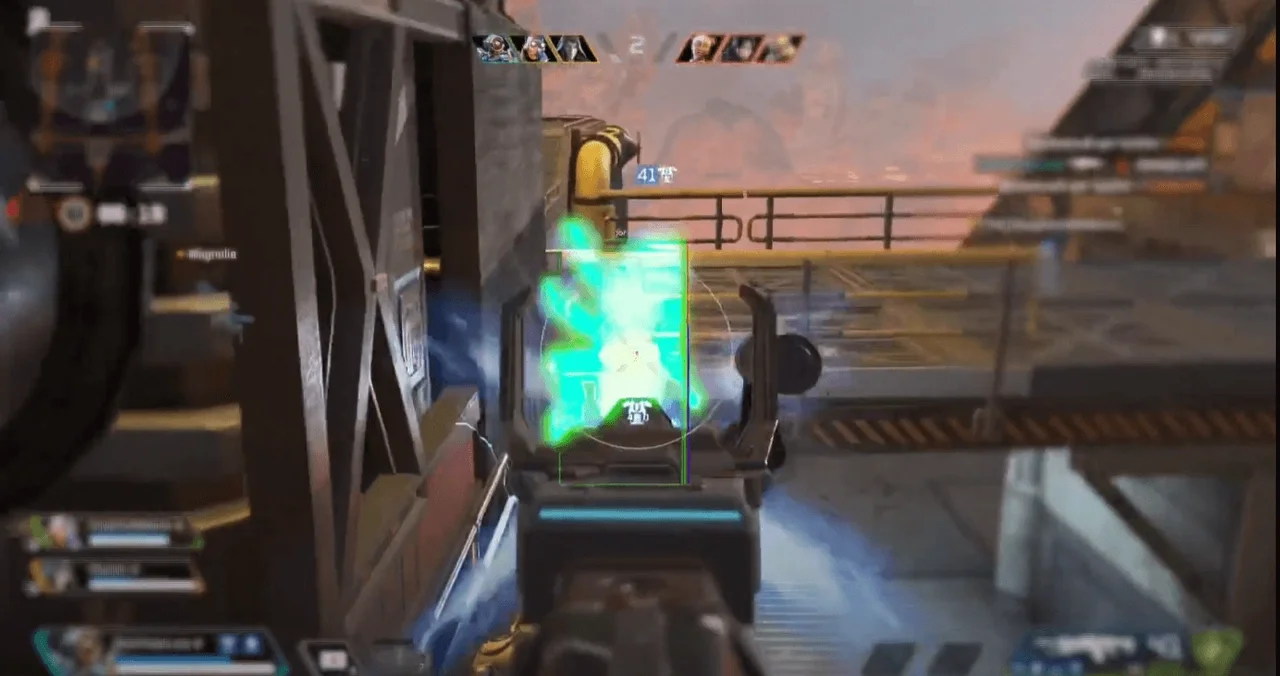
COVCHEG is private software for APEX LEGENDS that gives you an edge on the battlefield with powerful AIM and ESP features. Improve aim, eliminate weapon sway, and display enemies and loot on the map.
This term is delivered manually: the key will arrive in the FunPay order chat within 2 h after payment.
- Your key arrives right after payment
- Payment via FunPay — your money is protected by the marketplace
- Launch instructions come with the key
- Your key is issued right after payment
- Online payment with a convenient method
- Launch instructions come with the key
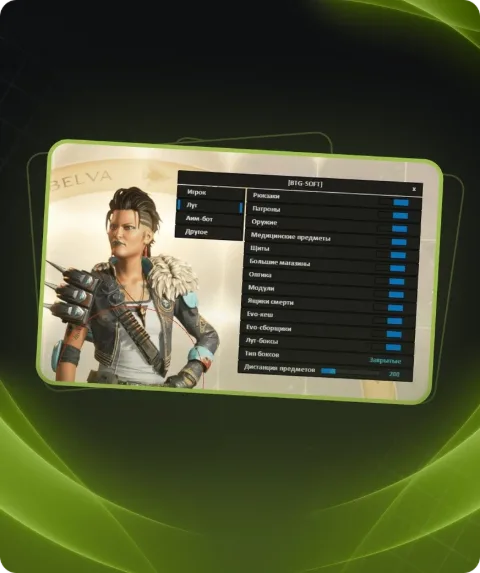
Functions COVCHEG
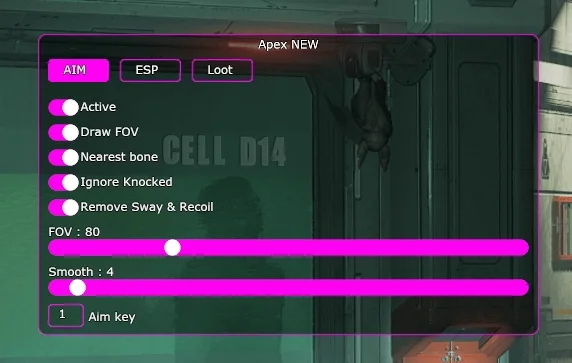
AIM9
- Enable
- Remove Sway & Recoil
- Aim Binder
- Bullet prediction
- Nearest bone
- Ignore Knocked
- FOV
- Smooth
- Distance
ESP11
- Enable
- Boxes
- Names
- Distance
- Draw NPC
- FOV
- Crosshair
- Health bar
- Shield bar
- Visible Check
- Glow ESP
ESP LOOT13
- Draw weapons
- Draw Ammo
- Backpacks
- Armor
- Rarity Lefel Filter
- Shotguns
- Drop Guns
- Energy
- Heavy
- Light
- Sniper
- Helmet
- Misc Items
MISC1
- Enable ThirdPerson
Description
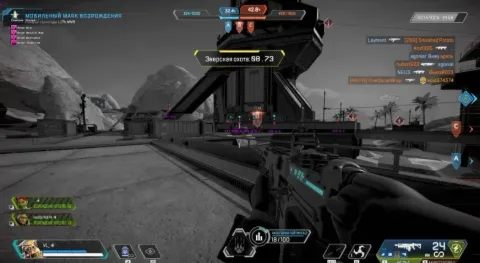
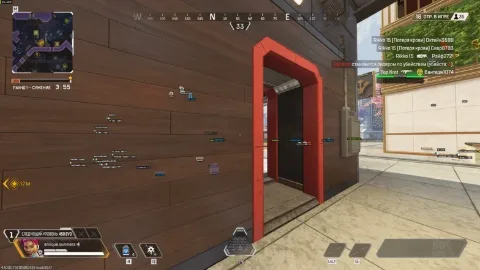
Private software COVCHEG for APEX LEGENDS is the perfect tool for players who want to stay ahead of the competition. AIM features allow you to target enemies with precision by adjusting distance, smoothness, and field of view. The software eliminates weapon recoil and sway, and it prioritizes targeting specific body parts of enemies. ESP displays opponents, their nicknames, health, and shields, as well as weapons and loot on the ground. With rarity filters, you can easily find the equipment you need. Add in the ability to play in third-person mode, and you have an indispensable tool for success in every game.
System requirements
- Included spoofer
- No
- Anticheat
- EAC
- Stream Bypass
- No
- Supported game modes
- Windowed, Borderless, Fullscreen
- Supported CPU
- Intel & AMD
- Supported OC
- Windows 10 PRO [2004-22H2] , Windows 11 all
Support
- Launch instructions come with the key.
- Before the first launch go through PC preparation — most errors will not appear.
- Answers to common questions are on the FAQ page.
- If something does not work, write to the FunPay order chat or support with a screenshot of the error and your Windows version.