Avalanche
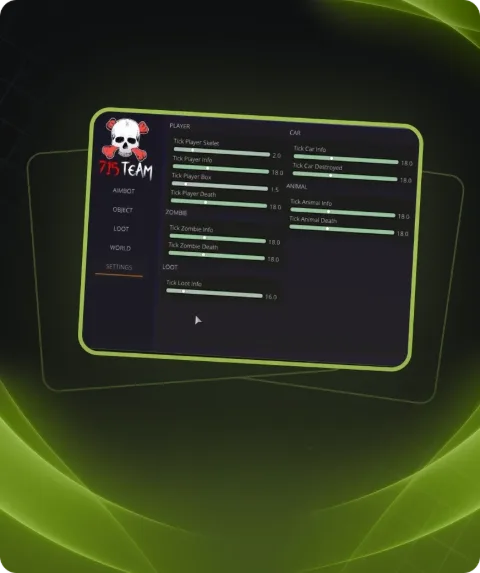
Buy Avalanche cheat for DayZ at a low price - the software provides ESP for players, zombies, vehicles, animals and loot, along with a built-in radar for complete map awareness. Advanced loot filtering, flexible settings and stable performance are available on Playmate Market
This term is delivered manually: the key will arrive in the FunPay order chat within 2 h after payment.
This product cannot be bought right now: the developer is updating it after a game update. It usually takes from a few hours to a couple of days.
- Your key arrives right after payment
- Payment via FunPay — your money is protected by the marketplace
- Launch instructions come with the key
- Your key is issued right after payment
- Online payment with a convenient method
- Launch instructions come with the key
Functions Avalanche
Player ESP5
- Players
- Distance
- Skeleton
- Name
- Box ESP
Zombie ESP4
- Zombies
- Distance
- Skeleton
- Box ESP
Entity ESP4
- Vehicles
- Distance
- Animals
- Corpses
Loot ESP24
- Distance
- Minimum Quality
- Quality Display
- Items
- Weapons
- Clothing
- Magazines
- Food
- Vehicles
- Tools
- Containers
- Crates
- Repair Items
- Generators
- Melee Weapons
- Seeds
- Sewing Kits
- Medical Items
- Building Materials
- Tents
- Survival Items
- Grenades
- Ammo
- Attachments
Misc6
- Battle Mode Key
- Text Mode
- Crosshair
- Crosshair Type
- No Grass
- Always Day
Radar7
- Enable Radar
- Radar Size
- Radar Scale
- Maximum Distance
- Target Triangles
- Target Direction
- Distance Text
Colors29
- Border Color
- Aimbot Target Color
- FOV Color
- Crosshair Color
- Teammate Color
- Admin Color
- Enemy Color
- Vehicle Color
- Animal Color
- Corpse Color
- Item Color
- Food Color
- Weapon Color
- Magazine Color
- Tool Color
- Container Color
- Crate Color
- Repair Item Color
- Generator Color
- Melee Weapon Color
- Seed Color
- Sewing Kit Color
- Medical Color
- Building Material Color
- Tent Color
- Survival Item Color
- Grenade Color
- Ammo Color
- Attachment Color
Settings4
- Default Settings
- Save Settings To Clipboard
- Load Settings From Clipboard
- Unload Cheat
Description
Avalanche for DayZ is a feature-rich cheat designed to provide complete environmental awareness, loot tracking and enemy detection. It is suitable for both PvP-focused servers and survival gameplay.
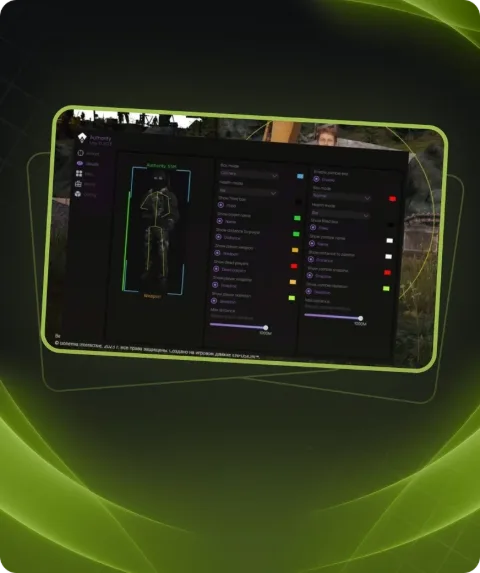
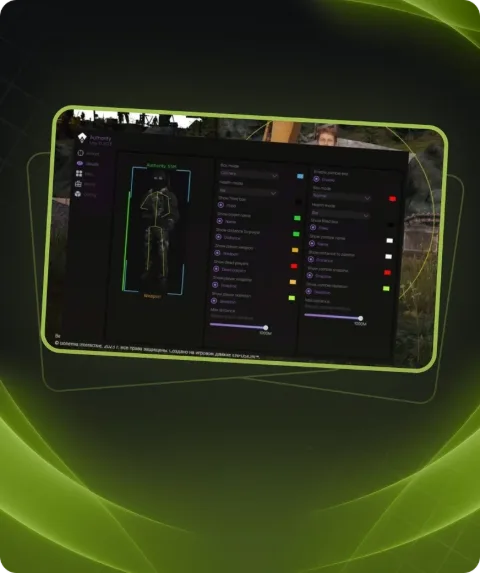
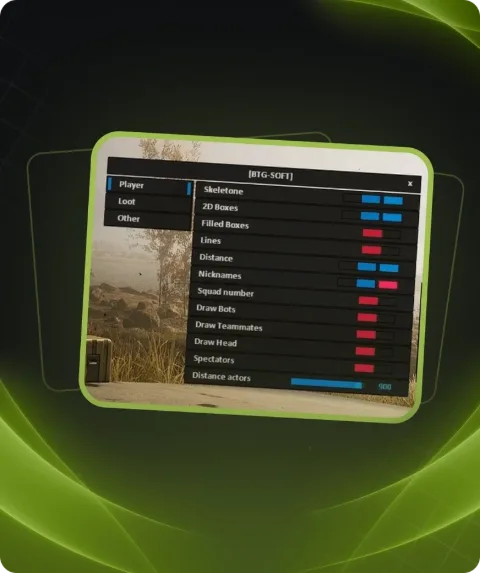
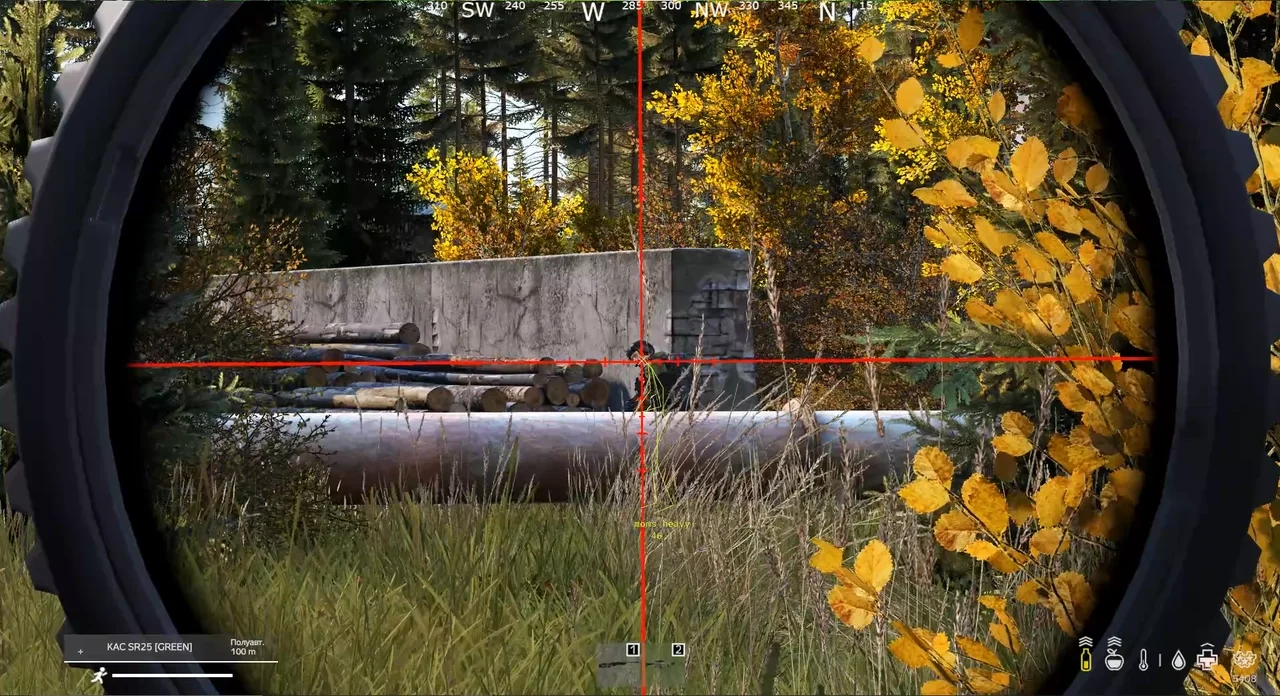
Player ESP displays enemies through obstacles with information such as names, distance, skeletons and box overlays. This allows players to quickly gather information and react more effectively during combat situations.
Separate ESP categories are available for zombies, animals, vehicles and corpses. The software helps locate dangerous threats, transportation and useful objects throughout the map.
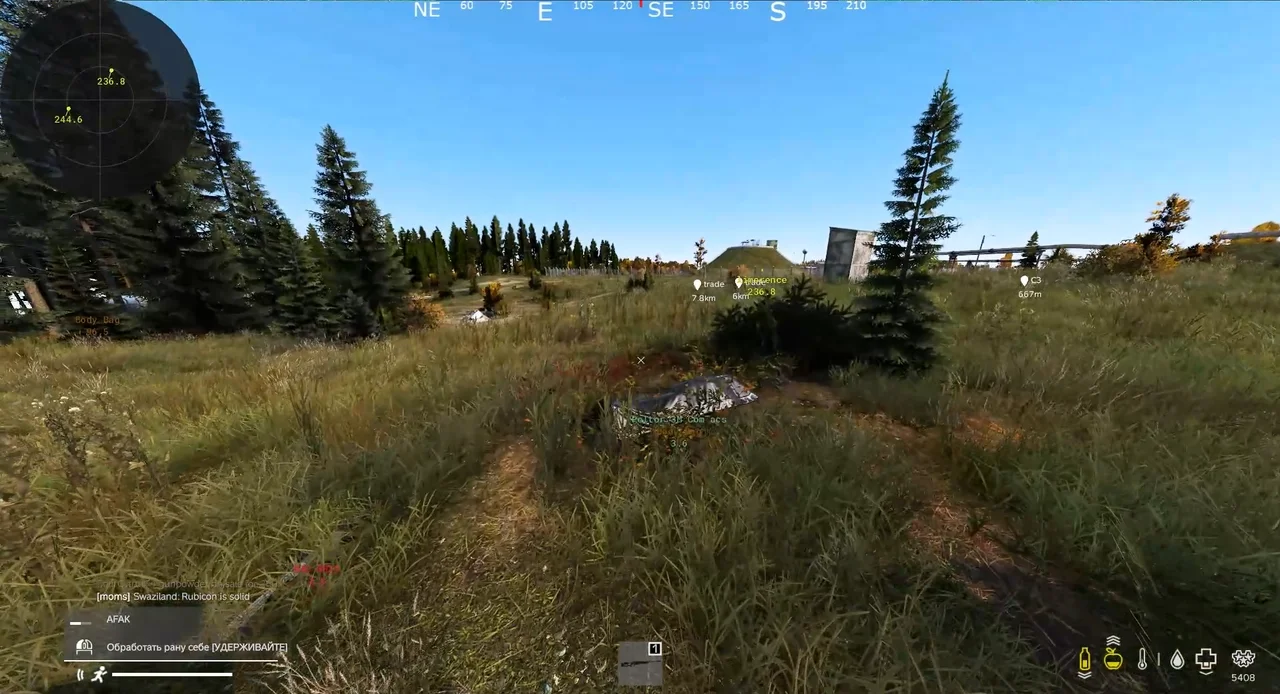
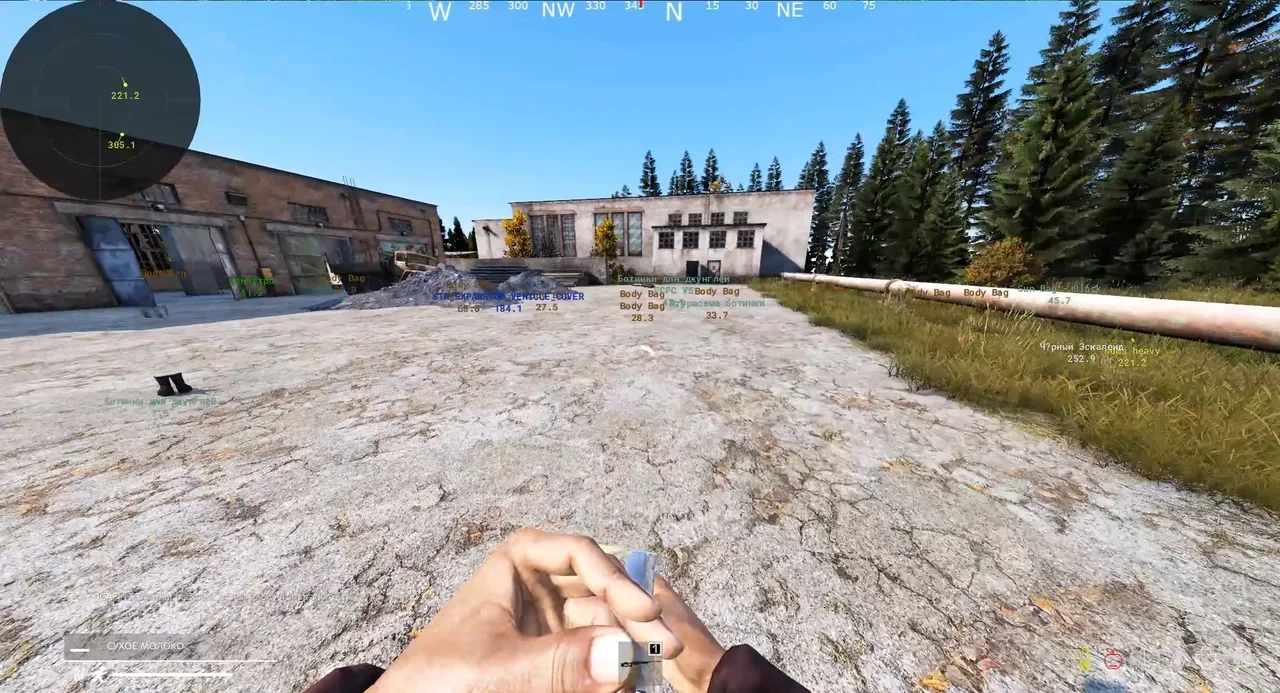
One of the strongest features of Avalanche is its advanced loot filtering system. Users can display only the categories they need, including weapons, clothing, magazines, medical supplies, tools, containers, building materials, ammunition, grenades, attachments and more.
The built-in radar provides real-time awareness of nearby objects with customizable scale, size and maximum display distance. Direction indicators and distance text are also supported.
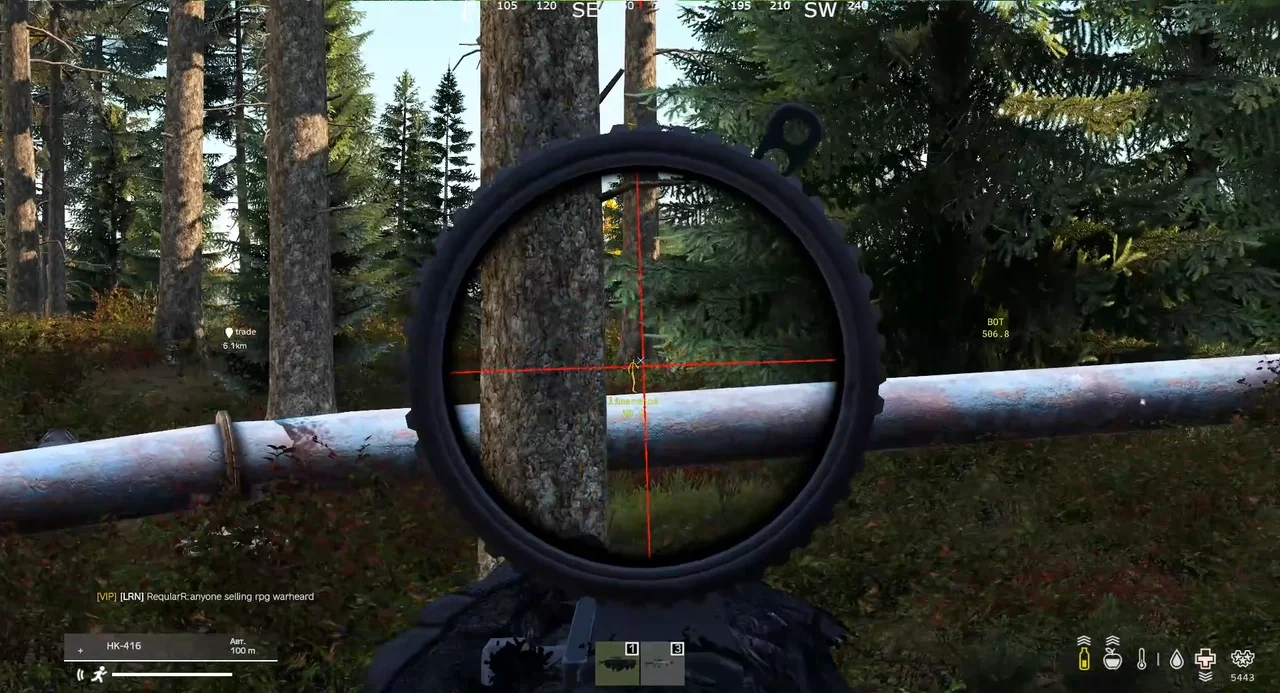
Additional features include always-day mode, grass removal, customizable crosshair settings and a dedicated battle mode for quickly adjusting visible information.
The color customization system allows users to individually configure colors for enemies, teammates, animals, vehicles, weapons, containers and many other object types.
Avalanche supports saving and loading configurations through clipboard sharing, making it easy to transfer settings between profiles and systems.
The cheat is regularly updated and designed for stable performance on current DayZ versions. You can purchase Avalanche on Playmate Market.
System requirements
- Supported CPU
- Intel & AMD
- Supported OC
- Windows 10, 11(All winver)
- Included spoofer
- No
- Stream Bypass
- Yes
- Supported game modes
- Windowed
Support
- Launch instructions come with the key.
- Before the first launch go through PC preparation — most errors will not appear.
- Answers to common questions are on the FAQ page.
- If something does not work, write to the FunPay order chat or support with a screenshot of the error and your Windows version.