DAYZ · all Covcheg products
COVCHEG
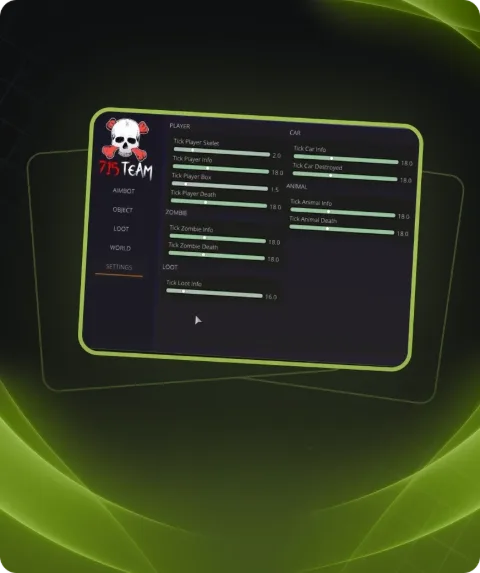
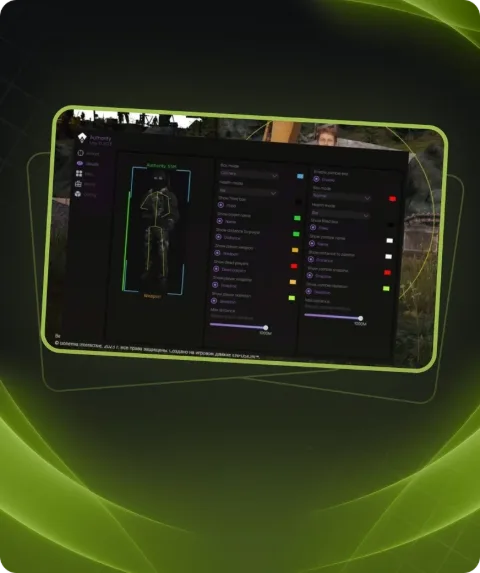
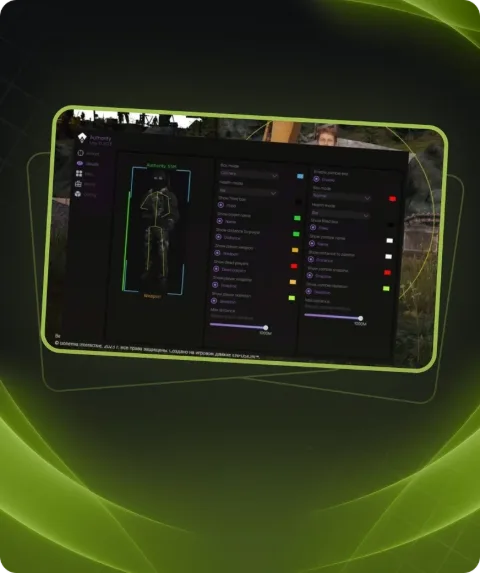
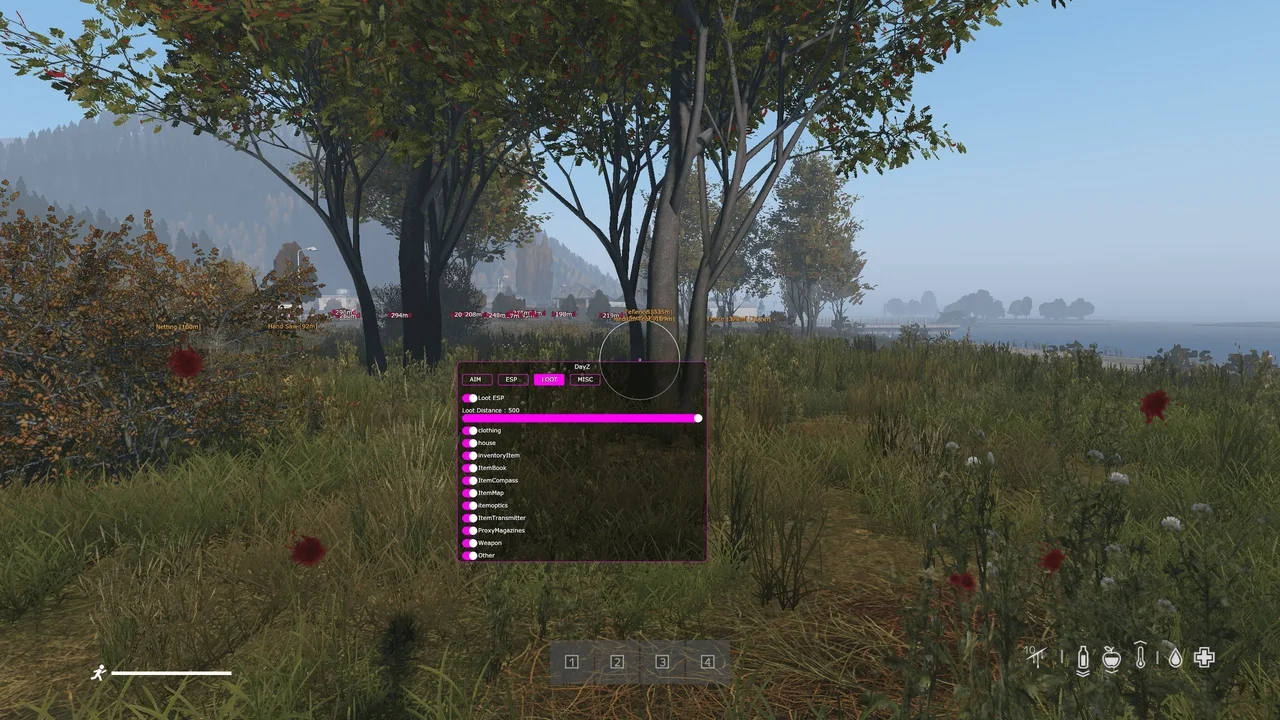
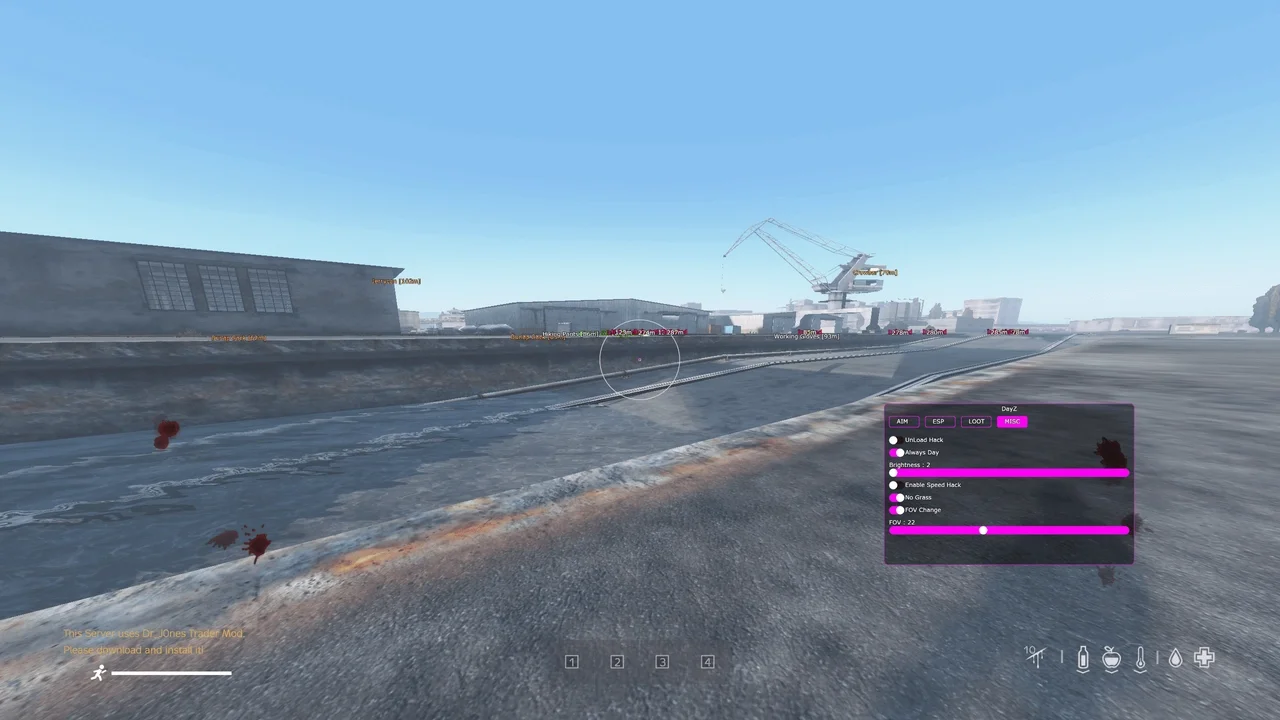
Private cheat COVCHEG for DayZ features aimbot, silent aimbot, Aim Binder for custom AIM toggle, FOV, player highlighting, loot ESP, item distance, enemy skeleton, health bar, enemy box outline, WH toggle, Always DAY, and vegetation removal.
Total$2.90
Coming soonThis term is delivered manually: the key will arrive in the FunPay order chat within 2 h after payment.
- Your key arrives right after payment
- Payment via FunPay — your money is protected by the marketplace
- Launch instructions come with the key
- Your key is issued right after payment
- Online payment with a convenient method
- Launch instructions come with the key
Functions COVCHEG
AIM4
- Enable Silent AIM
- Aim Binder
- FOV
- Distance
ESP8
- Enable
- Boxes
- Names
- Distance
- FOV
- Crosshair
- Health bar
- Skeleton
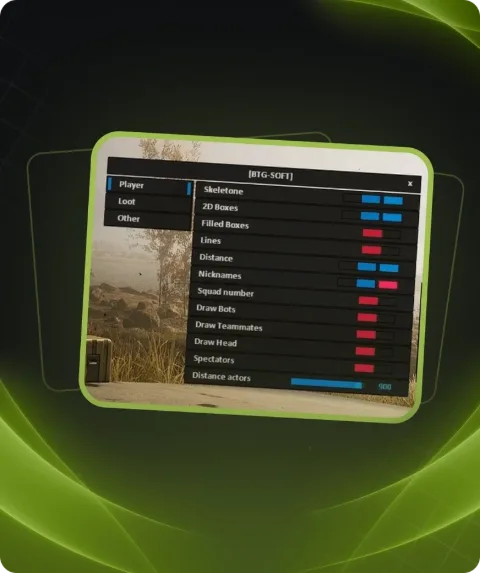
LOOT3
- Draw Loot
- Distance Limiter
- Loot Type Limiter
MISC6
- Remove GRASS
- Always DAY
- FOV Limiter
- Freecam
- Unload
- Dupe available for 7 and 30 days key
Description
Looking to gain a decisive edge in DayZ? The private cheat COVCHEG is your trusted companion!
- It provides you with an aimbot, silent aimbot, and a unique Aim Binder that allows for custom AIM activation key setting.
- With the FOV feature, you can tailor your field of view to your preference.
- Player highlighting, loot ESP, and item details, including distance to the enemy, enemy skeleton representation, health bar, and box outline, make your gameplay even more insightful.
- The Always DAY feature and vegetation removal allow for a clearer view of the game world.
With COVCHEG, you'll always be a step ahead of your adversaries. The DayZ gaming experience has never been this exhilarating!
Buy and conquer with private cheats from the Playmate Market team!
System requirements
- Included spoofer
- Yes
- Anticheat
- Game anticheat
- Stream Bypass
- No
- Supported game modes
- Windowed, Fullscreen
- Supported CPU
- Intel & AMD
- Supported OC
- Windows 10 (2004, 20H2, 21H1, 21H2, 22H2) , Windows 11
Attention! Playmate Market is not responsible for failure to meet the system requirements. Errors in the cheat caused by not meeting the system requirements are not grounds for a refund.
Support
- Launch instructions come with the key.
- Before the first launch go through PC preparation — most errors will not appear.
- Answers to common questions are on the FAQ page.
- If something does not work, write to the FunPay order chat or support with a screenshot of the error and your Windows version.