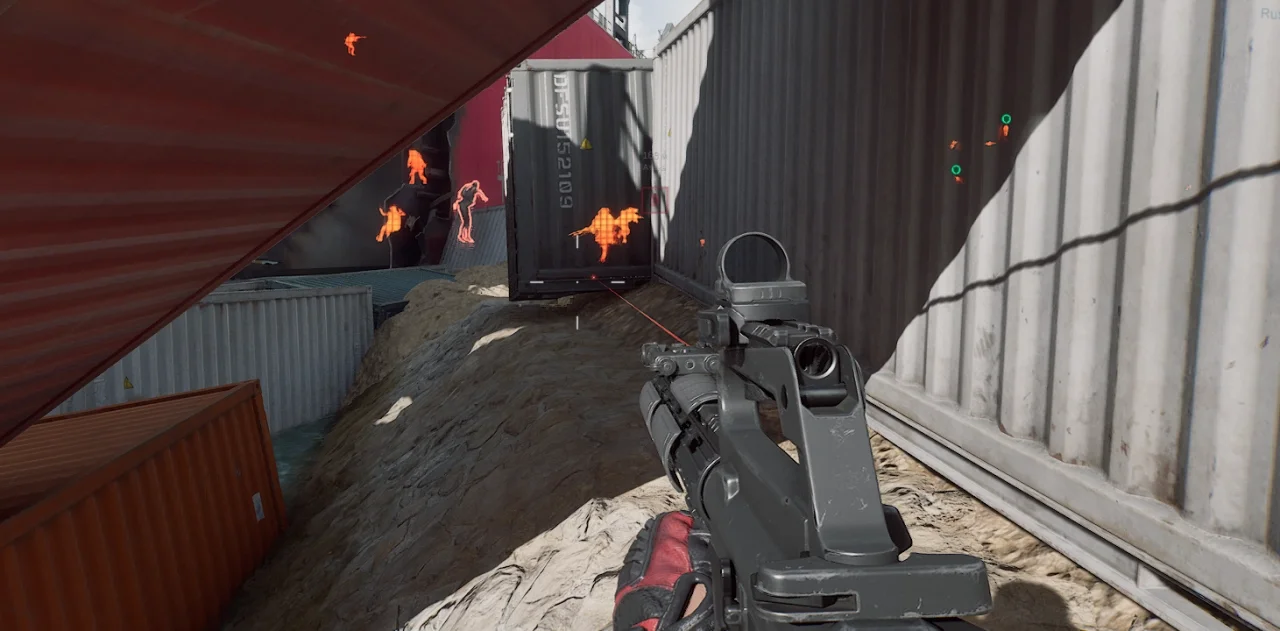
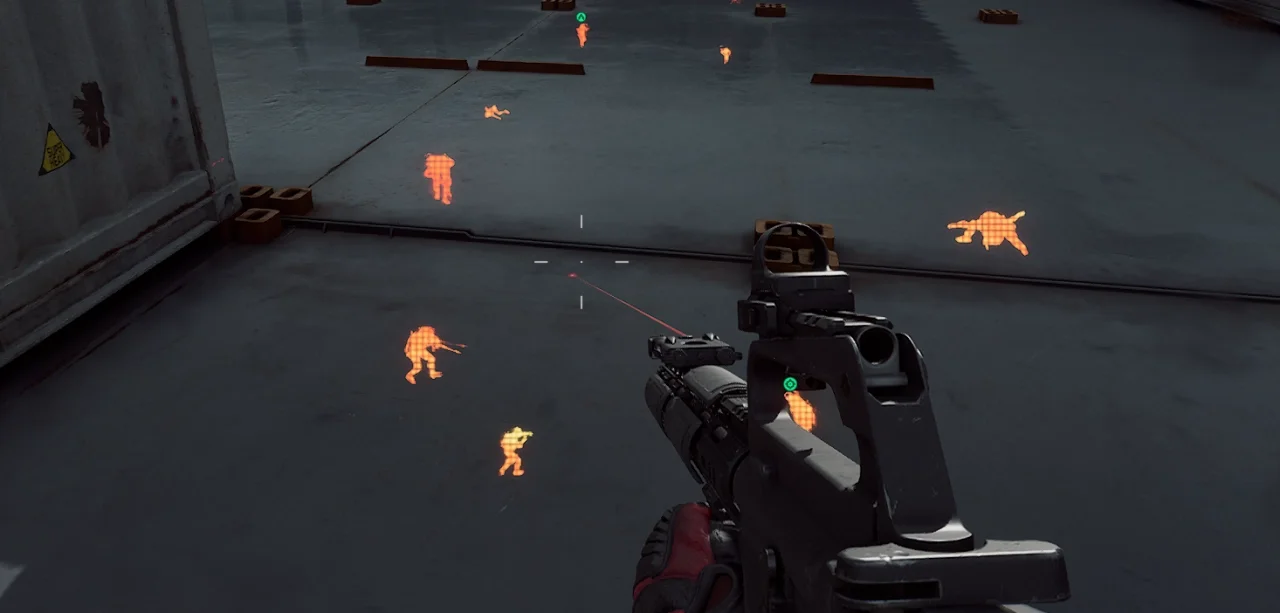
Ghost Chams
Ghost Chams for Delta Force with bright enemy model highlighting. A simple private solution with an affordable price, regular updates and support.
This term is delivered manually: the key will arrive in the FunPay order chat within 2 h after payment.
- Your key arrives right after payment
- Payment via FunPay — your money is protected by the marketplace
- Launch instructions come with the key
- Your key is issued right after payment
- Online payment with a convenient method
- Launch instructions come with the key
Functions Ghost Chams
Chams1
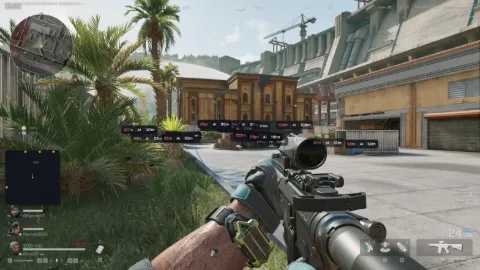
- Bright Enemy Model Highlighting
Description
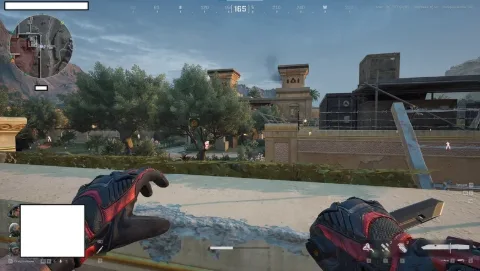
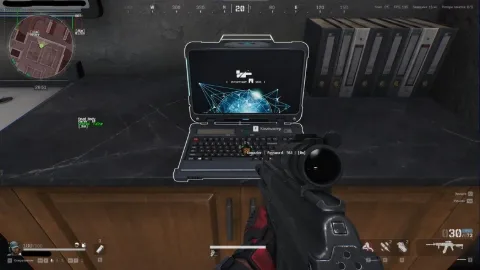
Ghost Chams for Delta Force is a compact private cheat designed for players who don't need an overloaded feature set. The product focuses on one primary feature - Chams, providing bright enemy model highlighting for easier target detection during matches.
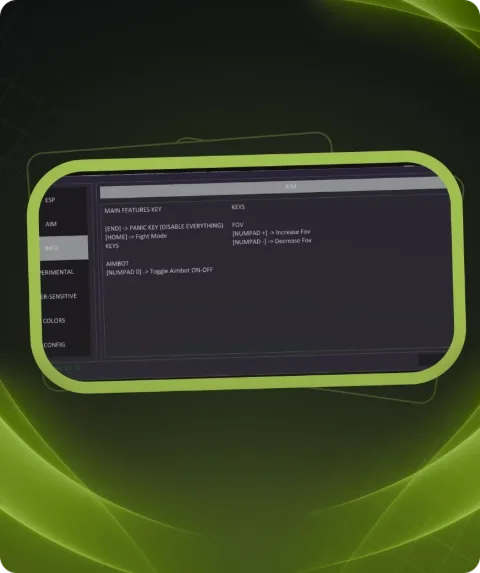
Unlike full-featured cheats with numerous settings, Ghost Chams is intended for users who want a straightforward visual advantage without Aimbot, Radar, Loot ESP or other unnecessary features. Its minimal feature set keeps the product simple and convenient to use.
The main feature is bright enemy model highlighting. Chams makes opponents easier to distinguish from the surrounding environment and helps identify targets faster during dynamic Delta Force gameplay.
Ghost Chams is maintained by its developer and updated when required following game changes. We recommend checking the current product status and system requirements before use.
Buy Ghost Chams for Delta Force at Playmate Market at an affordable price. If you are looking for a simple Delta Force cheat focused specifically on Chams without unnecessary functionality, Ghost Chams is a suitable choice.
System requirements
- Supported OC
- Windows 10, 11
- Supported game version
- Steam
- Included spoofer
- No
- Supported game modes
- Windowed, Borderless
- Supported CPU
- Intel & AMD
Support
- Launch instructions come with the key.
- Before the first launch go through PC preparation — most errors will not appear.
- Answers to common questions are on the FAQ page.
- If something does not work, write to the FunPay order chat or support with a screenshot of the error and your Windows version.