MASON FULL
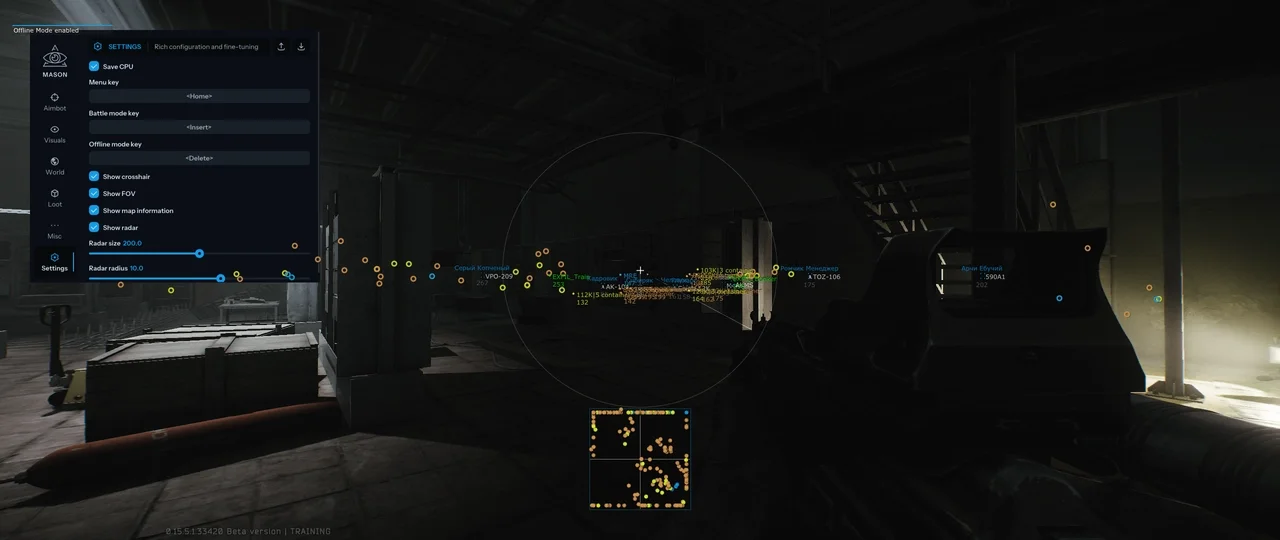
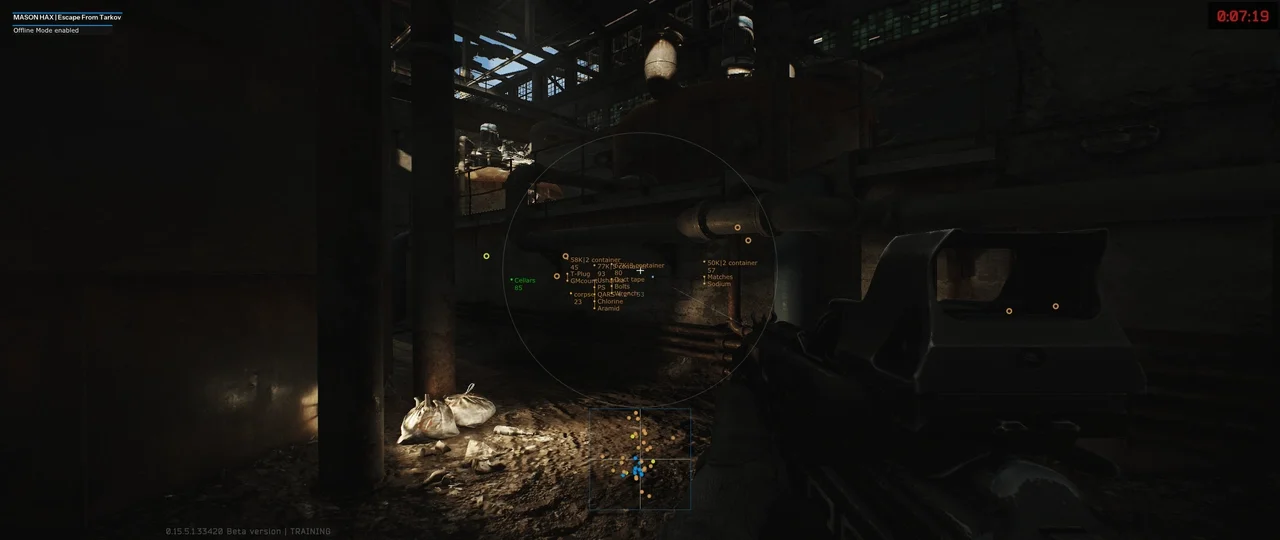
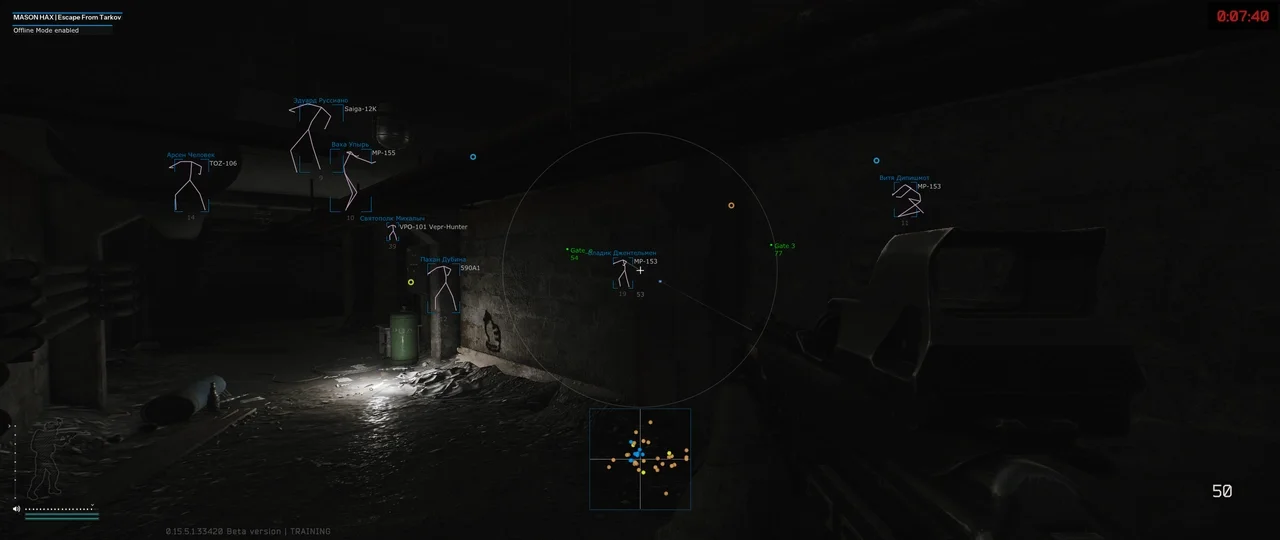
MASON FULL for Escape From Tarkov offers precise aimbot, advanced ESP capabilities, and a suite of additional features for complete game domination.
This term is delivered manually: the key will arrive in the FunPay order chat within 2 h after payment.
Manual delivery: this product is paid directly, not via FunPay. We send the key by hand after payment.
- Direct payment, not via FunPay
- We send the key by hand after payment
- Launch instructions come with the key
Functions MASON FULL
AIM ASSIST7
- Silent aim
- Vector aim
- Aim key
- Aim radius
- Aim height
- Aim spot
- Manipulate fire
ESP14
- Bounding box
- Show player inventory
- Show skeleton
- Show health
- Show name
- Show weapon
- Show grenades
- Show extractions
- Show loot
- Show custom loot
- Players render distance
- Ammo indicator
- Ignore player on crosshair
- Clear ignore list
LOOT ESP6
- Show barter loot
- Show ammunition
- Show provision
- Show special
- Loot price
- Loot render distance
MISC6
- Zoom
- Remove visor
- Remove recoil & spread
- Thermal vision
- Instant ads
- Noclip gun
OTHER4
- Hide overlay key
- Save CPU
- Show cross
- Show FOV
Description
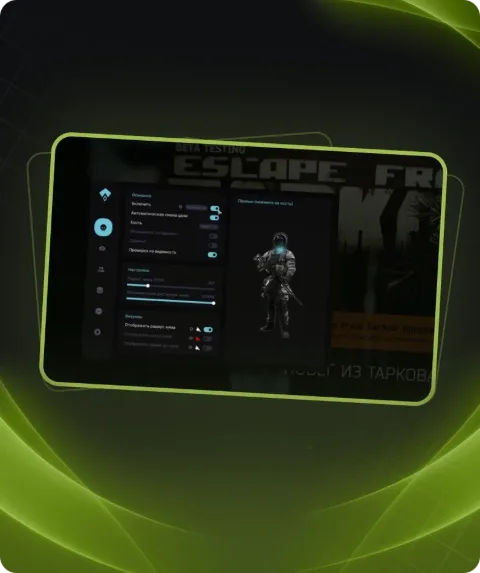
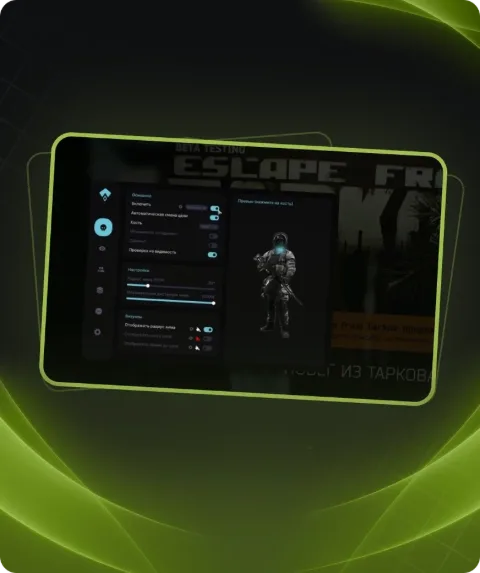
MASON FULL is private software for Escape From Tarkov, providing players with an advanced aimbot that allows customization of radius, height, and bone selection for precise targeting. It includes Silent Aim for firing at enemies without aiming and Vector Aim for standard aiming. The ESP feature provides comprehensive information about enemies, including their inventory, health, weapons, and grenades, while also highlighting crucial objects like loot and extraction points. Additional features include recoil removal, thermal vision, and much more, making MASON FULL a powerful tool for players aiming to dominate in Escape From Tarkov.
System requirements
- Supported OC
- 10 Windows x64 (2004 / 20H2 / 21H1 / 21H2 / 22H2), Windows 11 x64 (21H2 / 22H2 / 23H2)
- Included spoofer
- No
- Anticheat
- BATTLEYE
- Stream Bypass
- Yes
- Supported game modes
- Windowed, full screen in window, full screen
- Supported CPU
- Intel & AMD
Support
- Launch instructions come with the key.
- Before the first launch go through PC preparation — most errors will not appear.
- Answers to common questions are on the FAQ page.
- If something does not work, write to the FunPay order chat or support with a screenshot of the error and your Windows version.