SMG RADAR
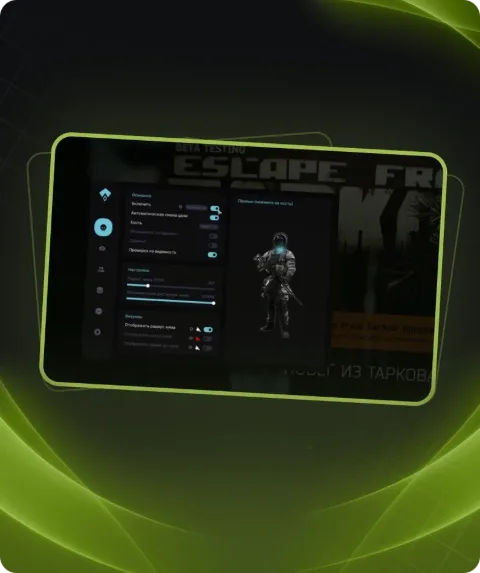
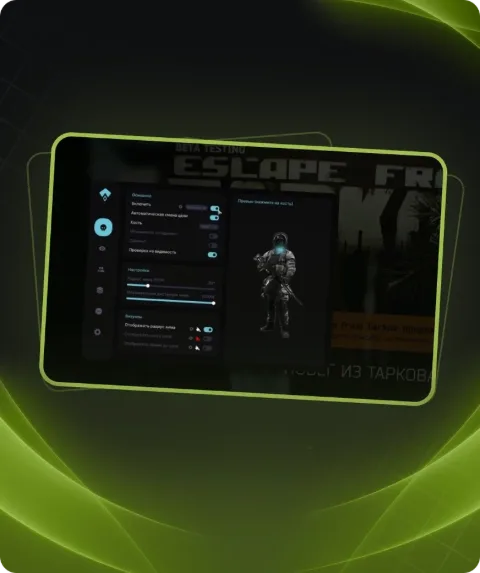
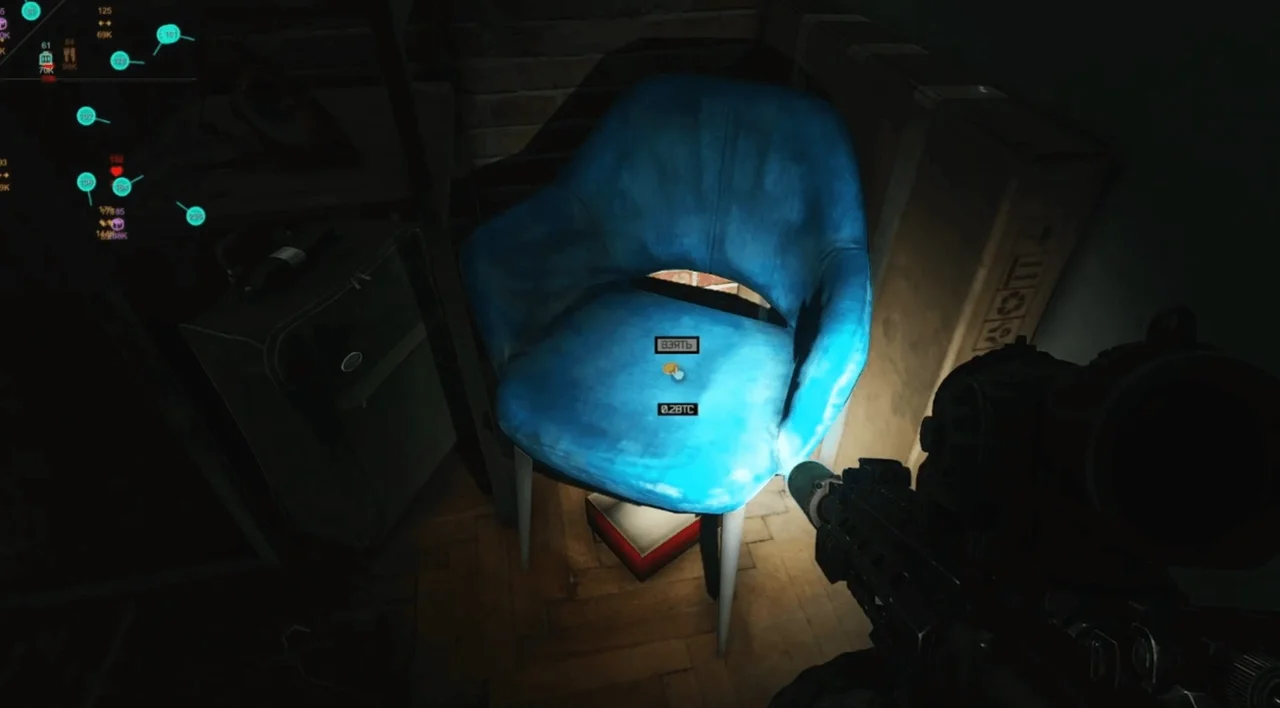
Enhance your gaming experience in Escape From Tarkov with the private software SMG Radar, featuring advanced RADAR ESP and RADAR LOOT ESP functions.
This term is delivered manually: the key will arrive in the FunPay order chat within 2 h after payment.
Manual delivery: this product is paid directly, not via FunPay. We send the key by hand after payment.
- Direct payment, not via FunPay
- We send the key by hand after payment
- Launch instructions come with the key
Functions SMG RADAR
FUNCTIONS6
- RADAR worked for PVP & PVE mode.
- Radar width
- Radar height
- Alpha 0-100%
- Zoom scale
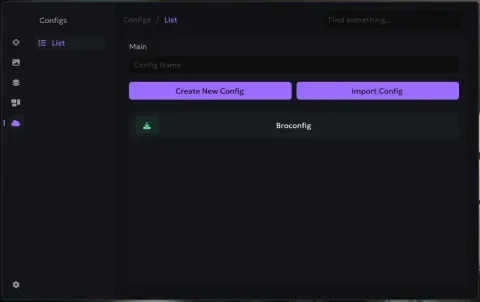
- Loade/Save config
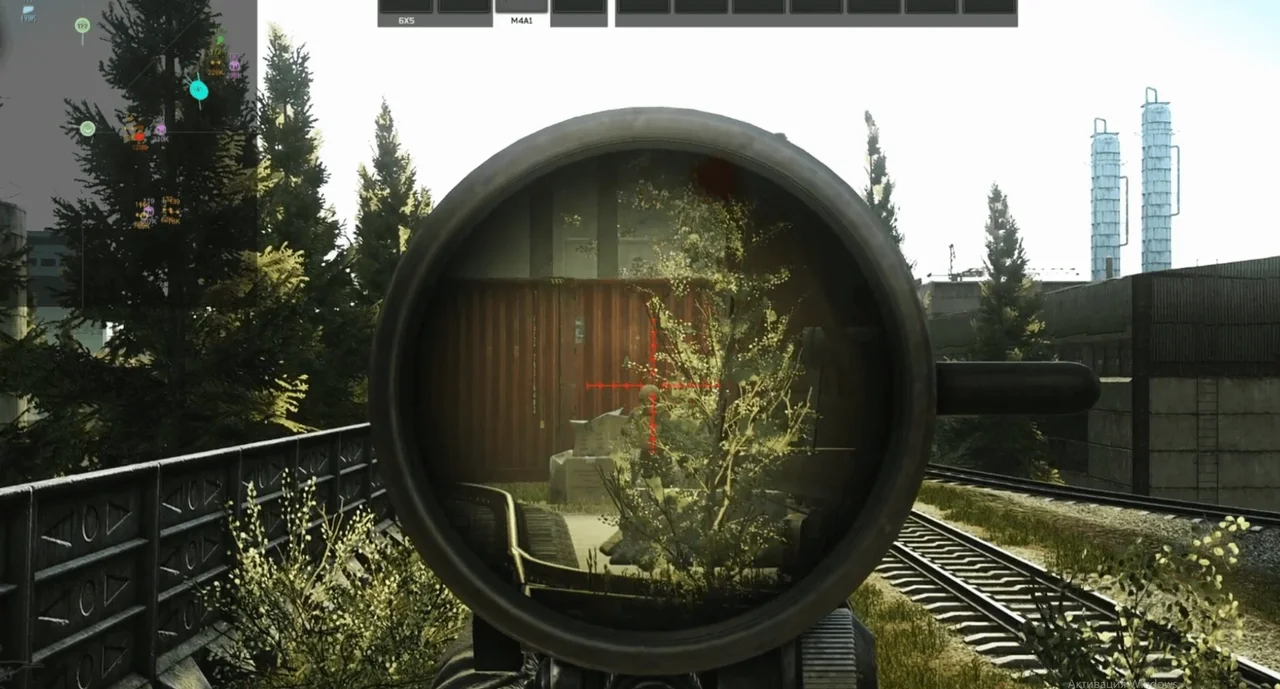
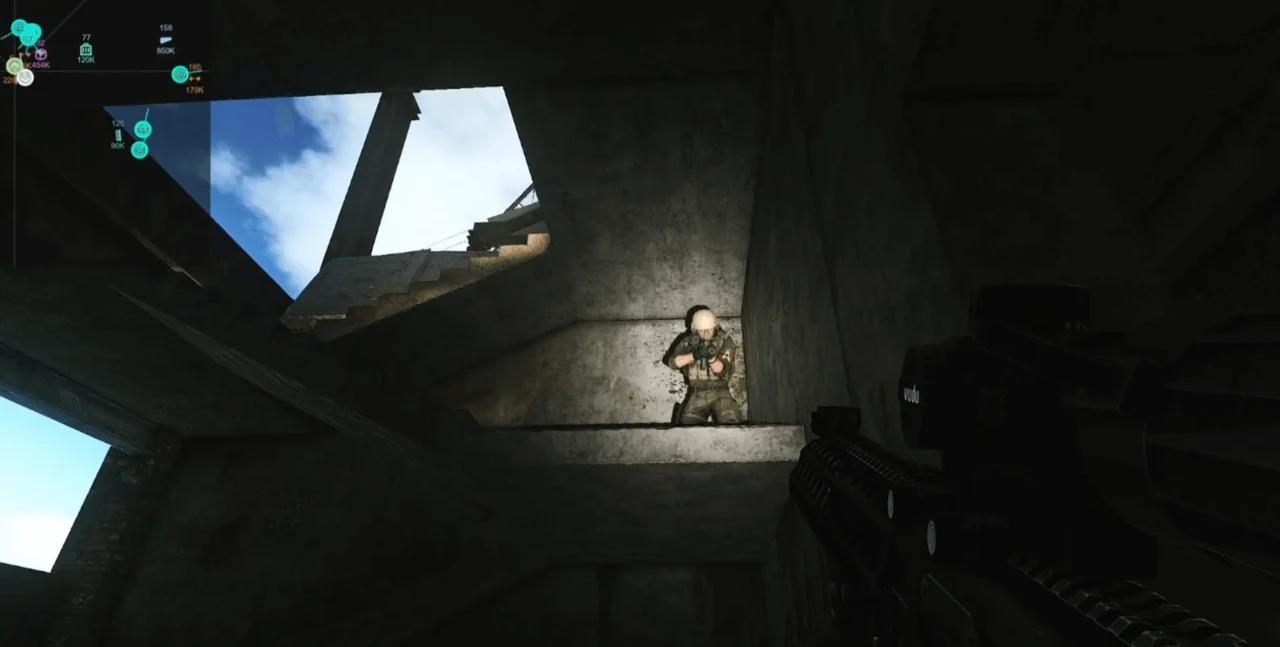
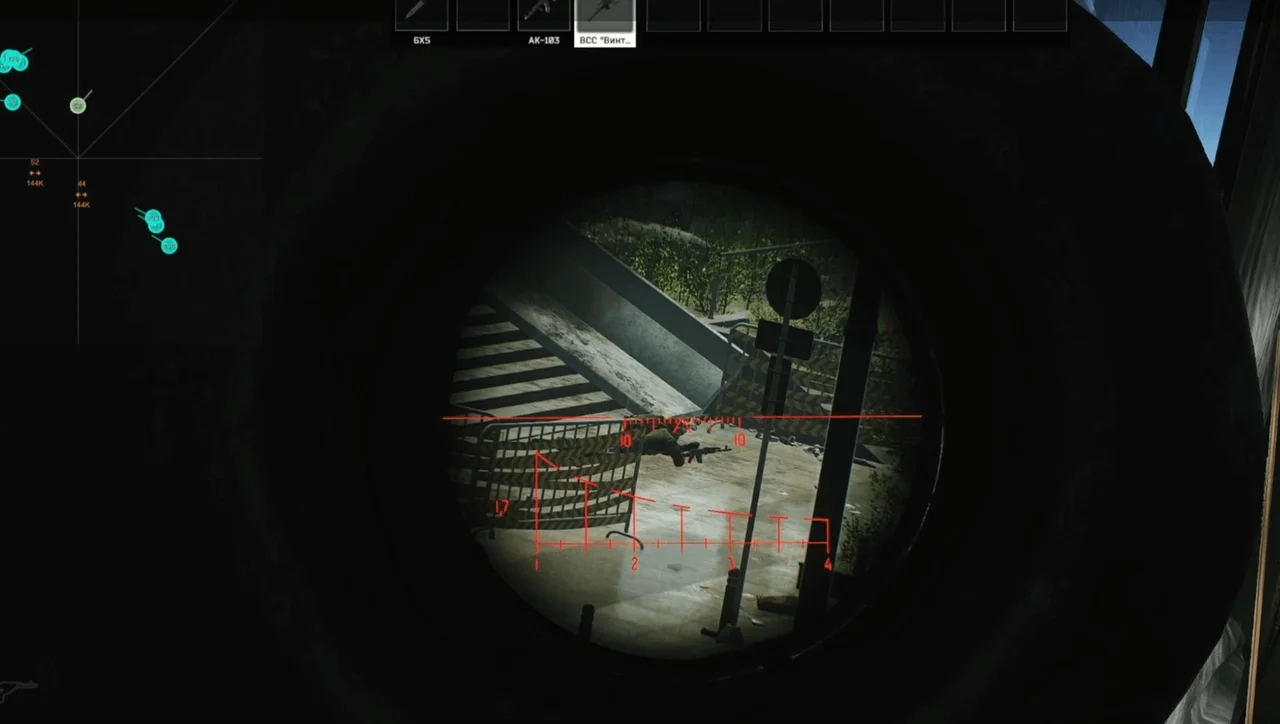
[RADAR ESP]6
- Players color
- Bots color
- Scavs color
- Boss color
- Visible colors
- Show enemy height
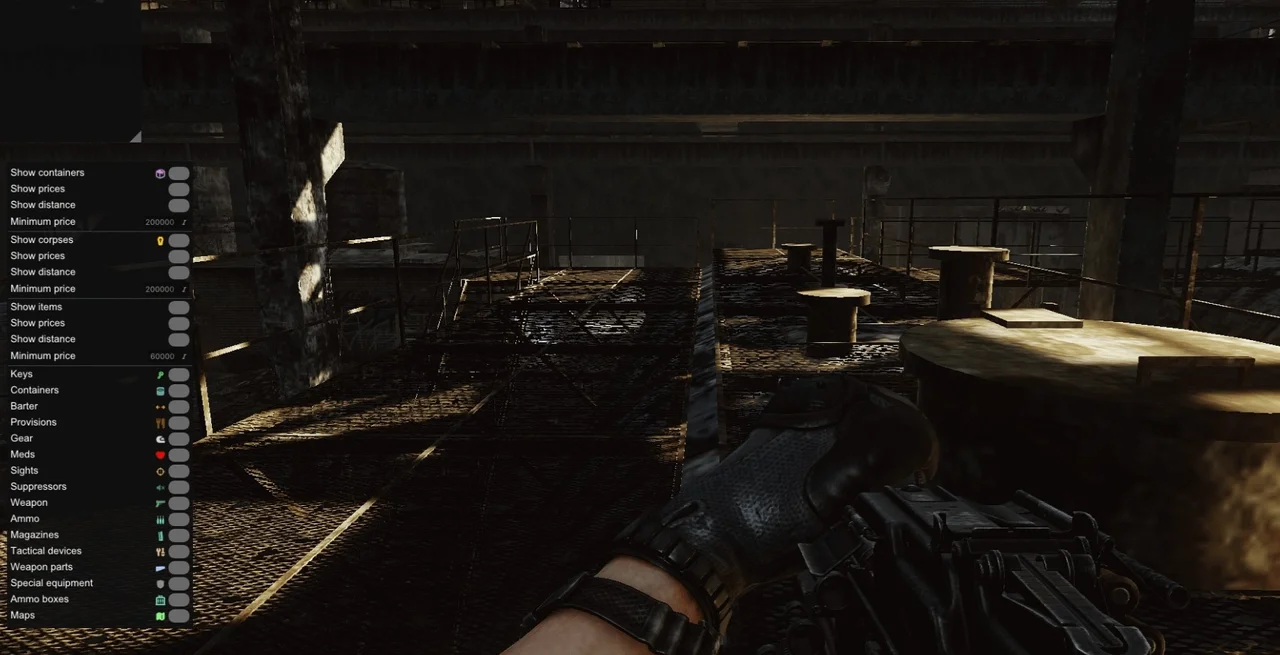
(Show containers)3
- Show prices
- Show distance
- Min-Max prices
(Show corpses)3
- Show prices
- Show distance
- Min-Max prices
(Show items)4
- Show prices
- Show distance
- Min-Max prices
- Items customizations with type
Description
The private software SMG Radar for Escape From Tarkov provides players with powerful tools to achieve dominance in the game. With RADAR ESP and RADAR LOOT ESP functions, you can easily track the location of players, bots, scavs, and bosses, as well as see their height. The software allows you to customize the color scheme for different types of enemies and objects, adjust radar dimensions, its transparency, and zoom scale. Thanks to the functions for displaying containers, corpses, and items with prices and distances, SMG Radar ensures maximum awareness and efficiency. Customize the software to your needs with the load and save configuration features and become a leader on the battlefield in Escape From Tarkov!
System requirements
- Supported OC
- Windows 10 (2004, 20H2, 21H1, 21H2, 22H2) , Windows 11 (22H2/23H2)
- Included spoofer
- No
- Anticheat
- BATTLEYE
- Supported game modes
- Battlestate Games Launcher
- Supported CPU
- Intel & AMD
Support
- Launch instructions come with the key.
- Before the first launch go through PC preparation — most errors will not appear.
- Answers to common questions are on the FAQ page.
- If something does not work, write to the FunPay order chat or support with a screenshot of the error and your Windows version.