ANCIENT
Gain an edge in HUNT with the private software ANCIENT, featuring a wide range of functions from precise aiming to enemy detection and valuable object highlighting.
This term is delivered manually: the key will arrive in the FunPay order chat within 2 h after payment.
This product cannot be bought right now: the developer is updating it after a game update. It usually takes from a few hours to a couple of days.
- Your key arrives right after payment
- Payment via FunPay — your money is protected by the marketplace
- Launch instructions come with the key
- Your key is issued right after payment
- Online payment with a convenient method
- Launch instructions come with the key
Functions ANCIENT
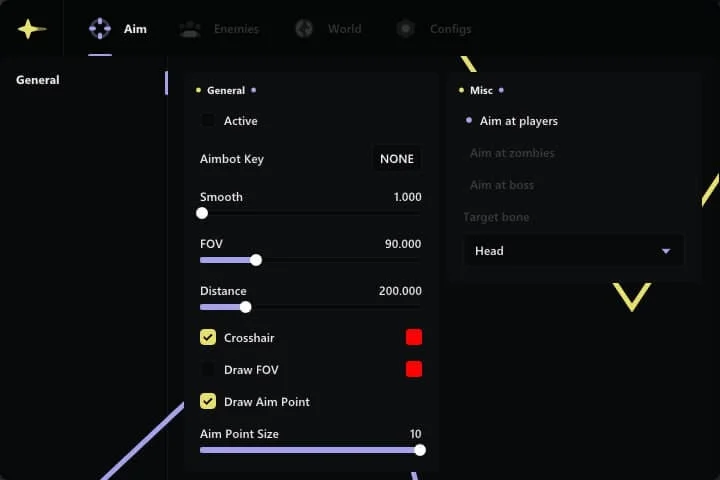
AIM8
𝗚𝗘𝗡𝗘𝗥𝗔𝗟𝗦
- Active
- Crosshair
- Draw FOV
- Draw Aim Point
𝗠𝗜𝗦𝗖
- Aim at players
- Aim at zombies
- Aim at boss
- Target bone (Head, neck, pelvis)
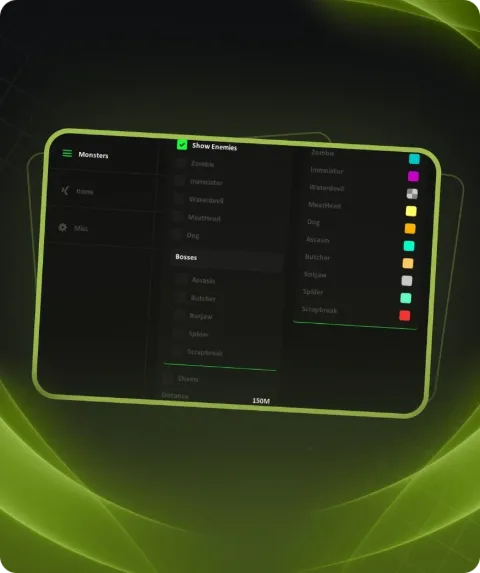
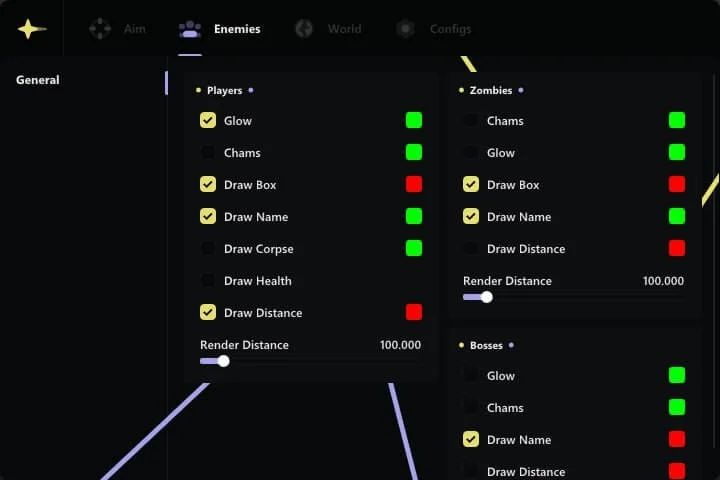
ENEMIES16
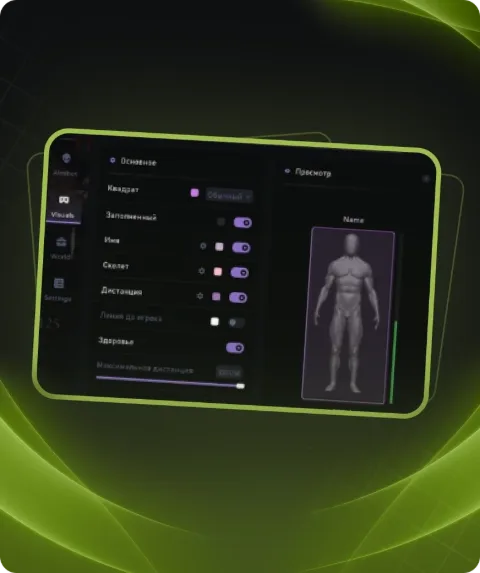
𝗣𝗟𝗔𝗬𝗘𝗥𝗦
- Glow
- Chams
- Draw Box
- Draw Name
- Draw Corpse
- Draw Health
- Draw Distance
𝗭𝗢𝗠𝗕𝗜𝗘𝗦
- Glow
- Chams
- Draw Box
- Draw Name
- Draw Distance
𝗕𝗢𝗦𝗦𝗘𝗦
- Glow
- Chams
- Draw Name
- Draw Distance
WORLD15
𝗪𝗘𝗔𝗣𝗢𝗡
- Draw Meele
- Draw Weapon
- Draw Throwable
𝗜𝗧𝗘𝗠𝗦
- Draw Medical
- Draw World Items
- Draw Trait Charms
𝗕𝗢𝗫𝗘𝗦
- Draw Ammo Box
- Draw Tool Box
- Draw Health Box
- Draw Item Box
- Draw Cash Box
- Draw Ammo Swap Box
𝗠𝗜𝗦𝗖
- Draw Boss Spawn
- Draw Exits
- Draw Debug
Description
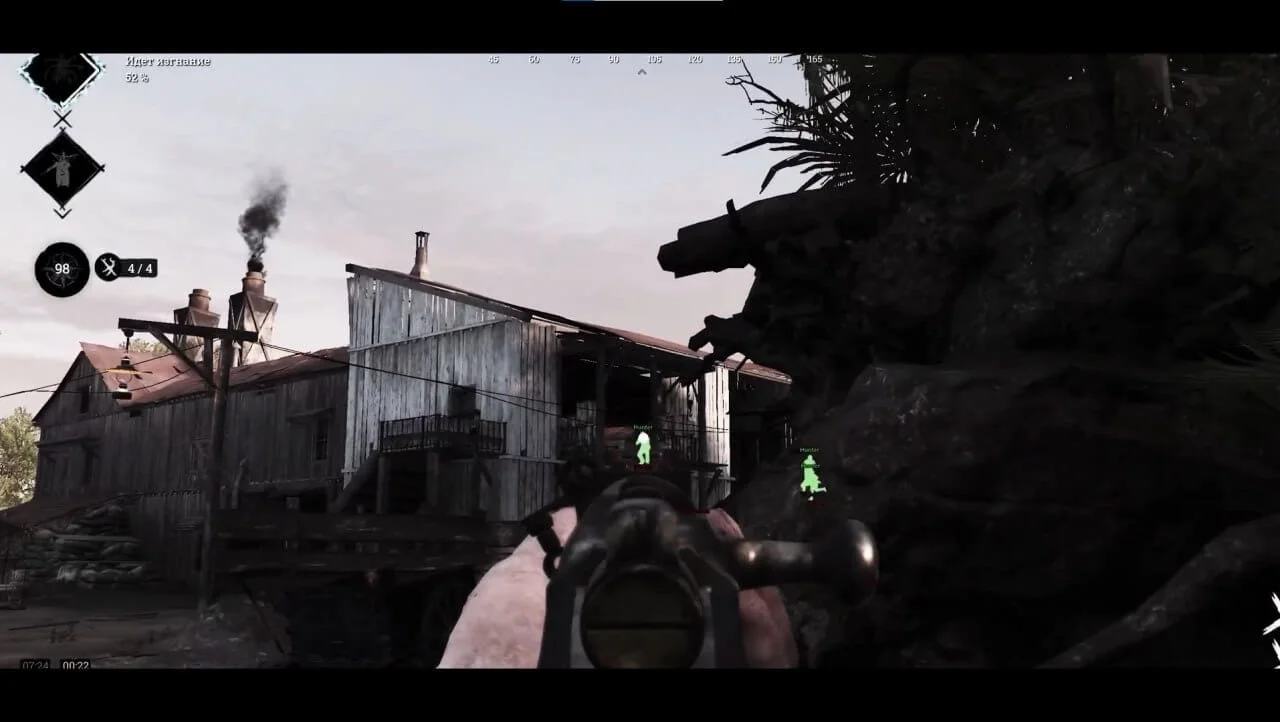
ANCIENT private software is your ticket to dominance in the world of HUNT. With features including pinpoint targeting of players, zombies, and bosses, as well as enemy detection through glows, chams, and additional UI elements, ANCIENT empowers you to effectively navigate the game space. Don't miss the chance to stand out from the crowd and achieve incredible results with ANCIENT.
System requirements
- Included spoofer
- Yes
- Anticheat
- EAC
- Stream Bypass
- Yes
- Supported game modes
- Borderless
- Supported CPU
- Intel & AMD
- Supported OC
- Windows 10 1903+, Windows 11 ALL
Support
- Launch instructions come with the key.
- Before the first launch go through PC preparation — most errors will not appear.
- Answers to common questions are on the FAQ page.
- If something does not work, write to the FunPay order chat or support with a screenshot of the error and your Windows version.