Byster
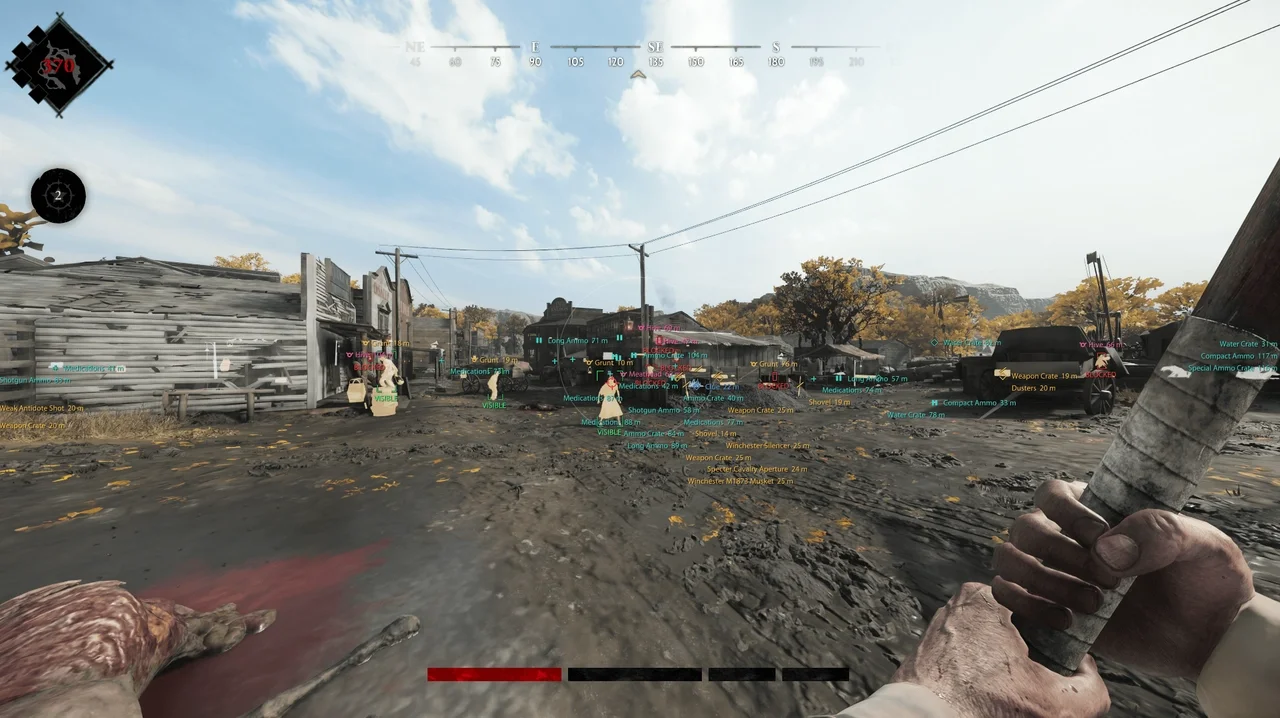
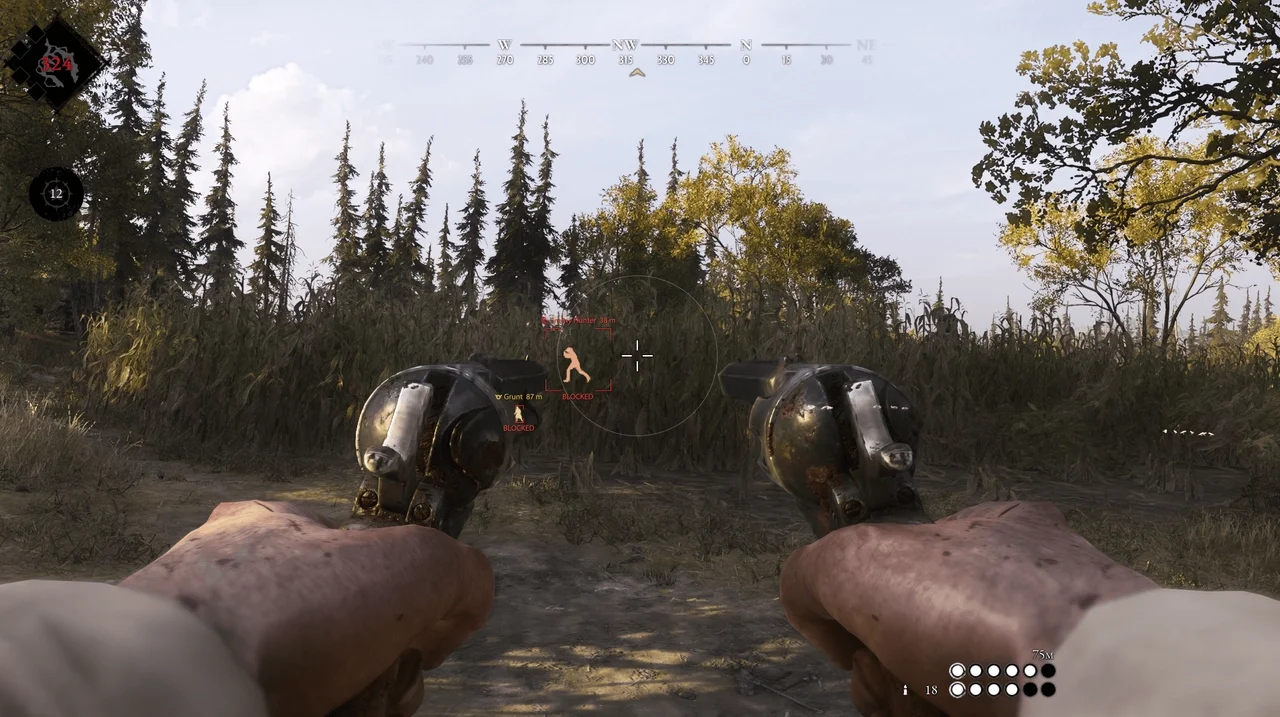
Private Byster cheat for Hunt: Showdown with Aimbot, ESP, Auras, Radar and No Recoil. Features for Hunters, monsters, bosses and world objects.
This term is delivered manually: the key will arrive in the FunPay order chat within 2 h after payment.
This product cannot be bought right now: the developer is updating it after a game update. It usually takes from a few hours to a couple of days.
- Your key arrives right after payment
- Payment via FunPay — your money is protected by the marketplace
- Launch instructions come with the key
- Your key is issued right after payment
- Online payment with a convenient method
- Launch instructions come with the key
Functions Byster
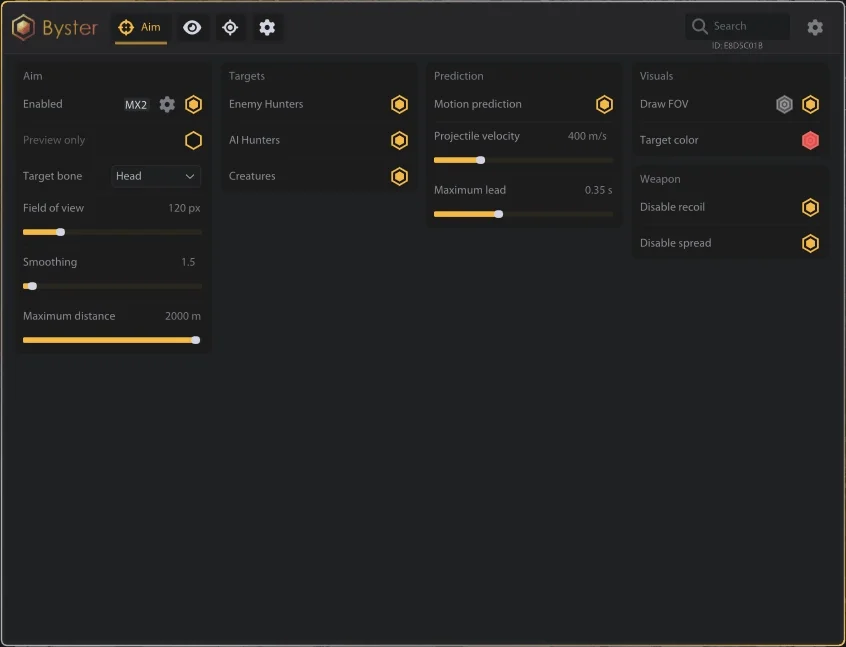
Aimbot
- Enable Aim
- Preview Only
- Target Enemy Hunters
- Target AI Hunters
- Target Creatures
- Target Bone - Head / Chest / Pelvis / Nearest
- Field of View
- Aim Smoothing
- Maximum Target Distance
- Draw FOV
- FOV Color
Projectile Prediction
- Enable Motion Prediction
- Projectile Velocity
- Maximum Lead Time
Weapon Mods
- No Recoil
- No Spread
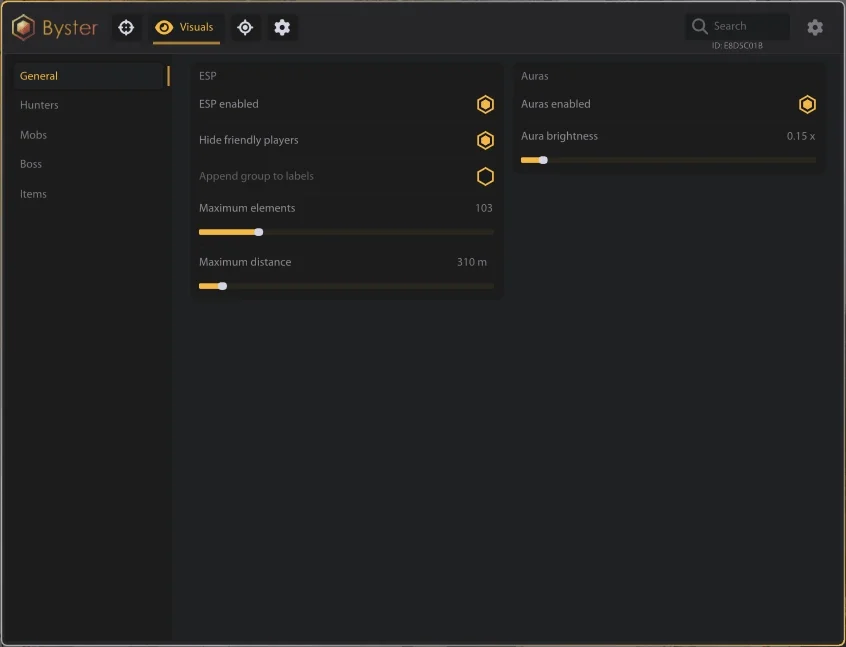
General ESP
- Enable ESP
- Hide Friendly Players
- Append Group to Labels
- Maximum Visible Elements
- Maximum ESP Distance
General Auras
- Enable Auras
- Global Aura Brightness
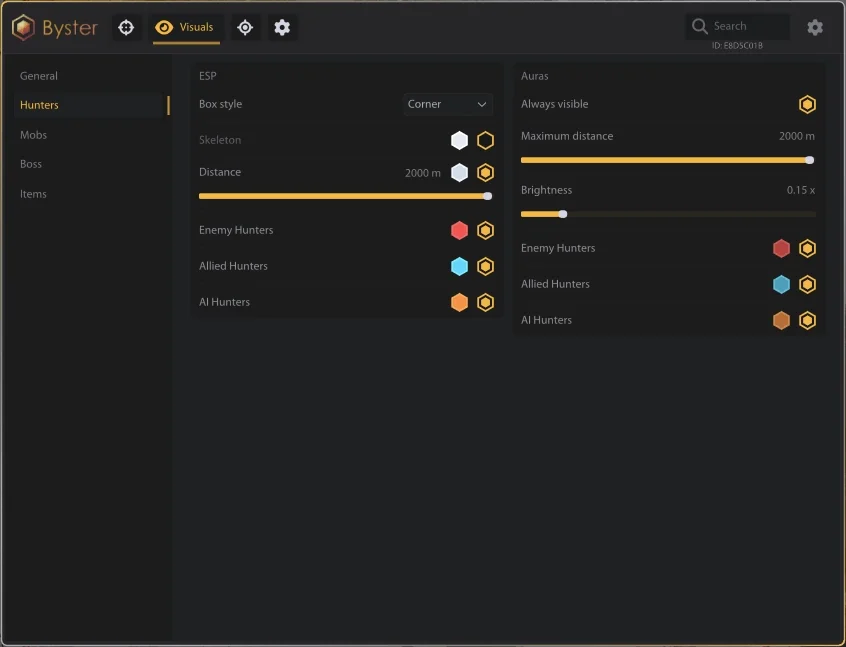
Hunters
- Enemy Hunters
- Allied Hunters
- AI Hunters
- ESP Color
- Aura Color
- Box Style - Corner / Full
- Skeleton
- Distance
- Maximum ESP Distance
- Always Visible Auras
- Maximum Aura Distance
- Aura Brightness
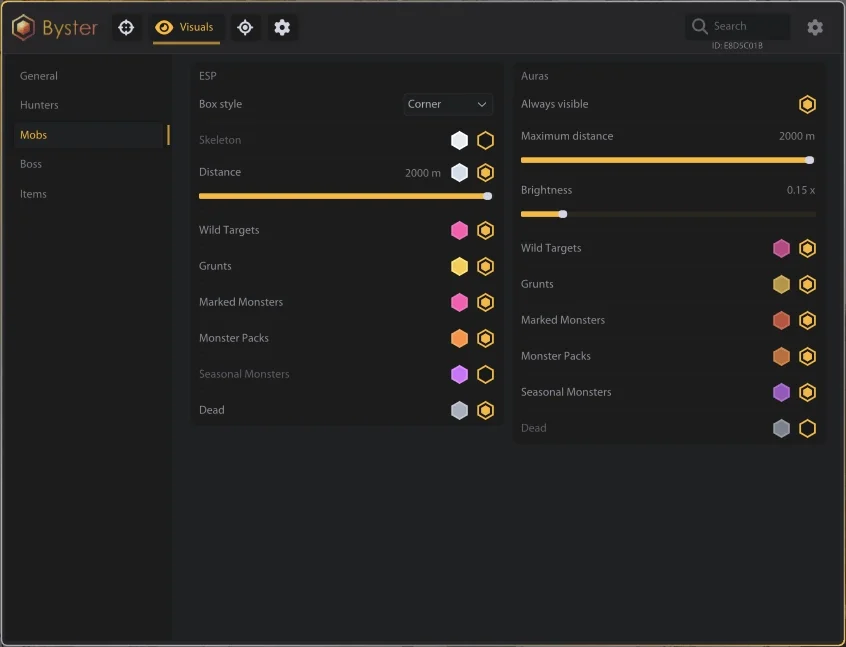
Mobs
- Wild Targets
- Grunts
- Marked Monsters
- Monster Packs
- Seasonal Monsters
- Dead Entities
- ESP Color
- Aura Color
- Box Style - Corner / Full
- Skeleton
- Distance
- Maximum ESP Distance
- Always Visible Auras
- Maximum Aura Distance
- Aura Brightness
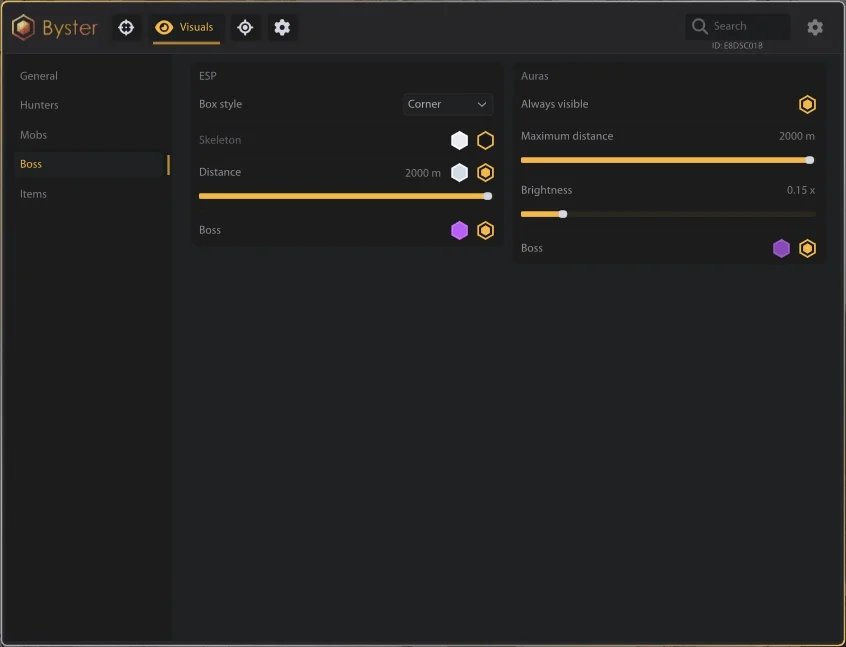
Boss
- Boss ESP
- Boss Aura
- ESP Color
- Aura Color
- Box Style - Corner / Full
- Skeleton
- Distance
- Maximum ESP Distance
- Always Visible Aura
- Maximum Aura Distance
- Aura Brightness
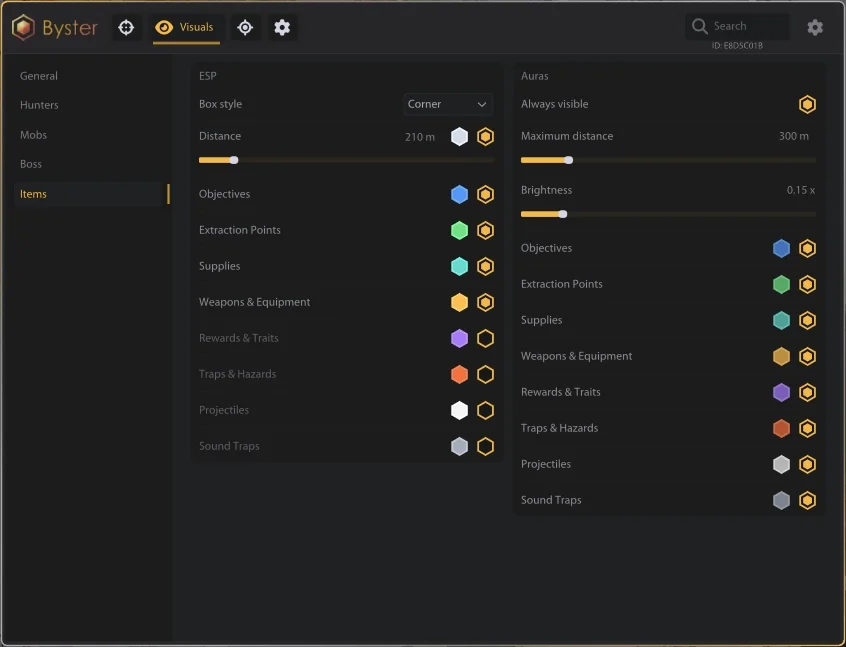
Items and World Objects
- Objectives
- Extraction Points
- Supplies
- Weapons and Equipment
- Rewards and Traits
- Traps and Hazards
- Projectiles
- Sound Traps
- ESP Color
- Aura Color
- Box Style - Corner / Full
- Distance
- Maximum ESP Distance
- Always Visible Auras
- Maximum Aura Distance
- Aura Brightness
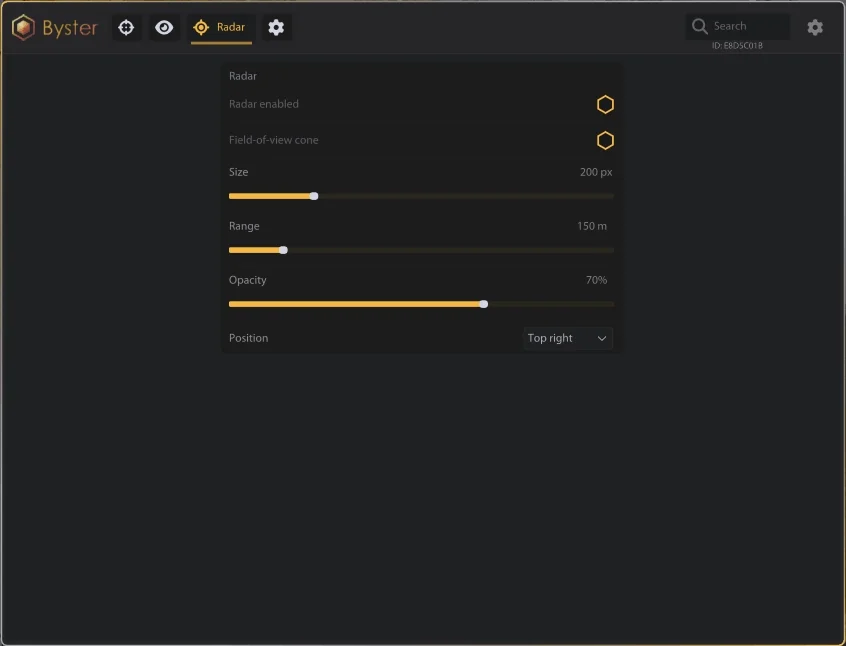
Radar
- Enable Radar
- Field-of-View Cone
- Radar Size
- Radar Range
- Radar Opacity
- Position - Top Left / Top Right / Bottom Left / Bottom Right
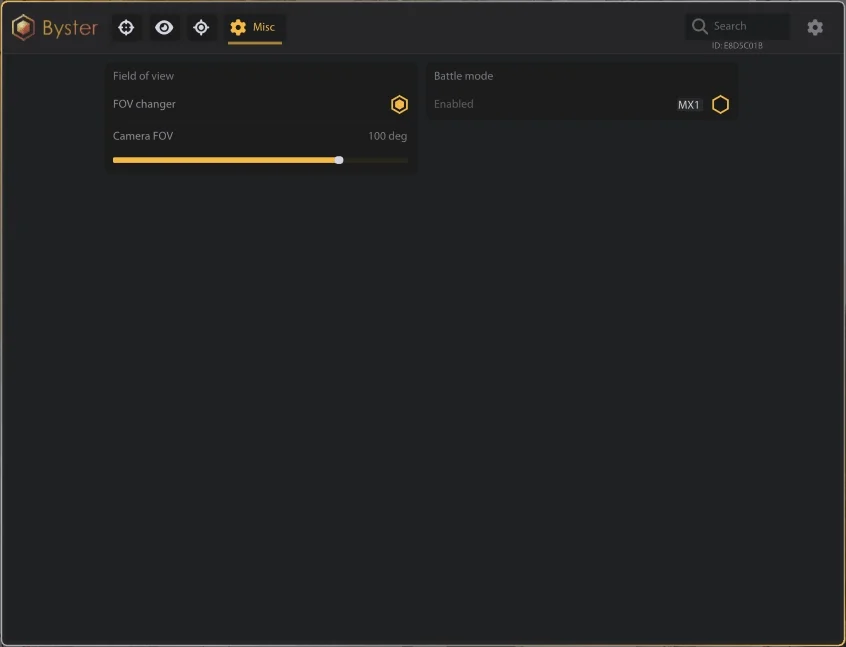
Camera
- Enable FOV Changer
- Camera Field of View
Battle Mode
- Enable Battle Mode
- Battle Mode Keybind
- Show Only Living Enemies and Hostile Creatures
Description
Byster for Hunt: Showdown is a feature-rich private cheat designed for PvP combat, monster encounters and better control of the game world. It combines Aimbot, advanced ESP, target Auras, Radar, weapon modifications and a dedicated Battle Mode.
The Aimbot can target enemy Hunters, AI Hunters and creatures with configurable bones, FOV, smoothing and maximum distance. Projectile Prediction accounts for target movement and projectile velocity to assist with moving targets.
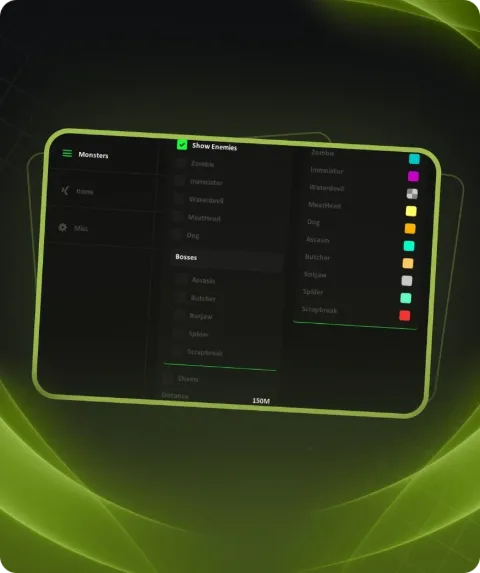
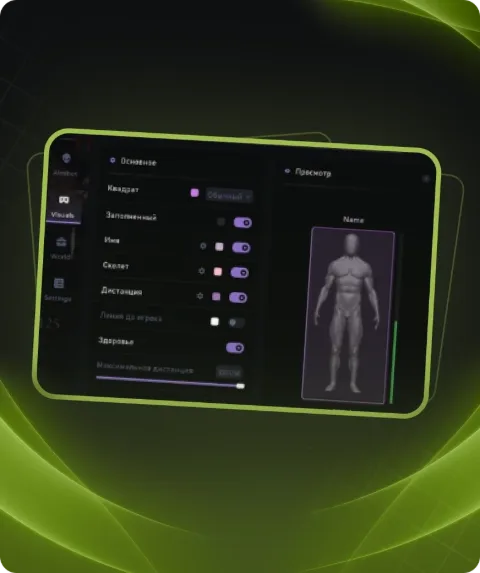
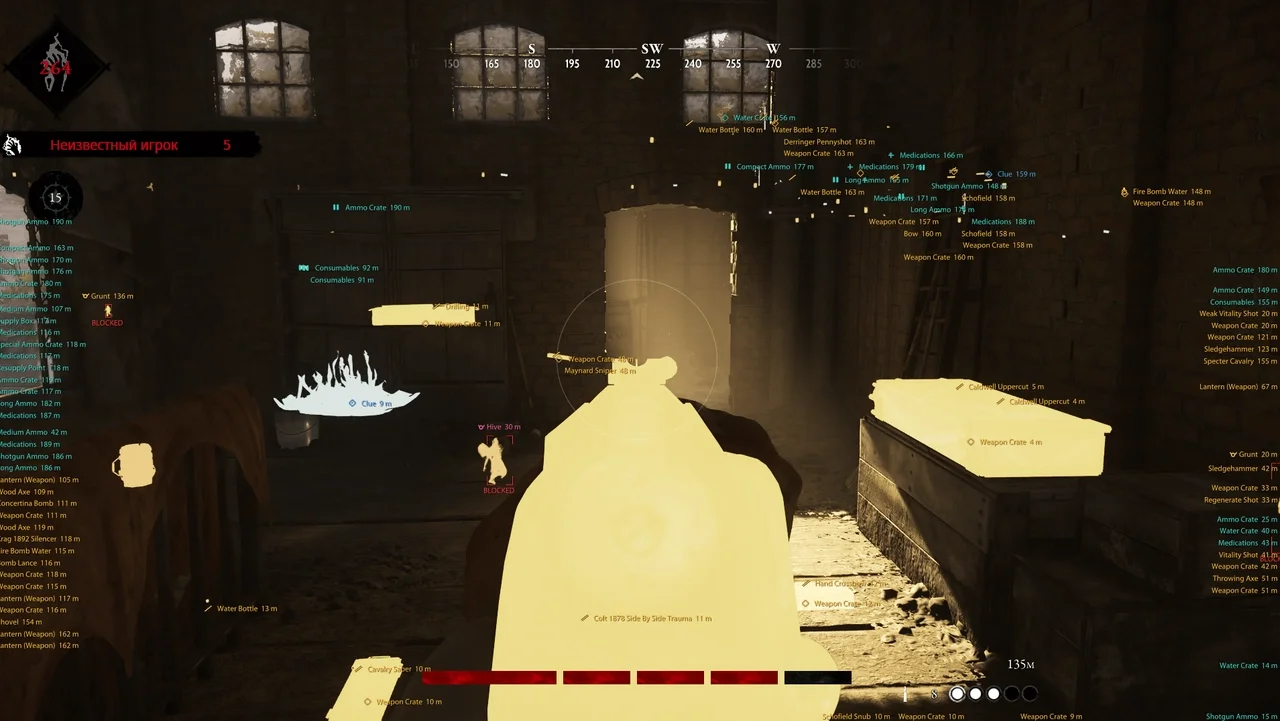
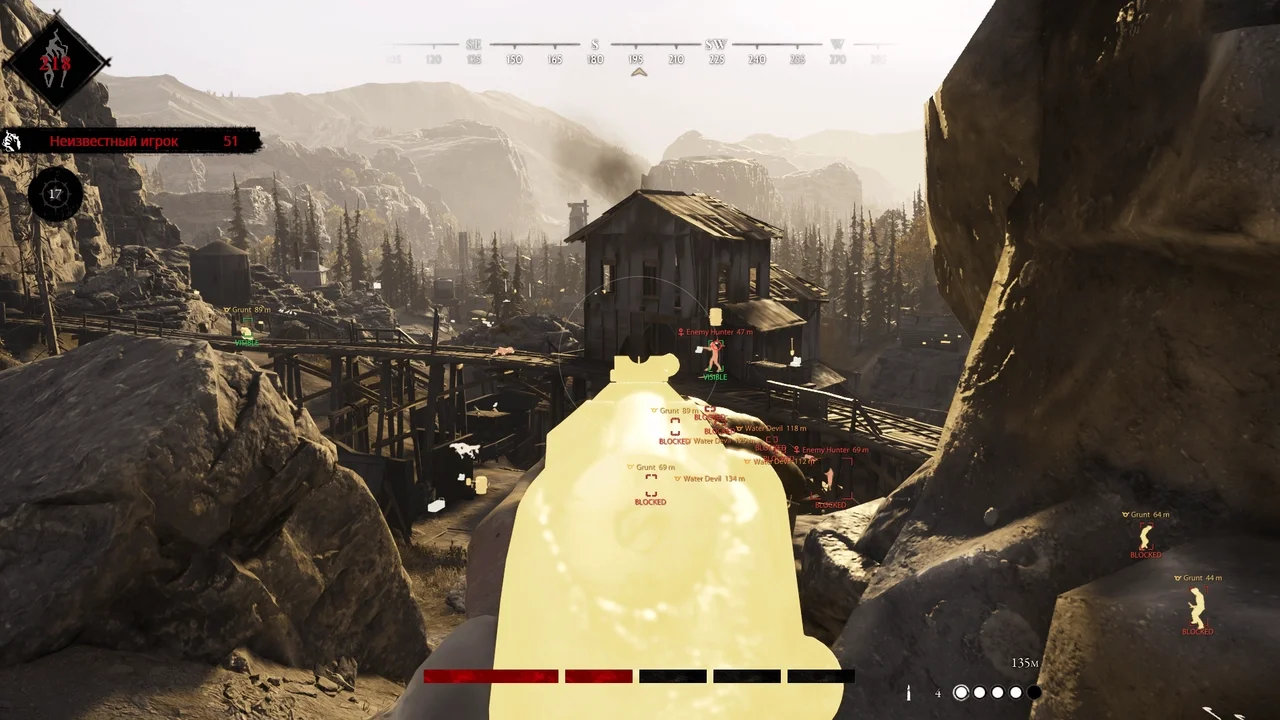
ESP provides separate visualization for enemy and allied Hunters, AI, monsters, bosses and dead entities. Available options include boxes, skeletons, distance information and customizable colors. Auras provide additional highlighting for selected targets.
World object visualization can display objectives, extraction points, supplies, weapons and equipment, rewards, Traits, traps, projectiles and other important objects. The built-in Radar provides additional information about nearby targets.
Byster also includes No Recoil, No Spread, adjustable camera FOV and Battle Mode, which can reduce visual clutter by displaying only living enemies and hostile creatures.
Buy Byster Cheat for Hunt: Showdown at Playmate Market. Check the current product status, system requirements and instructions before use.
System requirements
- Supported game version
- Steam
- Stream Bypass
- No
- Supported game modes
- Windowed
- Supported CPU
- Intel & AMD
- Supported OC
- Windows 10 (21H2-23H2), Windows 11(21H2 - 25H2)
Support
- Launch instructions come with the key.
- Before the first launch go through PC preparation — most errors will not appear.
- Answers to common questions are on the FAQ page.
- If something does not work, write to the FunPay order chat or support with a screenshot of the error and your Windows version.