VISOR
Private cheat for the game Hunt Showdown without blocking, with good functionality and a great price. This software for the game Hunt will help you get an advantage over other players. Buy and win in your favorite game together with private cheats from Playmate Market
This term is delivered manually: the key will arrive in the FunPay order chat within 2 h after payment.
This product cannot be bought right now: the developer is updating it after a game update. It usually takes from a few hours to a couple of days.
- Your key arrives right after payment
- Payment via FunPay — your money is protected by the marketplace
- Launch instructions come with the key
- Your key is issued right after payment
- Online payment with a convenient method
- Launch instructions come with the key
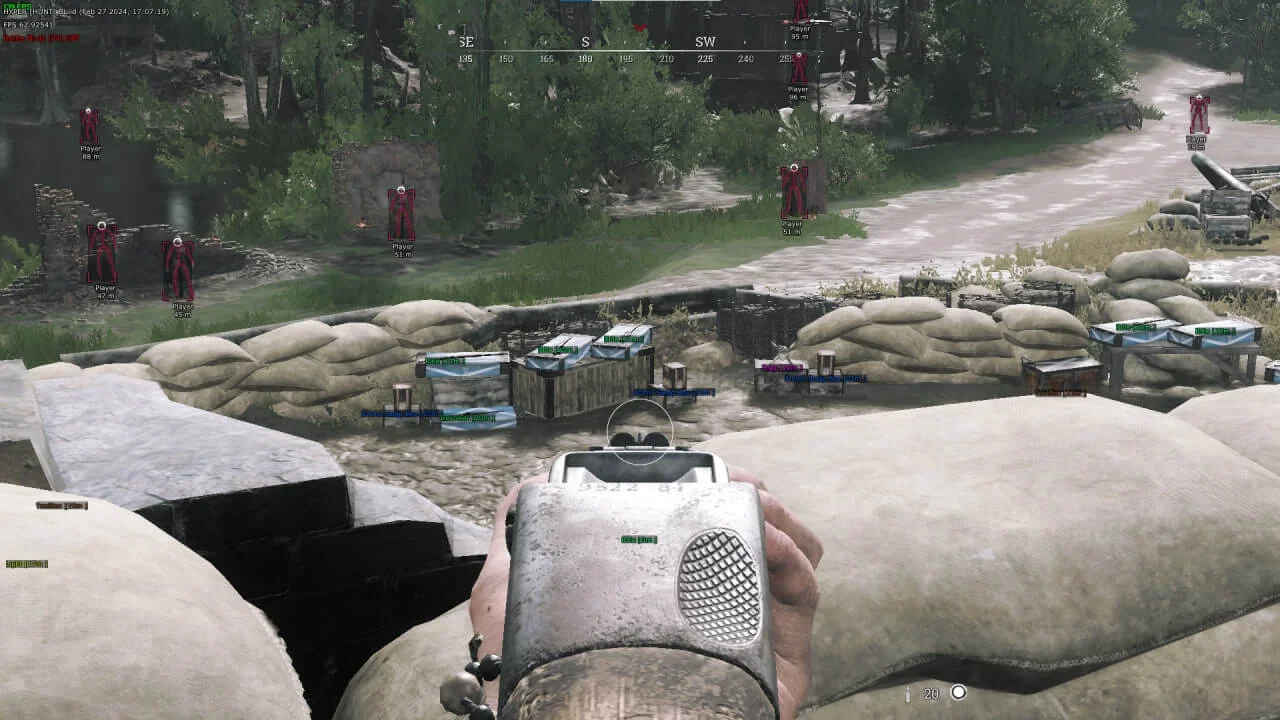
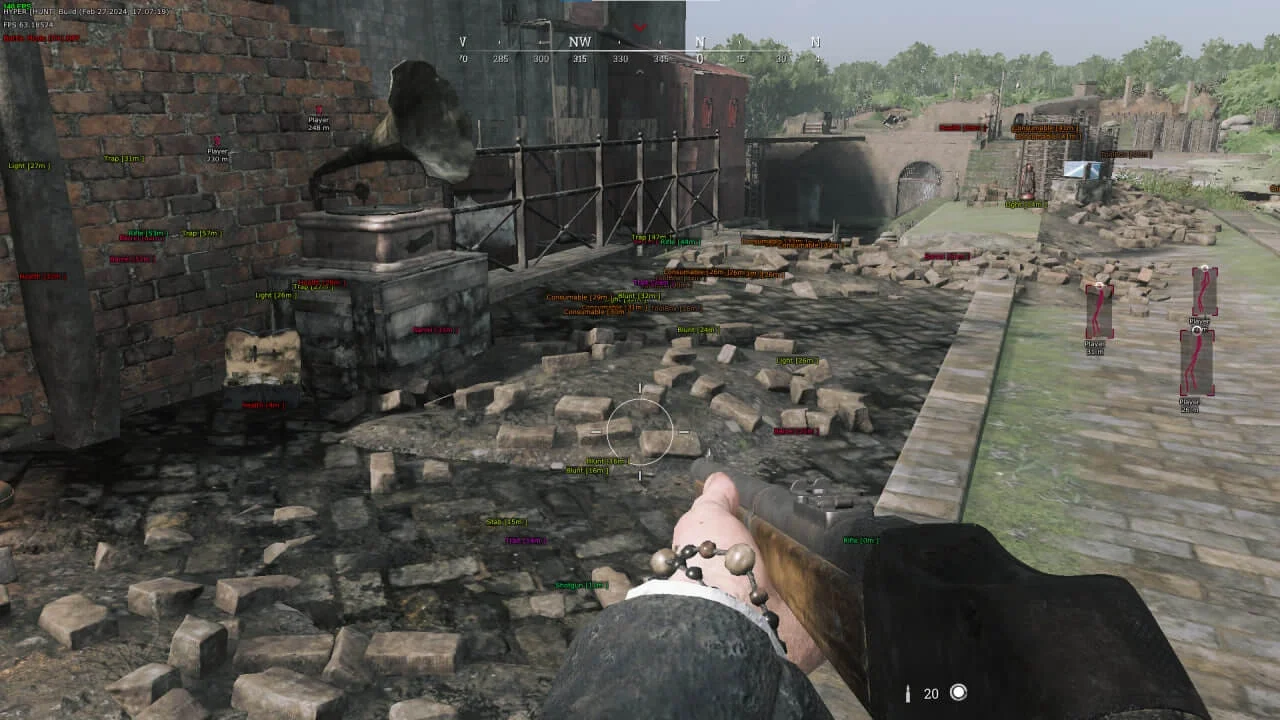
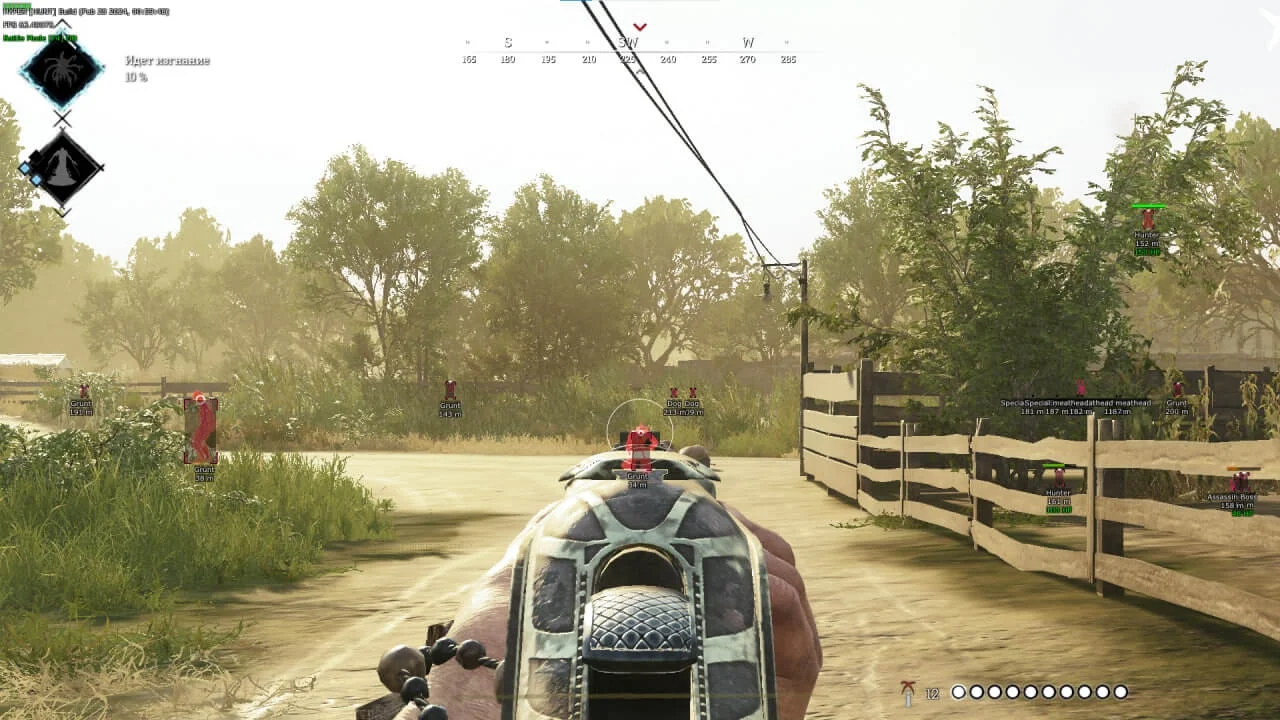
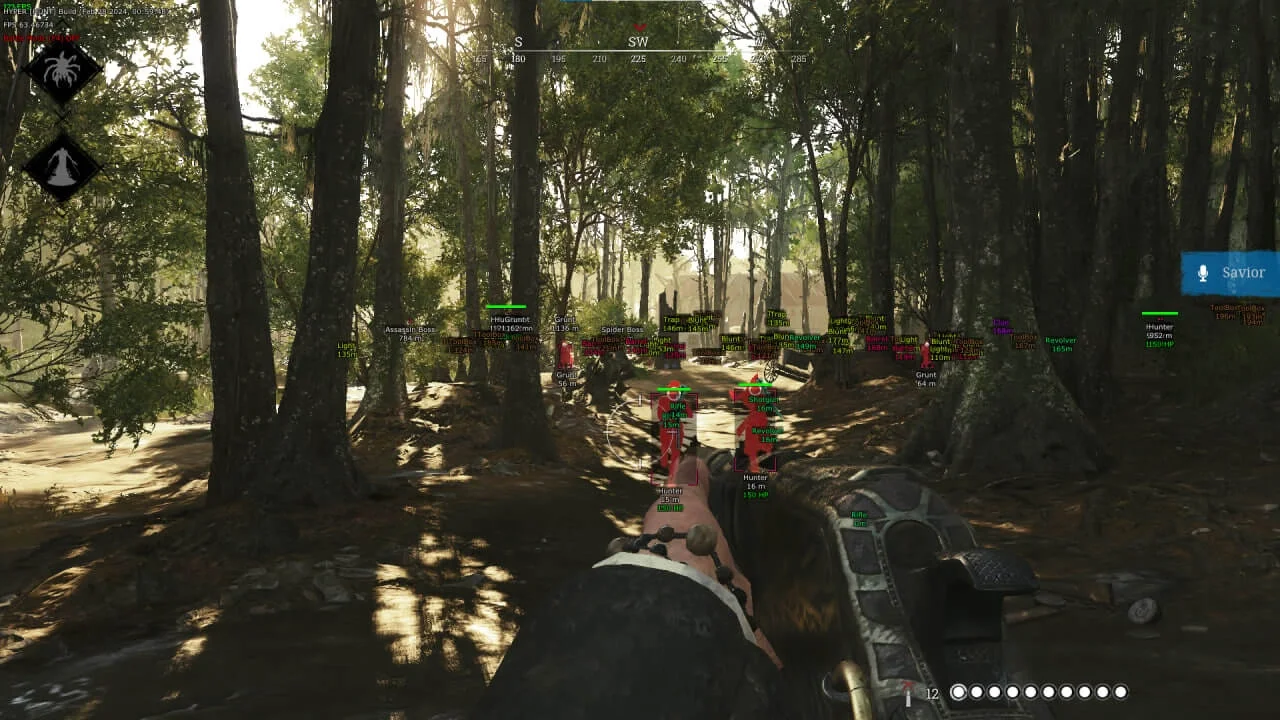
Functions VISOR
Aimbot8
- Enable Aim
- Recoil Control
- Smooth
- Fov
- Distance Aim
- Aim Key
- Aim Target
- Bone to aim
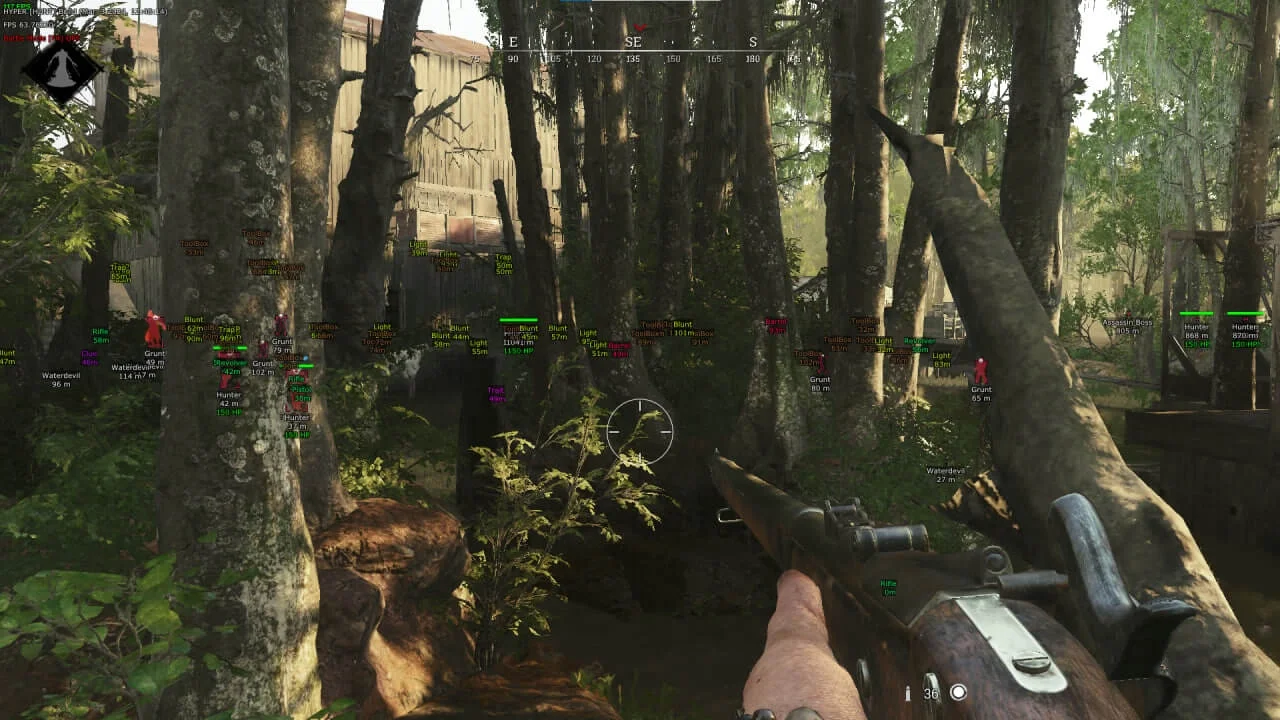
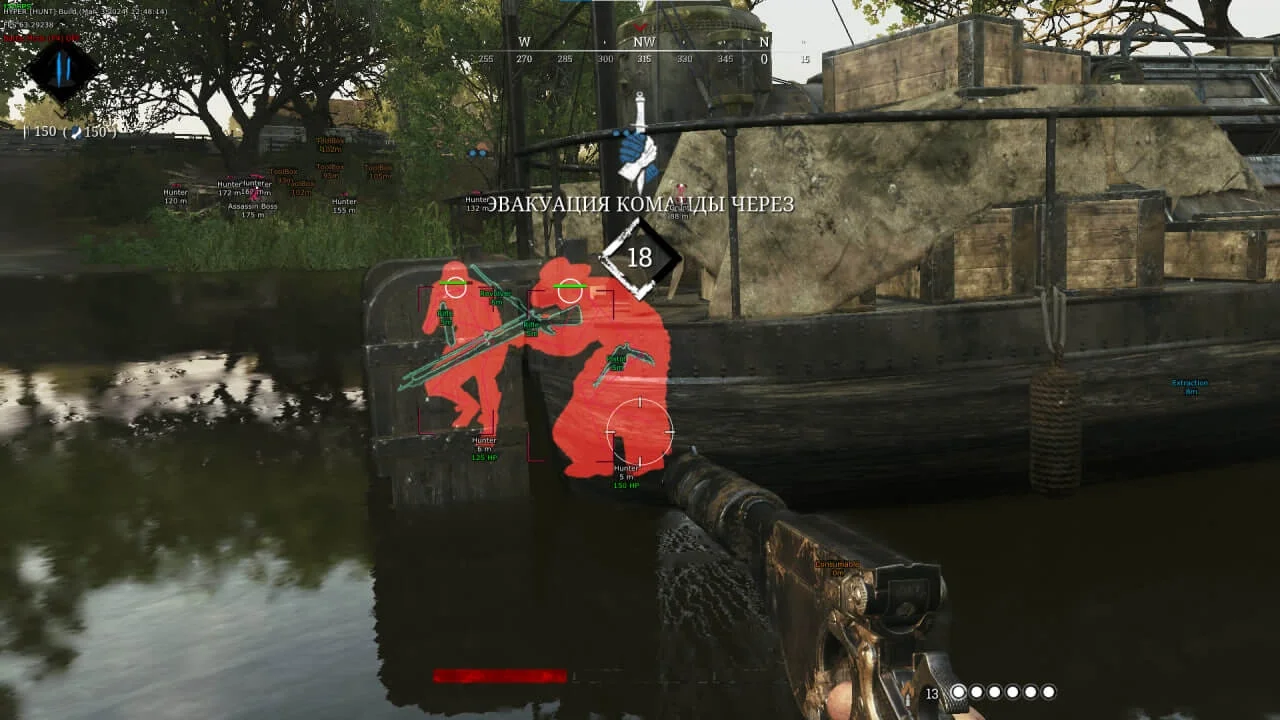
WallHack19
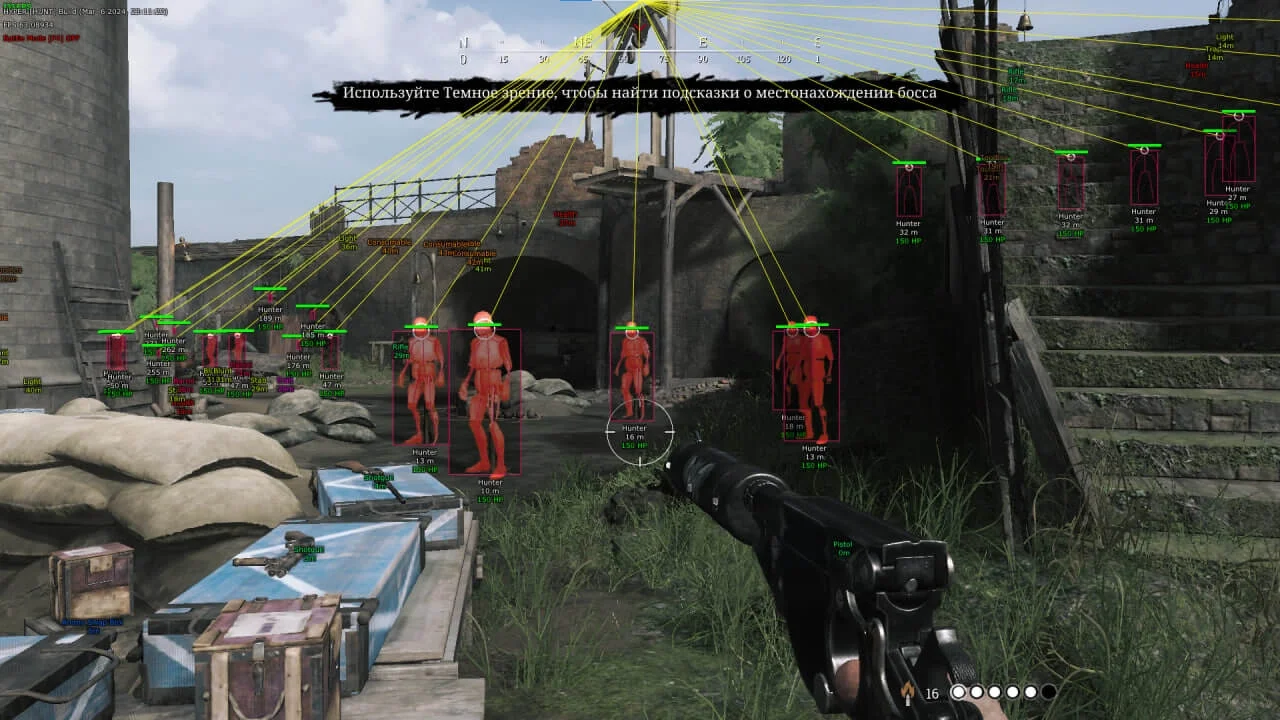
- Enable ESP
- Player
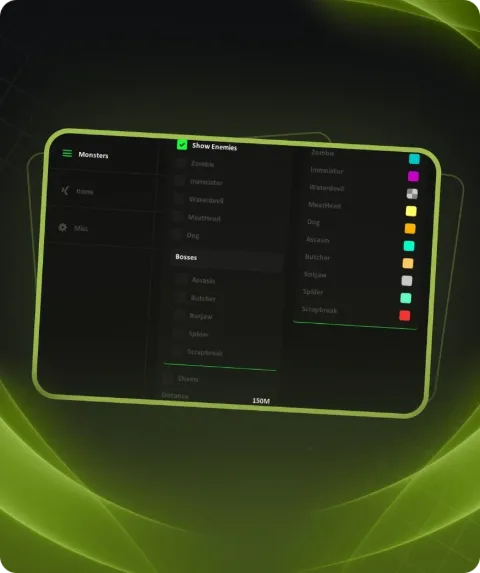
- Boss + Name
- Zombie + Name
- WaterDevils
- Weapon
- Dogs
- Chams
- Corner Box
- 2D Box
- 3D Box
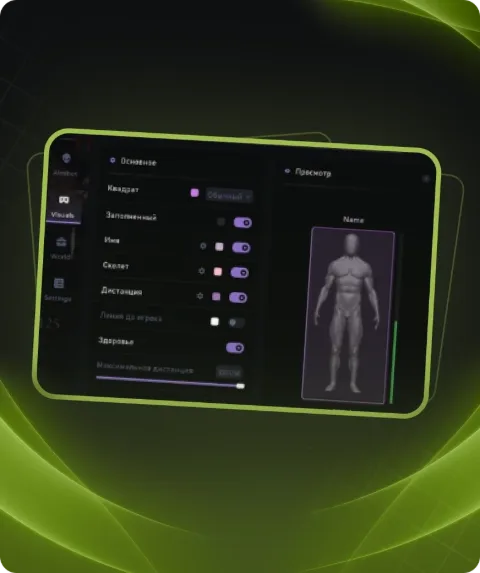
- Health Bars
- Text Hp
- Distance
- Snap Line
- Skeleton
- Head Point
- Name
- Zombie Distance Limit
ESP Loot14
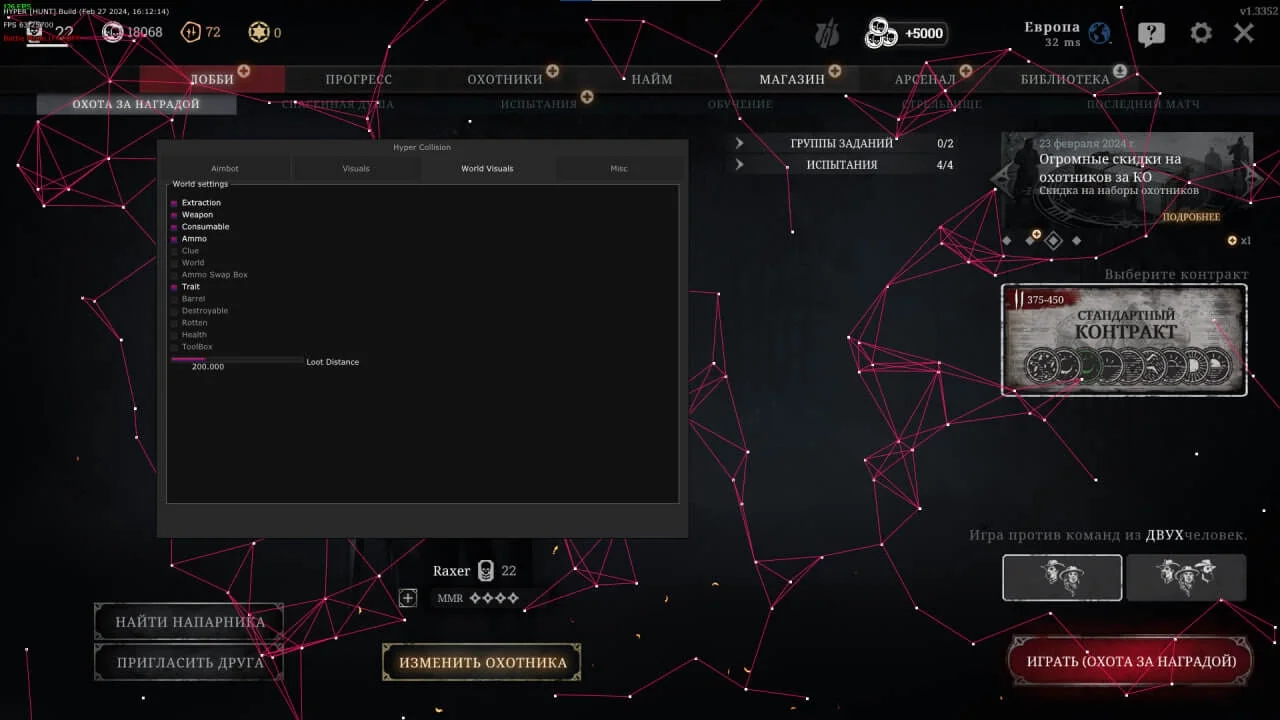
- Extraction
- Weapon
- Consumable
- Ammo
- Clue
- World Item
- Ammo Swap Box
- Trait
- Barrel
- Destroyable
- Rotten
- Health
- ToolBox
- Loot Distance scale
Settings4
- Anti-Screen
- Filled Text
- Text Size
- BattleMode
Description
Private cheat by VISOR HUNT for the game Hunt Showdown. This software has all the necessary features for a good game, get an advantage over other players with VISOR HUNT.Unleash your potential with our private cheats from Playmate Market.
System requirements
- Additional requirements
- Bios UEFI , Disk C GPT format
- Supported CPU
- Intel & AMD
- Supported OC
- Windows 10(PRO/HOME all winver),11(PRO/HOME all winver)
- Included spoofer
- Yes
- Anticheat
- EAC
- Stream Bypass
- Yes
- Supported game modes
- Windowed
Support
- Launch instructions come with the key.
- Before the first launch go through PC preparation — most errors will not appear.
- Answers to common questions are on the FAQ page.
- If something does not work, write to the FunPay order chat or support with a screenshot of the error and your Windows version.