Catalog / HWID SPOOFER / BC

HWID SPOOFER
BC
We offer you to buy a private HWID SPOOFER BC on our Playmate Market website, we only have working cheats, no viruses, no ban.
Total$19.99
BuyThis term is delivered manually: the key will arrive in the FunPay order chat within 2 h after payment.
- Your key arrives right after payment
- Payment via FunPay — your money is protected by the marketplace
- Launch instructions come with the key
- Your key is issued right after payment
- Online payment with a convenient method
- Launch instructions come with the key
Functions BC
Supported games3
- All games with BE / EAC
- It is also worth noting that AHСI mode must be enabled in the BIOS, it is on almost all new computers, but to be more convincing, check if this mode is set exactly, if it is different, for example, an IDE, you will need to change it to AHСI, more often of all this is only possible with a complete reinstallation of Windows, but if you find a way without reinstalling how to do this, be sure to share it with us.
- And also it is necessary to disable the TPM protection module, also in the BIOS (it can also be called Trusted Platform Module, TPM Device, Security Chip, fTPM and PTT), on some motherboards, this module is not present at all, then nothing needs to be done. You can find out if this module is on your motherboard or not on the manufacturer's website without any problems.
User manual5
It is desirable that the loader be located on any removable storage device (for example, a regular USB flash drive), and after all the manipulations that are indicated below, before starting the game, you must remove it from the computer!
- To get started, download the THIS program (https://cloud.mail.ru/public/VxSe/2EcZsauLU), run, and change the data in the "Serial Number" field for each of your disk, after changing RESTART the computer;
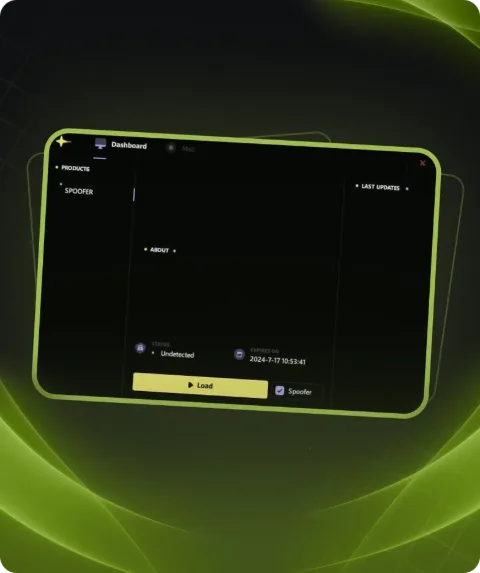
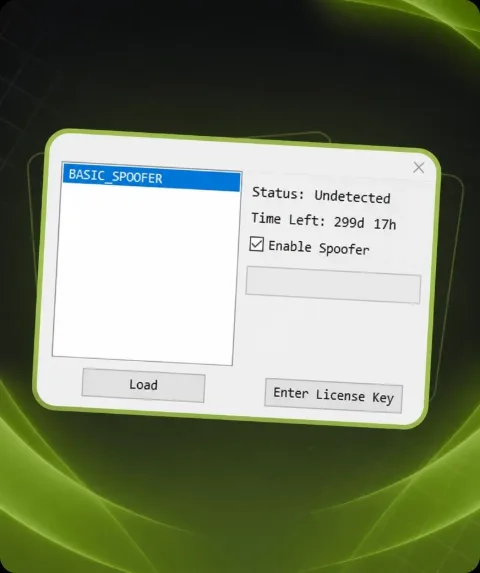
- Next, start the loader, select HWID Spoofer;
- Select the version marked [pay] and press the LAUNCH button;
- Wait for the loader to close;
- That's all, you can start the game you would like to play!
Description
Friends, we are glad to present you HWID Spoofer! The principle of operation is simple, if you are locked in a game for hardware, then by launching HWID Spoofer you can play again without problems!
System requirements
- Anticheat
- EAC & BATTLEYE
- Supported CPU
- Intel & AMD
- Supported OC
- Windows 10, Windows 11
Attention! Playmate Market is not responsible for failure to meet the system requirements. Errors in the cheat caused by not meeting the system requirements are not grounds for a refund.
Support
- Launch instructions come with the key.
- Before the first launch go through PC preparation — most errors will not appear.
- Answers to common questions are on the FAQ page.
- If something does not work, write to the FunPay order chat or support with a screenshot of the error and your Windows version.