Catalog / HWID SPOOFER / DELTA FORCE SPOOFER
HWID SPOOFER
DELTA FORCE SPOOFER
We offer you to buy a private spoofer for Delta Force on our Playmate Market website, we only have working cheats, no viruses, no ban.
Total$4.00
Coming soonThis term is delivered manually: the key will arrive in the FunPay order chat within 2 h after payment.
- Your key arrives right after payment
- Payment via FunPay — your money is protected by the marketplace
- Launch instructions come with the key
- Your key is issued right after payment
- Online payment with a convenient method
- Launch instructions come with the key
Functions DELTA FORCE SPOOFER
Additional information6
- Works in games: Delta force
- If you use Spoofer and cheat at the same time.. first run the cheat, and then run Spoofer (requires a PC reboot before that)
- The spoofer only needs to be started once before the next PС reboot.
- Spoofer does not remove the ban from your account, it removes the ban from your PC for the duration of Spoofer
- Before using the spoofer on a new account, be sure to create a new user in Windows, change the name of your PC in the system
- properties ** (provided that it continues to ban)
Description
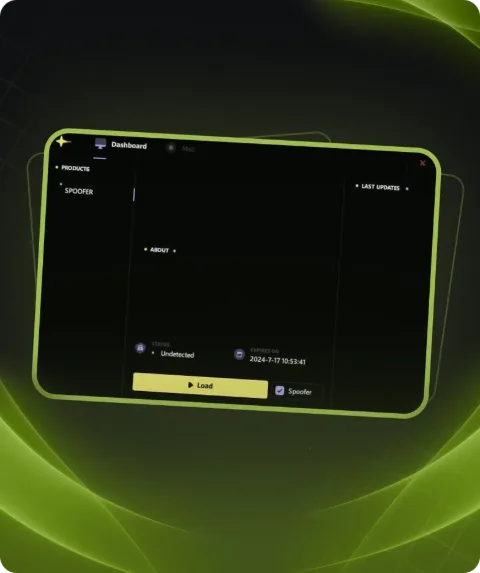
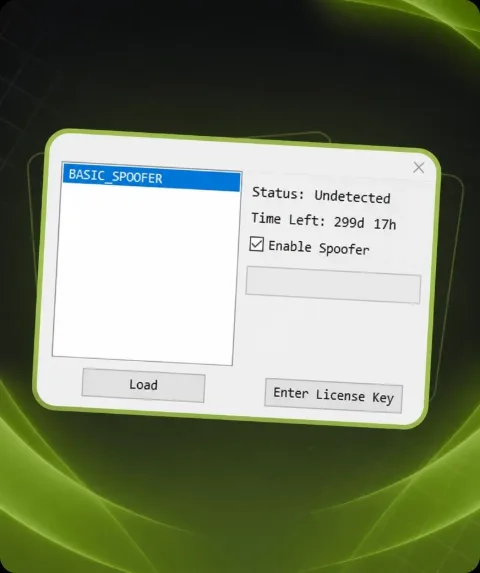
Delta Force SPOOFER - Helps you to avoid blocking on hardware or remove an existing ban on hardware.
System requirements
- Need flash drive for loader?
- Yes
- Additional requierements
- Enable virtualization on BIOS (SVM, VT-x (VT-d))
- Anticheat
- ACE
- Additional info
- May not be compatible with cheats that require the PC to be restarted
- Supported CPU
- Intel & AMD
- Supported OC
- Windows 10 , Windows 11 (1903-25H2)
Attention! Playmate Market is not responsible for failure to meet the system requirements. Errors in the cheat caused by not meeting the system requirements are not grounds for a refund.
Support
- Launch instructions come with the key.
- Before the first launch go through PC preparation — most errors will not appear.
- Answers to common questions are on the FAQ page.
- If something does not work, write to the FunPay order chat or support with a screenshot of the error and your Windows version.