Catalog / HWID SPOOFER / PUBG SPOOFER

HWID SPOOFER
PUBG SPOOFER
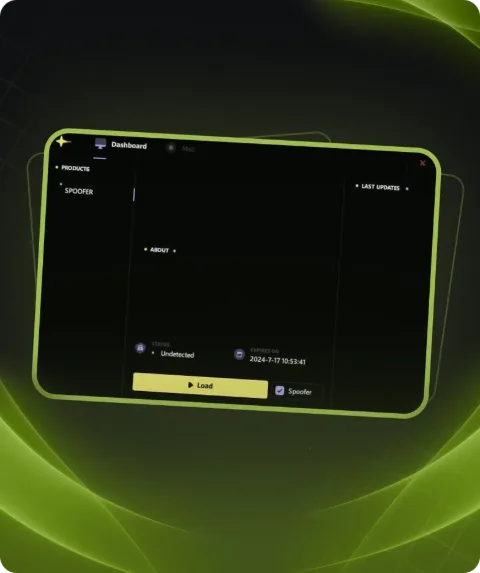
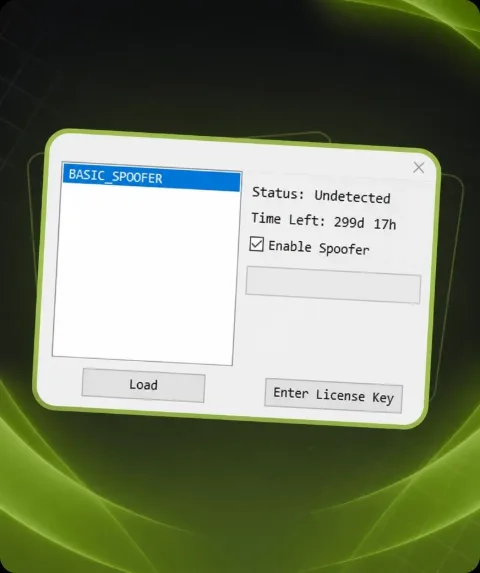
Private HWID Spoofer for PUBG helps bypass hardware bans and protect your system from repeated blocks. Fast installation, complete safety, and stable performance make it the perfect choice for players who want to get back into the game without limits.
Total$5.00
BuyThis term is delivered manually: the key will arrive in the FunPay order chat within 2 h after payment.
- Your key arrives right after payment
- Payment via FunPay — your money is protected by the marketplace
- Launch instructions come with the key
- Your key is issued right after payment
- Online payment with a convenient method
- Launch instructions come with the key
Functions PUBG SPOOFER
Additional information6
- Works in games: PUBG
- If you use Spoofer and cheat at the same time.. first run the cheat, and then run Spoofer (requires a PC reboot before that)
- The spoofer only needs to be started once before the next PС reboot.
- Spoofer does not remove the ban from your account, it removes the ban from your PC for the duration of Spoofer
- Before using the spoofer on a new account, be sure to create a new user in Windows, change the name of your PC in the system
- properties ** (provided that it continues to ban)
Description
HWID Spoofer for PUBG is a reliable tool to bypass any hardware bans. With it, you can rejoin the game without worrying about repeated restrictions.
Key advantages: simple installation, full security, undetectable protection, and stable work on all modern Windows versions.
System requirements
- Anticheat
- PUBG GAME ANTICHEAT
- Additional info
- May not be compatible with cheats that require the PC to be restarted
- Supported CPU
- Intel & AMD
- Supported OC
- Windows 10 , Windows 11 (1903-25H2)
Attention! Playmate Market is not responsible for failure to meet the system requirements. Errors in the cheat caused by not meeting the system requirements are not grounds for a refund.
Support
- Launch instructions come with the key.
- Before the first launch go through PC preparation — most errors will not appear.
- Answers to common questions are on the FAQ page.
- If something does not work, write to the FunPay order chat or support with a screenshot of the error and your Windows version.