Catalog / HWID SPOOFER / UBGG Spoofer
HWID SPOOFER
UBGG Spoofer
Purchase a private spoofer to bypass HWID Blocking.
Total$24.23
BuyThis term is delivered manually: the key will arrive in the FunPay order chat within 2 h after payment.
- Your key arrives right after payment
- Payment via FunPay — your money is protected by the marketplace
- Launch instructions come with the key
- Your key is issued right after payment
- Online payment with a convenient method
- Launch instructions come with the key
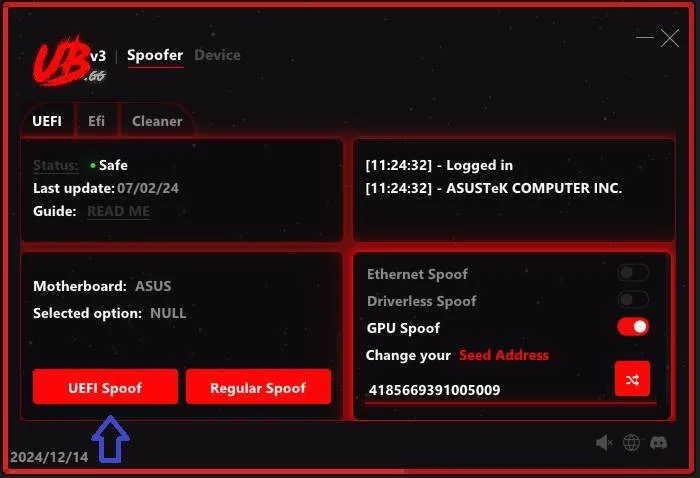
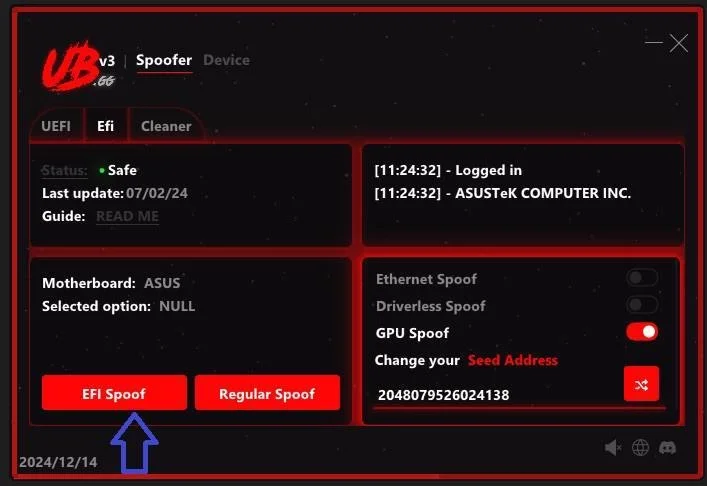
Functions UBGG Spoofer
Description1
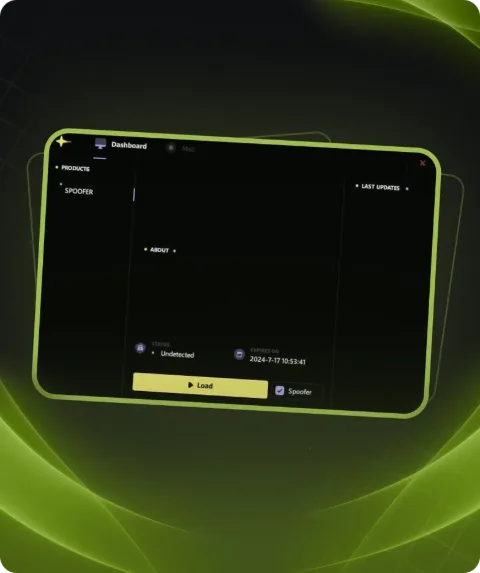
- Permanent Spoofer is a unique solution for bypassing iron blocking that you will only need once. After using it, you can forget about blocking until the next ban.
Benefits4
- Unique Disk Bypass: Works without using [Raid0].
- Bug Fixes:
- Fixes kicks in Fortnite tournaments.
- Fixes van152 bug.
Supported Anti-Cheats1
- All
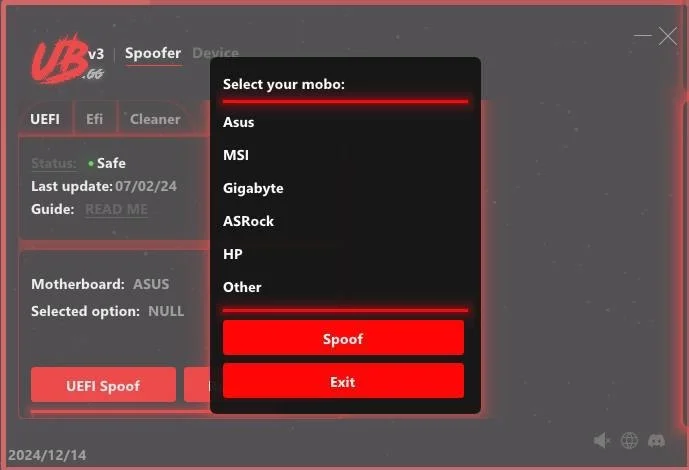
Supported motherboards1
- All
Requirements1
- A USB flash drive will be required for some users(for reinstall windows)
Notes1
- Some games may require reinstalling Windows and updating/downgrading the BIOS version.
Description
Protecting your account in games with EAC, BATTLEYE, VANGUARD,RICOCHET,ACE,FACEIT anti-cheats has become easier thanks to the private permanent spoofer. Our tool provides safe bypassing of bans, but requires reinstallation of the Windows operating system.
The main features of our spoofer is the ability to remove the HWID ban completely by purchasing the spoofer only once, preventing repeated bans. This means you can continue to play popular games such as Rust, Eft, Dayz, Fortnite, Apex Legends, and more without the danger of being banned.
System requirements
- Supported motherboards
- All
- Additional requierements
- Some games may require reinstalling Windows and updating/downgrading the BIOS version ; Some users will need a USB flash drive.
- Anticheat
- All
- Supported CPU
- Intel & AMD
- Supported OC
- Windows 10, 11
Attention! Playmate Market is not responsible for failure to meet the system requirements. Errors in the cheat caused by not meeting the system requirements are not grounds for a refund.
Support
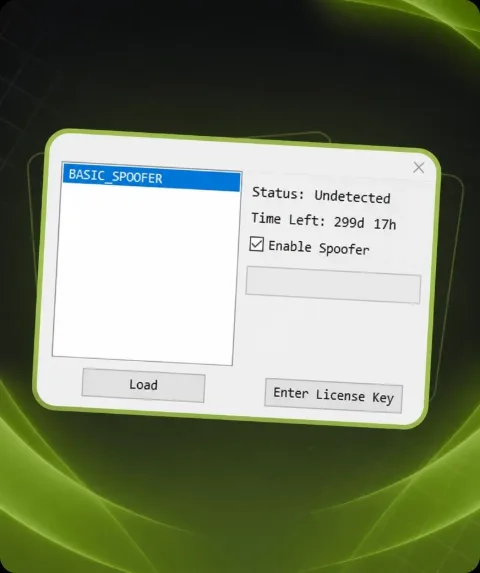
- Launch instructions come with the key.
- Before the first launch go through PC preparation — most errors will not appear.
- Answers to common questions are on the FAQ page.
- If something does not work, write to the FunPay order chat or support with a screenshot of the error and your Windows version.