PUBG · all Fecurity products
FECURITY
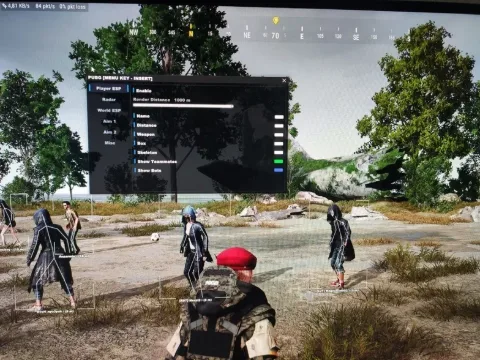
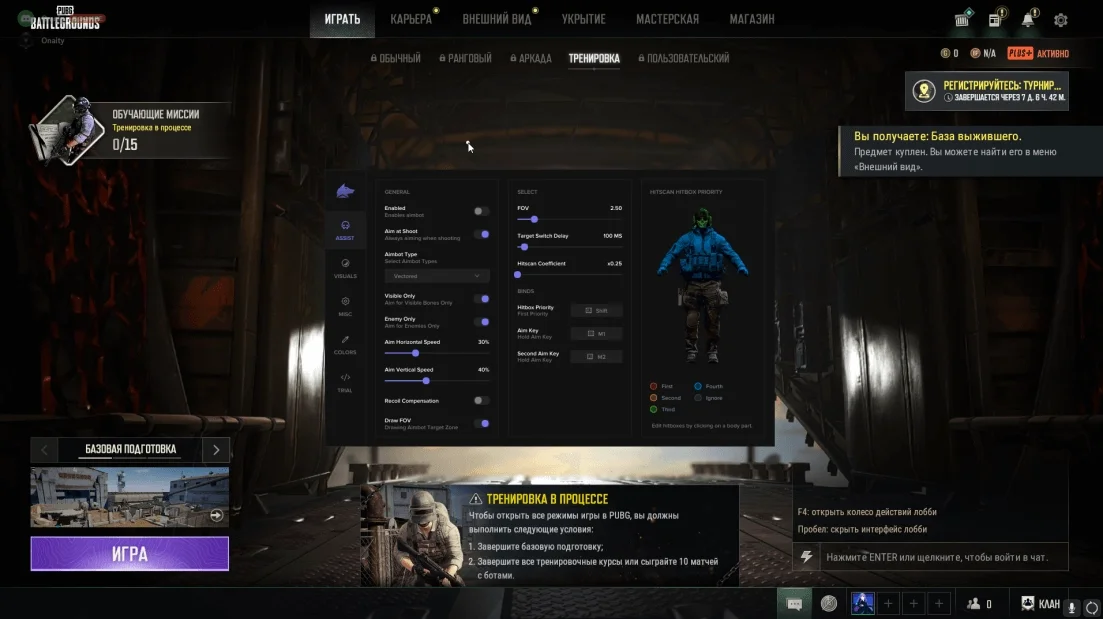
Private cheat FECURITY for PUBG offers ESP for players, boxes, loot, and vehicles. Purchase and dominate with private cheats from the Playmate Market team!
Total$5.00
Coming soonThis term is delivered manually: the key will arrive in the FunPay order chat within 2 h after payment.
- Your key arrives right after payment
- Payment via FunPay — your money is protected by the marketplace
- Launch instructions come with the key
- Your key is issued right after payment
- Online payment with a convenient method
- Launch instructions come with the key
Functions FECURITY
VISUALS10
- Enabled - Visuals enabled
- Enemy only - Visuals for enemies only
- Box - Draw player box
- Box outline
- Health - Draw health bar
- Skeleton - Draw skeleton
- Maximum Distance - Distance for visuals, skeleton, box
- Player info - Nickname, distance, etc
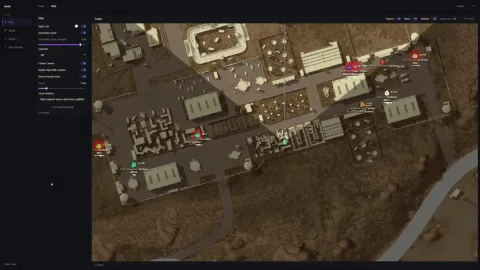
- Vehicle - Draw vehicle ESP
- Loot - Draw loot ESP
Description
Looking for a reliable solution to dominate in PUBG?
The private cheat FECURITY is your best choice!
- Featuring ESP for players, boxes, loot, and vehicles, it gives you an edge over your competitors.
Our Playmate Market team is committed to the quality and safety of our products. By purchasing from us, you not only get a top-notch cheat but also support from our specialists.
Don't miss your chance to be the best in PUBG with FECURITY ESP capabilities!
System requirements
- BIOS Mode [Windows Search / "msinfo32"]
- UEFI only, Legacy not supported, Secure Boot disabled
- Supported Disk format
- Support only GPT DISK (MBR doesnt work)
- Included spoofer
- No
- Anticheat
- BATTLEYE
- Stream Bypass
- No
- Supported game modes
- Windowed, Borderless, Fullscreen
- Supported CPU
- Intel 6th+ gen and AMD with AVX1 function
- Supported OC
- Windows 10 (2004, 20H2, 21H2, 22H2) , Windows 11
Attention! Playmate Market is not responsible for failure to meet the system requirements. Errors in the cheat caused by not meeting the system requirements are not grounds for a refund.
Support
- Launch instructions come with the key.
- Before the first launch go through PC preparation — most errors will not appear.
- Answers to common questions are on the FAQ page.
- If something does not work, write to the FunPay order chat or support with a screenshot of the error and your Windows version.