PUBG
MACROS
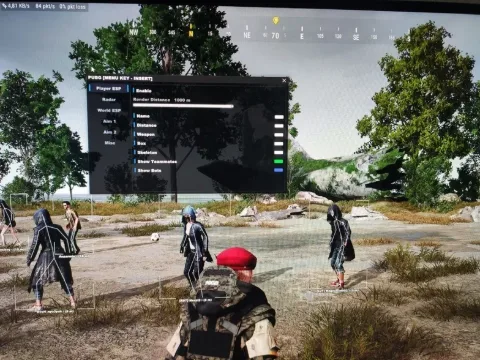
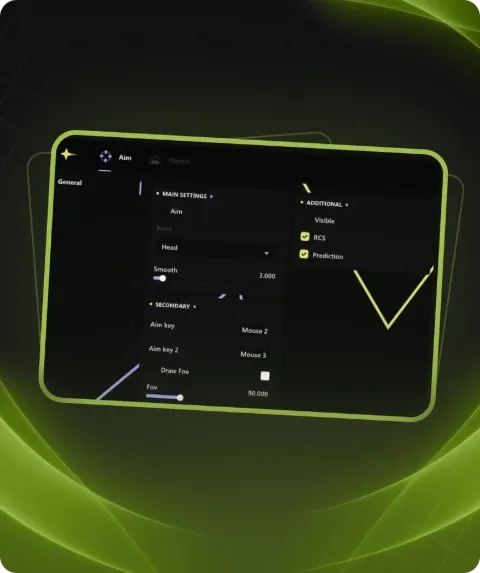
We offer to buy a private macro for PUBG on our Playmate Market website, we only have working cheats and macros, no viruses, no ban.
Total$17.63
BuyThis term is delivered manually: the key will arrive in the FunPay order chat within 2 h after payment.
- Your key arrives right after payment
- Payment via FunPay — your money is protected by the marketplace
- Launch instructions come with the key
- Your key is issued right after payment
- Online payment with a convenient method
- Launch instructions come with the key
Functions MACROS
SAFETY5
- Private Build
- Absolutely External
- Events Randomization
- Process Randomization
- Process Protection
USABILITY5
- Any Mouse and Keyboard
- Program Autoconfiguration
- Weapon Autodetection
- Graphical Interface
- Sound Effects
Description
PUBG private macros
- After payment you will receive detailed instructions for activating, launching and using the program. Which will come to you at the mail indicated before payment.
- There you can also find a download link and the necessary components for the program to work.
- Our macros are truly unique, each program has a single client code. That is, each customer who has bought their own program code, which means that the cheat macro of this assembly is only yours. Consequently, anti-cheats do not see threats in our software, and therefore the risk of being banned is reduced to 99.9%.
System requirements
- Included spoofer
- No
- Anticheat
- BATTLEYE
- Stream Bypass
- Yes
- Supported game modes
- Windowed,Borderless,Fullscreen
- Supported CPU
- Intel & AMD
- Supported OC
- Windows 10 (1903, 1909, 2004, 20H2, 21H1, 21H2, 22H2)
Attention! Playmate Market is not responsible for failure to meet the system requirements. Errors in the cheat caused by not meeting the system requirements are not grounds for a refund.
Support
- Launch instructions come with the key.
- Before the first launch go through PC preparation — most errors will not appear.
- Answers to common questions are on the FAQ page.
- If something does not work, write to the FunPay order chat or support with a screenshot of the error and your Windows version.