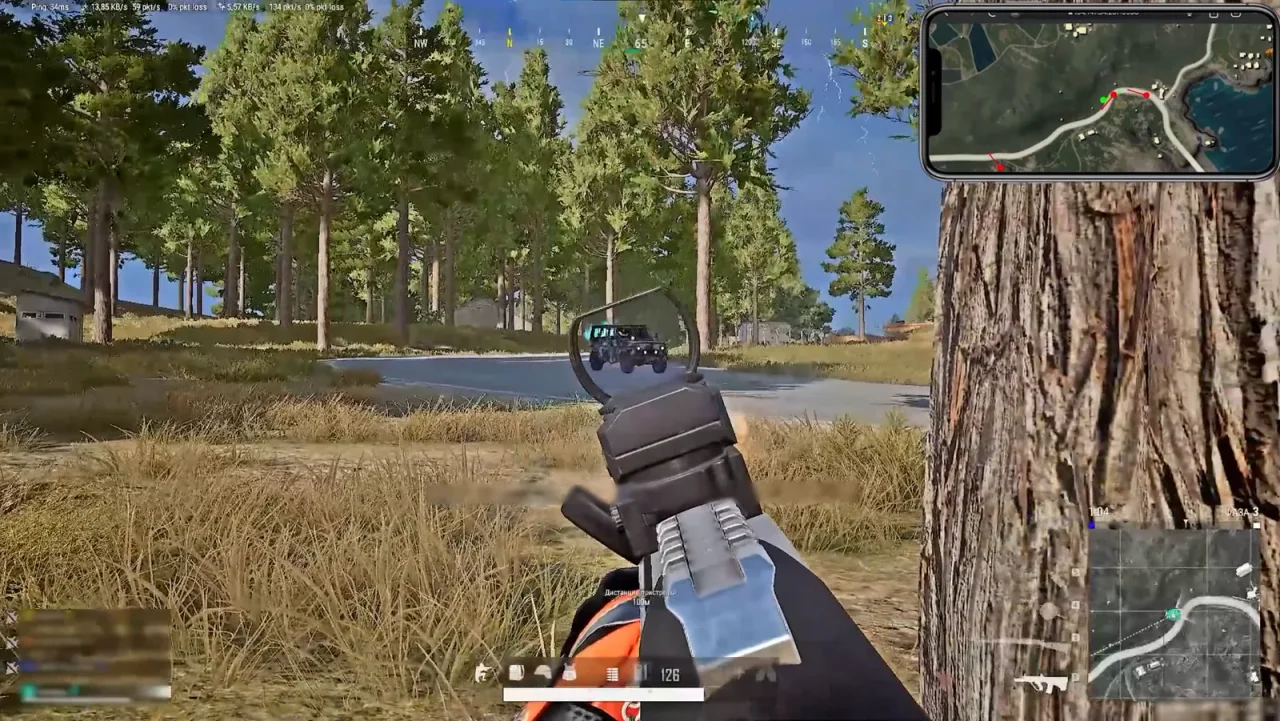
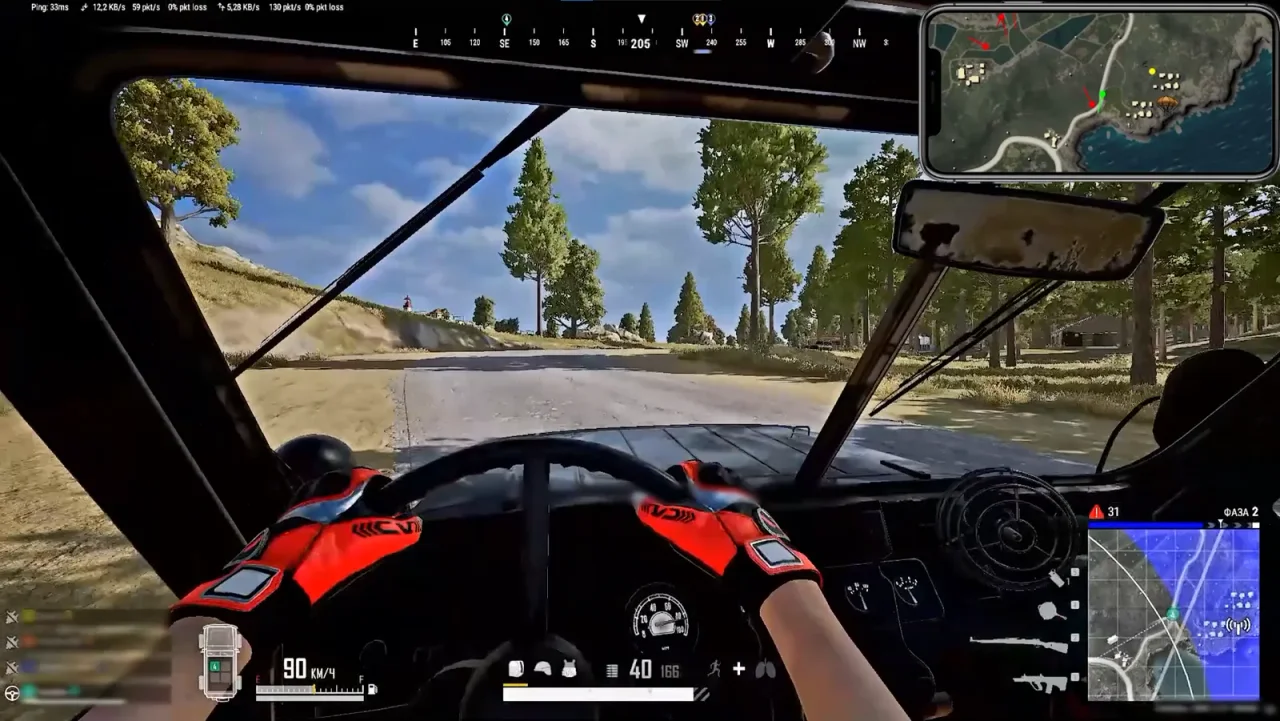
Vata Radar
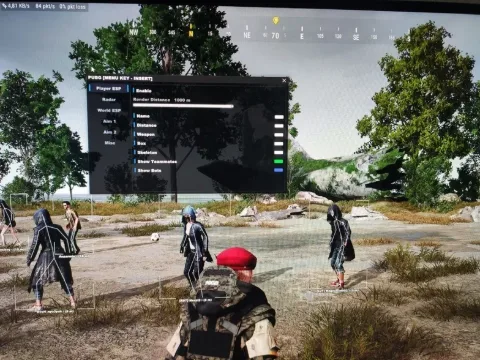
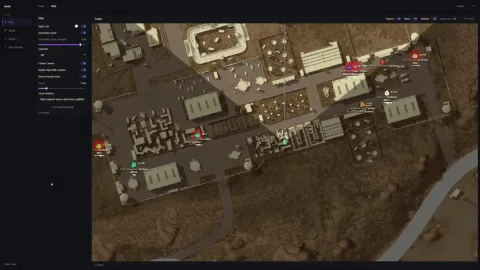
Private Vata Radar for PUBG with enemy, teammate, corpse and valuable loot tracking. Smart loot filtering and additional No Recoil functionality.
This term is delivered manually: the key will arrive in the FunPay order chat within 2 h after payment.
- Your key arrives right after payment
- Payment via FunPay — your money is protected by the marketplace
- Launch instructions come with the key
- Your key is issued right after payment
- Online payment with a convenient method
- Launch instructions come with the key
Functions Vata Radar
Radar4
- Enemies
- Teammates
- View Direction
- Corpse Display
Loot Radar8
- Smart Loot Filter
- Level 3 Armor
- Airdrops
- 6x-8x Scopes
- Rescue Flare
- Keys
- Cards
- Other Valuable Loot
No Recoil3
- Recoil Compensation
- Stable Spray at Any Distance
- No Jerky or Unnatural Camera Movement
Description
Vata Radar for PUBG is a private radar featuring player tracking, valuable loot information and an additional No Recoil function. The product focuses on providing essential match information without an unnecessarily large feature set.
Radar displays enemies and teammates together with their view direction. Corpse display is also available, providing additional information about objects around the map.
The smart loot filter highlights selected valuable items, including Level 3 Armor, Airdrops, 6x-8x Scopes, Rescue Flare, Keys, Cards and other valuable loot.
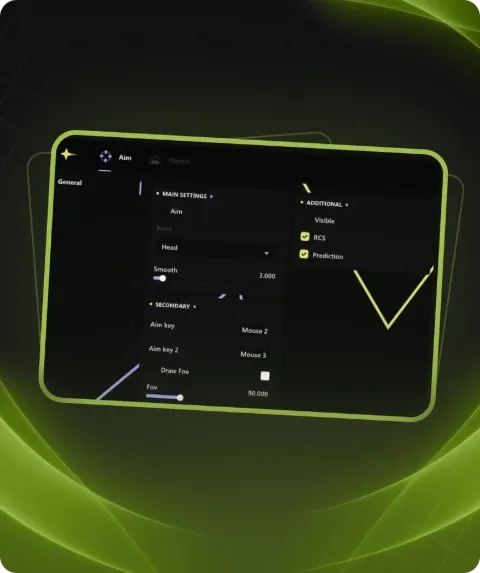
Vata Radar also includes No Recoil with recoil compensation. The function provides a more stable spray at different distances without jerky or unnatural camera movement.
Buy private Vata Radar for PUBG at Playmate Market. Check the current product status, system requirements and instructions before use.
System requirements
- Additional requirements
- Need USB Flash drive(You can create virtual USB)
- Supported OC
- Windows 10 (2004, 20H2, 21H1, 21H2, 22H2) , Windows 11 (22H2-25H2)
- Included spoofer
- No
- Anticheat
- Ingame
- Stream Bypass
- Yes
- Supported game modes
- Windowed , Borderless
- Supported CPU
- Intel & AMD
Support
- Launch instructions come with the key.
- Before the first launch go through PC preparation — most errors will not appear.
- Answers to common questions are on the FAQ page.
- If something does not work, write to the FunPay order chat or support with a screenshot of the error and your Windows version.