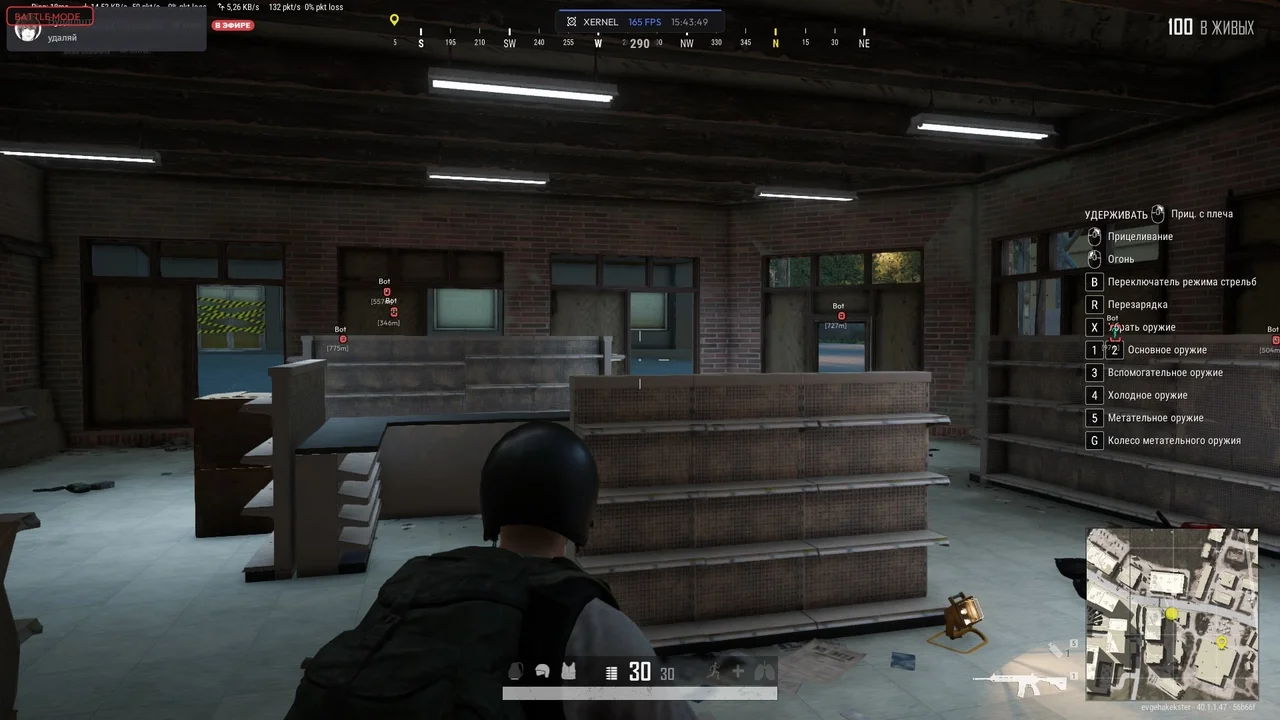

Xernel
Xernel is a PUBG cheat featuring customizable aimbot, player ESP, loot ESP, and recoil control system with flexible settings.
This term is delivered manually: the key will arrive in the FunPay order chat within 2 h after payment.
- Your key arrives right after payment
- Payment via FunPay — your money is protected by the marketplace
- Launch instructions come with the key
- Your key is issued right after payment
- Online payment with a convenient method
- Launch instructions come with the key
Functions Xernel
VISUALS7
- Player ESP
- Player box
- Player skeleton
- Player name
- Player distance
- Box customization (style, fill, gradient)
- Battle mode
AIMBOT7
- Aimbot
- Draw FOV
- Aimbot FOV
- Aimbot smooth
- Target bone selection
- Recoil Control System (RCS)
- RCS pitch adjustment
LOOT & ENVIRONMENT8
- Global loot ESP
- Weapon ESP & filters
- Ammo ESP
- Armor ESP & level 3 filter
- Meds & boosters ESP
- Attachments & scopes ESP
- Vehicle ESP
- Customizable ESP distances
Description
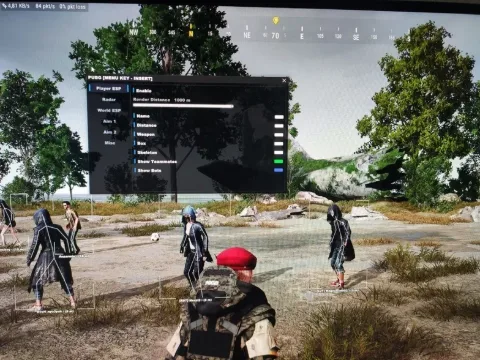
Xernel is a feature-rich cheat for PUBG: Battlegrounds designed to improve situational awareness and aiming precision during matches. The software combines a configurable aimbot, detailed visuals, and advanced Loot ESP.
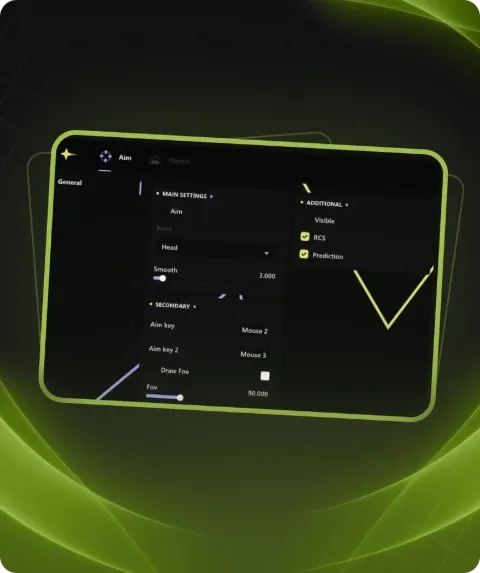
The aimbot includes adjustable FOV, smoothness control, target bone selection, and a recoil control system (RCS) with pitch adjustment, allowing fine tuning for different playstyles.
The visual module features Player ESP with boxes, skeleton, player name, and distance, along with flexible box customization. A Battle Mode is also available for quick visual management.
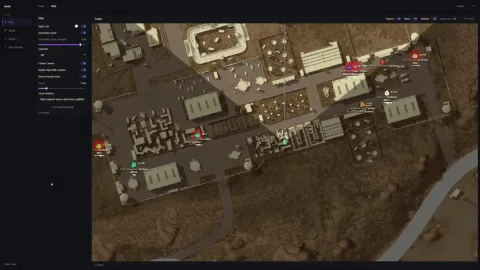
Loot & Environment ESP highlights weapons, ammo, armor, medical items, attachments, vehicles, and other objects with customizable distances and filters.
Xernel for PUBG is suitable for users who need balanced functionality with flexible visual and aiming configuration.
System requirements
- Included spoofer
- No
- Stream Bypass
- Yes
- Supported game modes
- Windowed , Borderless
- Supported CPU
- Intel & AMD
- Supported OC
- Windows 10 , Windows 11
Support
- Launch instructions come with the key.
- Before the first launch go through PC preparation — most errors will not appear.
- Answers to common questions are on the FAQ page.
- If something does not work, write to the FunPay order chat or support with a screenshot of the error and your Windows version.