GBOX IOS
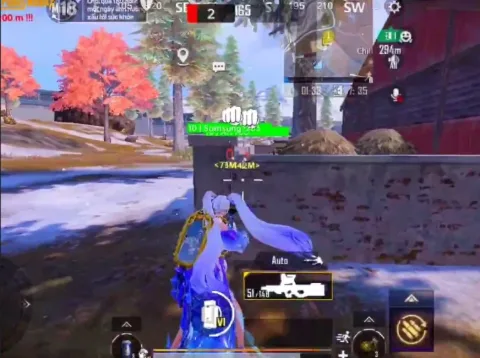
ChatGPT сказал: Safely install game cheats on iOS 17+ with GBOX — no jailbreak needed. Works on iPhone XR and newer. Get your GBOX key at Playmate Market to unlock full features like ESP and Silent Aimbot.
This term is delivered manually: the key will arrive in the FunPay order chat within 2 h after payment.
This product cannot be bought right now: the developer is updating it after a game update. It usually takes from a few hours to a couple of days.
- Your key arrives right after payment
- Payment via FunPay — your money is protected by the marketplace
- Launch instructions come with the key
- Your key is issued right after payment
- Online payment with a convenient method
- Launch instructions come with the key
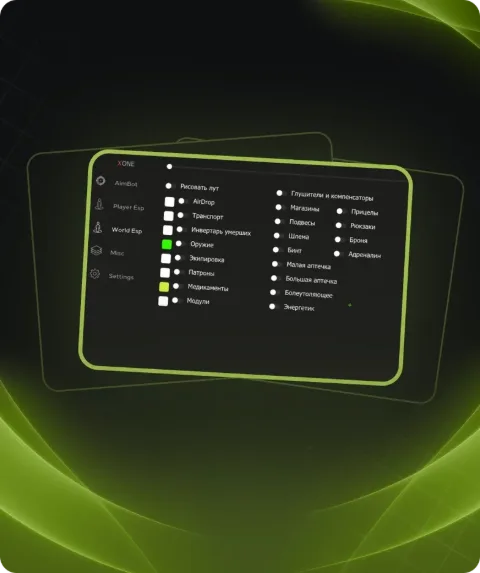
Functions GBOX IOS
Need a safe, hassle-free way to run cheats on iOS 17+ without jailbreaking? GBOX does exactly that. Compatible with iPhone XR and up, it enables cheats like ESP and Silent Aimbot, supports stream mode, and includes anti-detection features. Get your access key on Playmate Market to bypass App Store restrictions and launch premium tools directly on your device. Supports temporary Apple IDs, keeping your main account protected. Ideal for titles like COD Mobile, PUBG Mobile, and more. GBOX ensures stable, secure cheat activation on iOS.
Description
Need a safe, hassle-free way to run cheats on iOS 17+ without jailbreaking? GBOX does exactly that. Compatible with iPhone XR and up, it enables cheats like ESP and Silent Aimbot, supports stream mode, and includes anti-detection features. Get your access key on Playmate Market to bypass App Store restrictions and launch premium tools directly on your device. Supports temporary Apple IDs, keeping your main account protected. Ideal for titles like COD Mobile, PUBG Mobile, and more. GBOX ensures stable, secure cheat activation on iOS.
System requirements
- Supported OC
- iOS 17 and above
Support
- Launch instructions come with the key.
- Before the first launch go through PC preparation — most errors will not appear.
- Answers to common questions are on the FAQ page.
- If something does not work, write to the FunPay order chat or support with a screenshot of the error and your Windows version.