Rust
Stealth lite
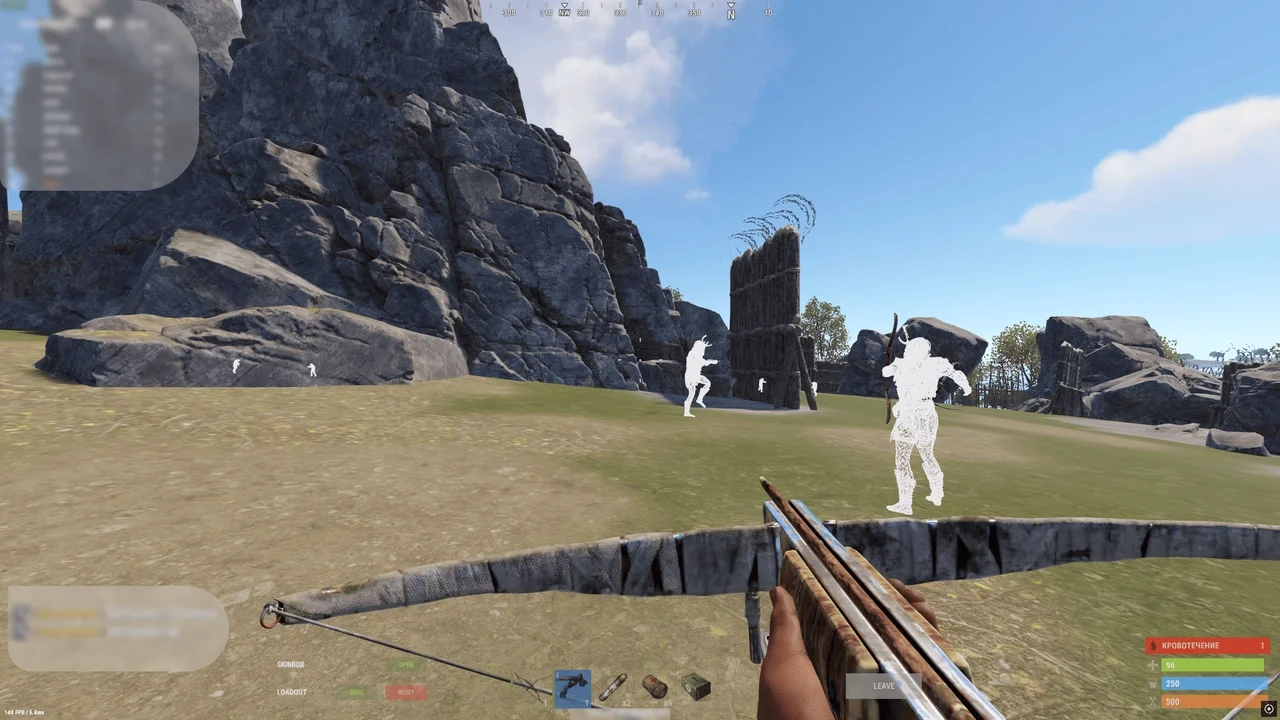
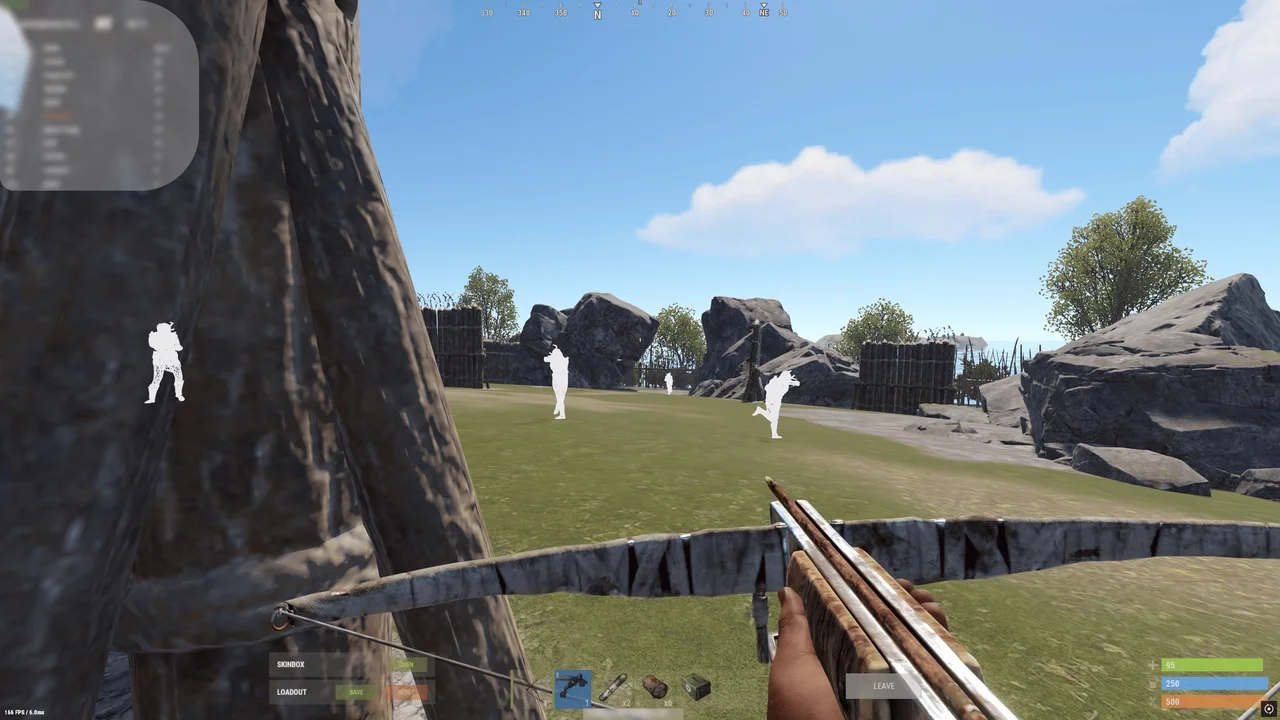
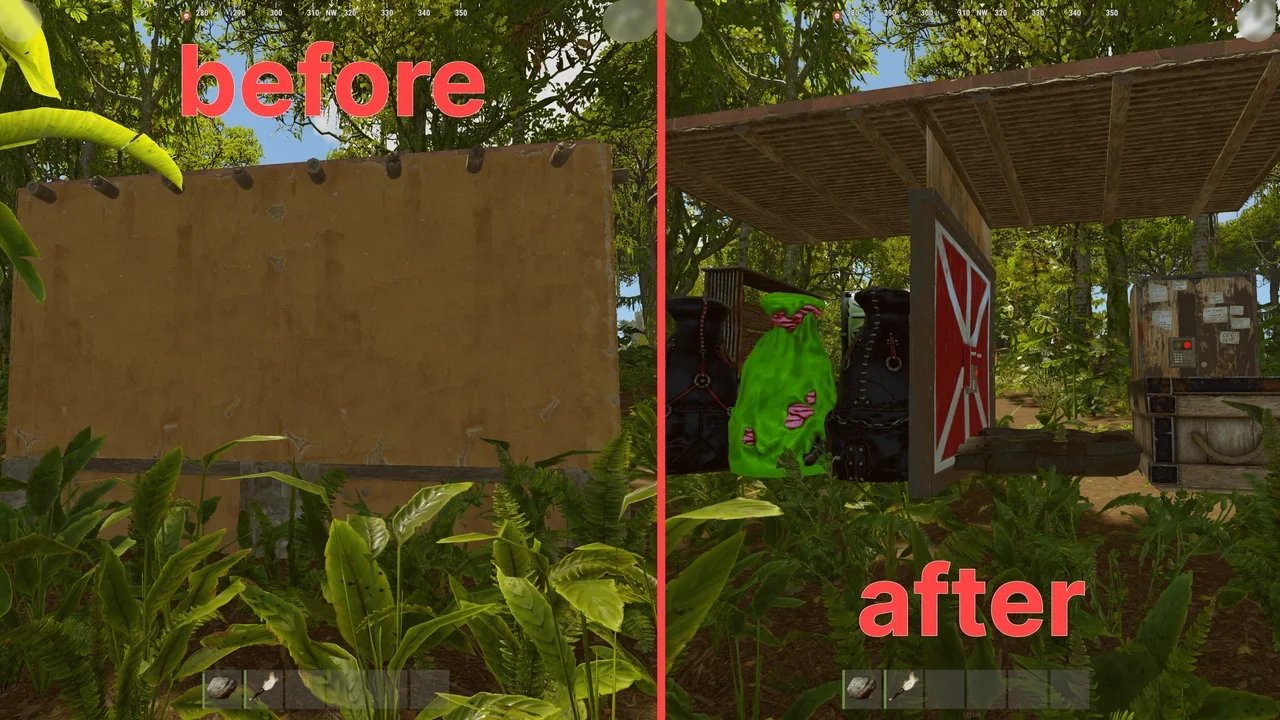
Stealth Lite is a private Rust cheat. Features include chams and removal of nearby structures. Safe, virus-free software. Buy now at Playmate Market.
Total$3.03
Coming soonThis term is delivered manually: the key will arrive in the FunPay order chat within 2 h after payment.
- Your key arrives right after payment
- Payment via FunPay — your money is protected by the marketplace
- Launch instructions come with the key
- Your key is issued right after payment
- Online payment with a convenient method
- Launch instructions come with the key
Functions Stealth lite
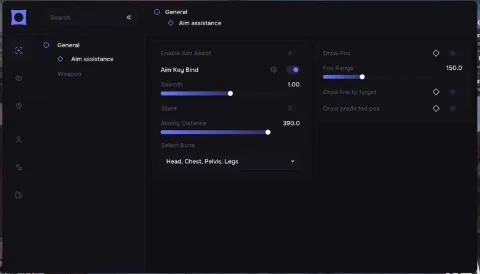
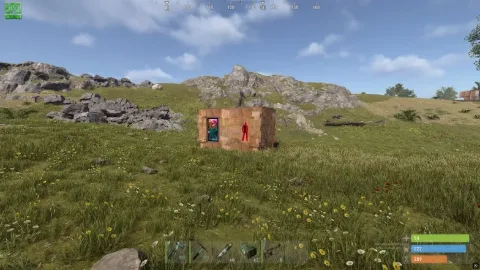
- F5 - Chams
- F6 - Bright Night
- F9 - Debug camera
Description
Stealth: The Private Cheat for RUST That Redefines Gameplay
Stealth is a powerful tool designed for RUST players who want complete control over their game. Offering advanced features, it enables you to dominate battles, manage loot effectively, and excel tactically.
Why Choose Stealth?
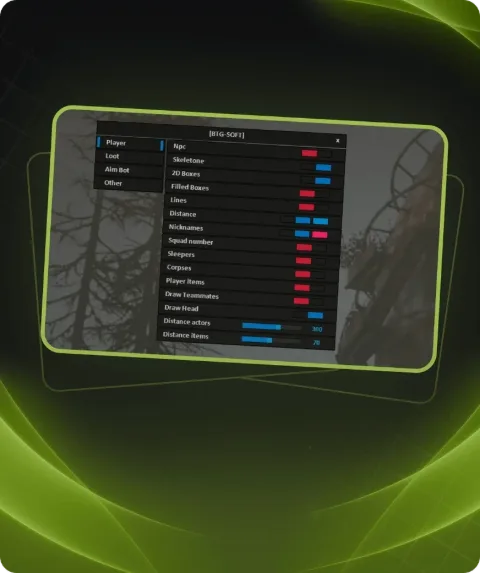
- Stealth combines ease of use, flexible settings, and a wide range of functionalities. With ESP, you can see enemies.
- Stealth provides players with the tools they need to succeed while remaining intuitive and user-friendly. Whether you’re a beginner or an experienced player, this cheat empowers you to dominate every match.
Elevate Your Game Today!
Learn more about Stealth and unlock advanced capabilities to reach new heights in RUST. Your victories start here!
System requirements
- Additional requirements
- UEFI bios , enable virtualization , disable secure boot
- Supported client
- STEAM
- Included spoofer
- No
- Anticheat
- EAC
- Stream Bypass
- No
- Supported game modes
- All
- Supported CPU
- Intel and AMD with AVX
- Supported OC
- Windows 10, 11 (x64) 21H1, 21H2, 22H2, 21H2, 22H2, 23H2, 24H2
Attention! Playmate Market is not responsible for failure to meet the system requirements. Errors in the cheat caused by not meeting the system requirements are not grounds for a refund.
Support
- Launch instructions come with the key.
- Before the first launch go through PC preparation — most errors will not appear.
- Answers to common questions are on the FAQ page.
- If something does not work, write to the FunPay order chat or support with a screenshot of the error and your Windows version.