HYPER
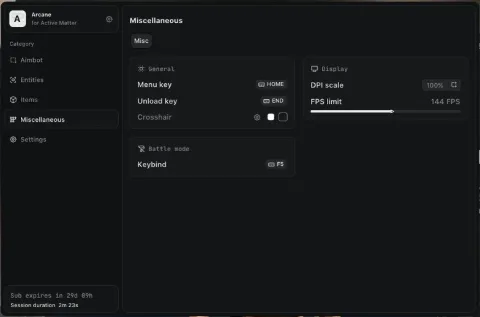
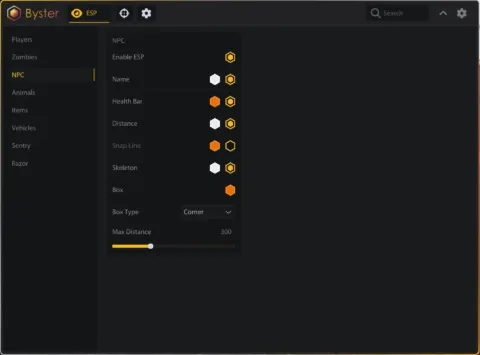
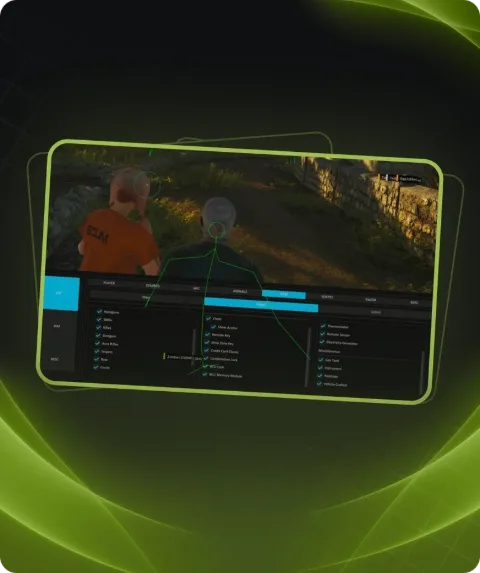
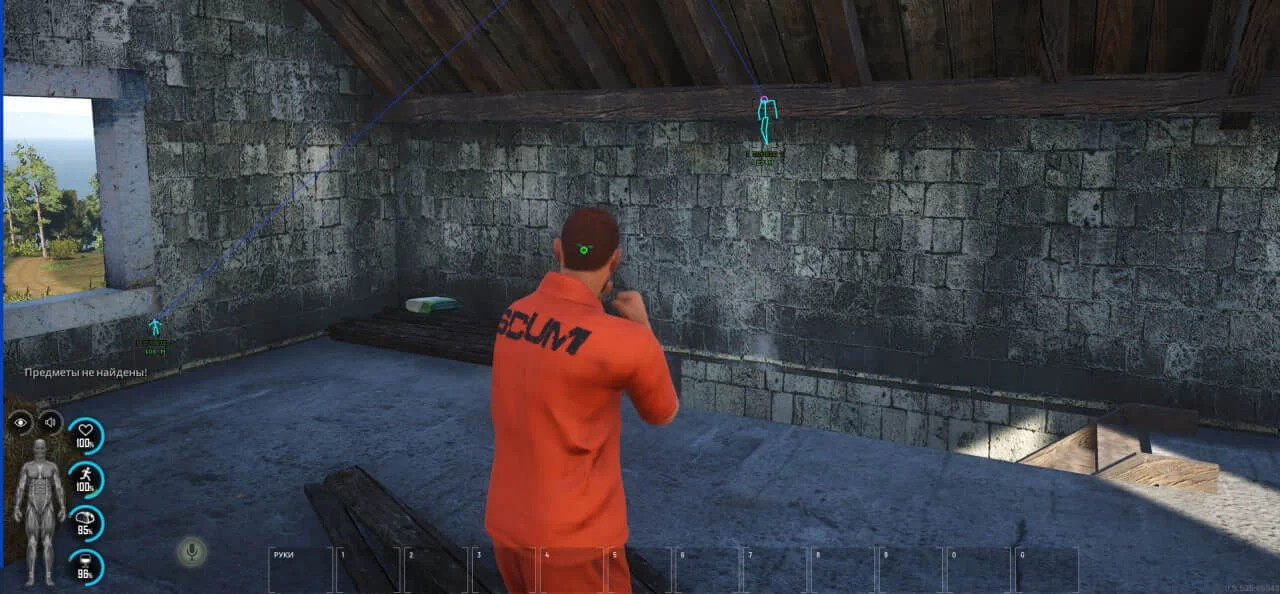
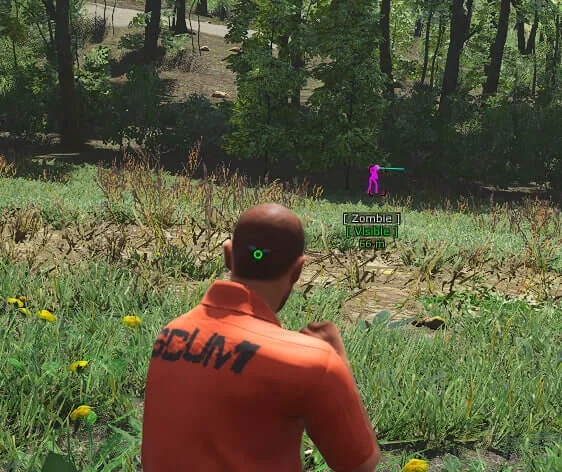
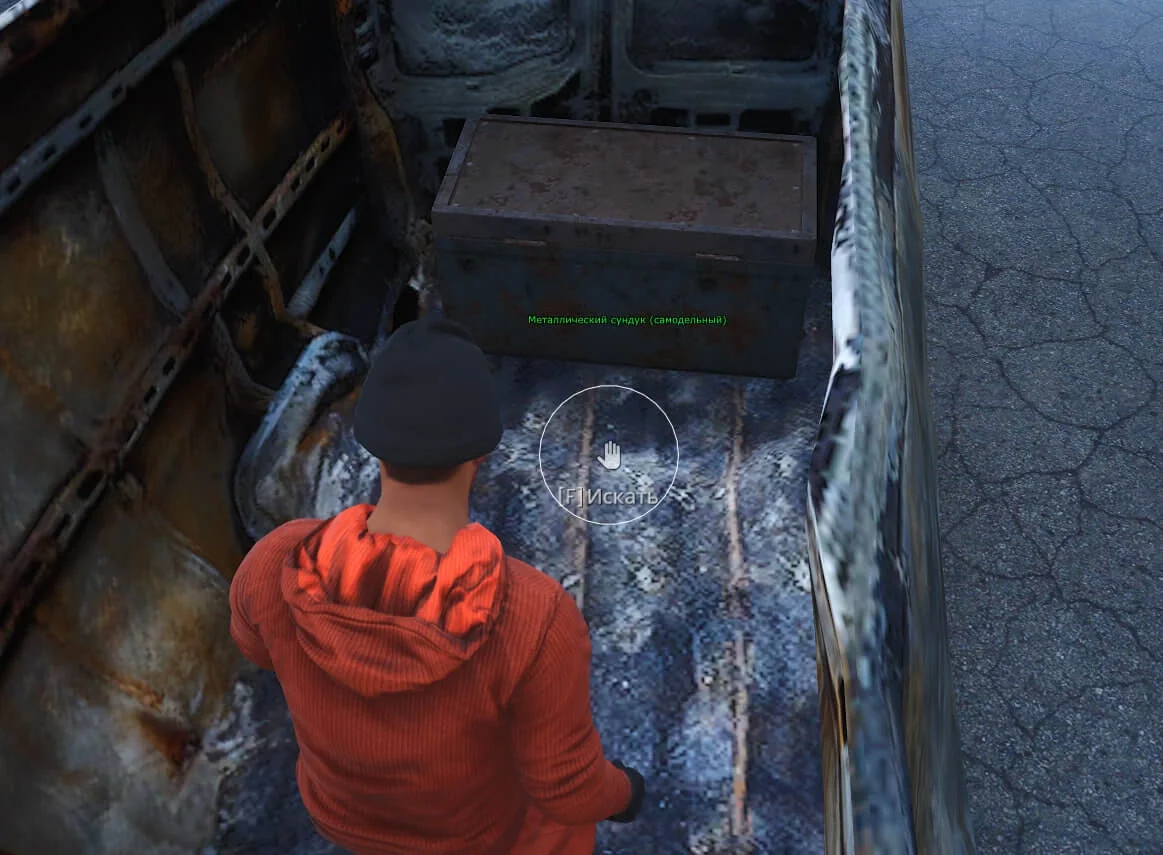
HYPER for SCUM offers a powerful aimbot with visibility check and customizable FOV, along with WallHack and ESP for detecting players, zombies, and loot.
This term is delivered manually: the key will arrive in the FunPay order chat within 2 h after payment.
- Your key arrives right after payment
- Payment via FunPay — your money is protected by the marketplace
- Launch instructions come with the key
- Your key is issued right after payment
- Online payment with a convenient method
- Launch instructions come with the key
Functions HYPER
Aimbot8
- Enable
- Visible Check
- Target Line
- Aim Fov
- Smooth
- Aim Key
- Zombie
- Bone Select
WallHack12
- Visible Check
- Team Check
- Distance
- Skeleton
- Head Point
- 2D Box
- 3D Box
- Corner Box
- Zombie
- Line
- Radar
- Radar scale
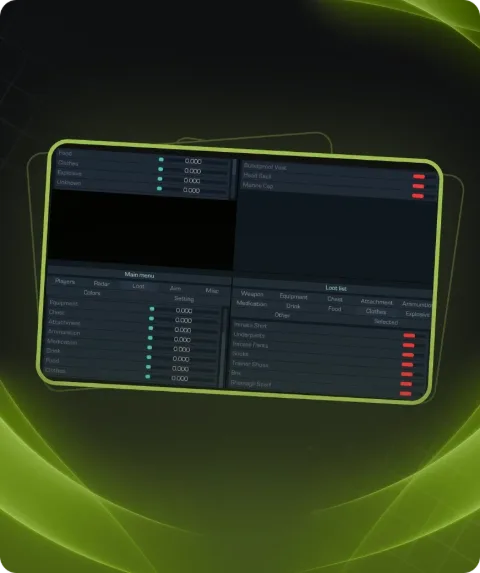
ESP Loot21
- Drone
- Corpses
- Player
- Zombie
- Animals
- Corpses distance
- Animals
- Vehicle
- Weapon
- Equipment
- Chest
- Attachment
- Ammunition
- Medication
- Drink
- Food
- Clothes
- Explosive
- Other
- Selected
- Airdrops
Description
HYPER is a private software for SCUM that provides unparalleled in-game advantages with its advanced aimbot and WallHack features. The aimbot supports FOV adjustment, smooth aiming, bone selection, visibility check, and zombie targeting. WallHack includes skeleton, box, line display, and radar, allowing you to track players, zombies, and vehicles from any distance. The ESP loot feature helps identify critical items like weapons, medical supplies, ammunition, and airdrops. With these features, HYPER becomes an essential tool for success in SCUM.
System requirements
- Supported game systems
- STEAM and PC
- Included spoofer
- Yes
- Supported game modes
- Windowed, Borderless
- Supported CPU
- Intel & AMD
- Supported OC
- Windows 10(PRO/HOME all winver),11(PRO/HOME all winver)
Support
- Launch instructions come with the key.
- Before the first launch go through PC preparation — most errors will not appear.
- Answers to common questions are on the FAQ page.
- If something does not work, write to the FunPay order chat or support with a screenshot of the error and your Windows version.