Nightvex
Private Nightvex cheat for Stalcraft (StalZone) with highlights for enemies, mutants, loot, items and anomalies. Custom colors and multiple render modes.
This term is delivered manually: the key will arrive in the FunPay order chat within 2 h after payment.
Manual delivery: this product is paid directly, not via FunPay. We send the key by hand after payment.
- Direct payment, not via FunPay
- We send the key by hand after payment
- Launch instructions come with the key
Functions Nightvex
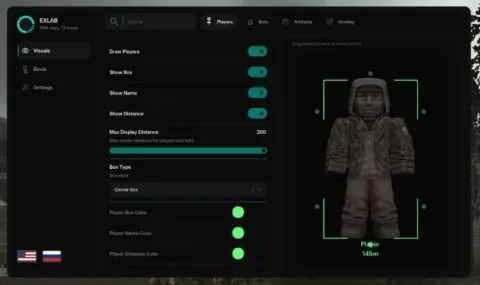
Visuals9
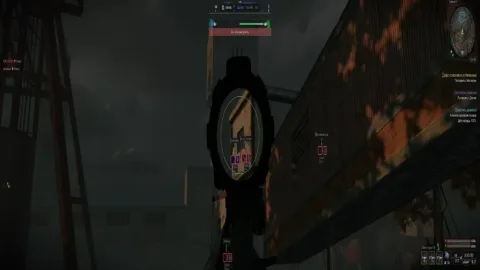
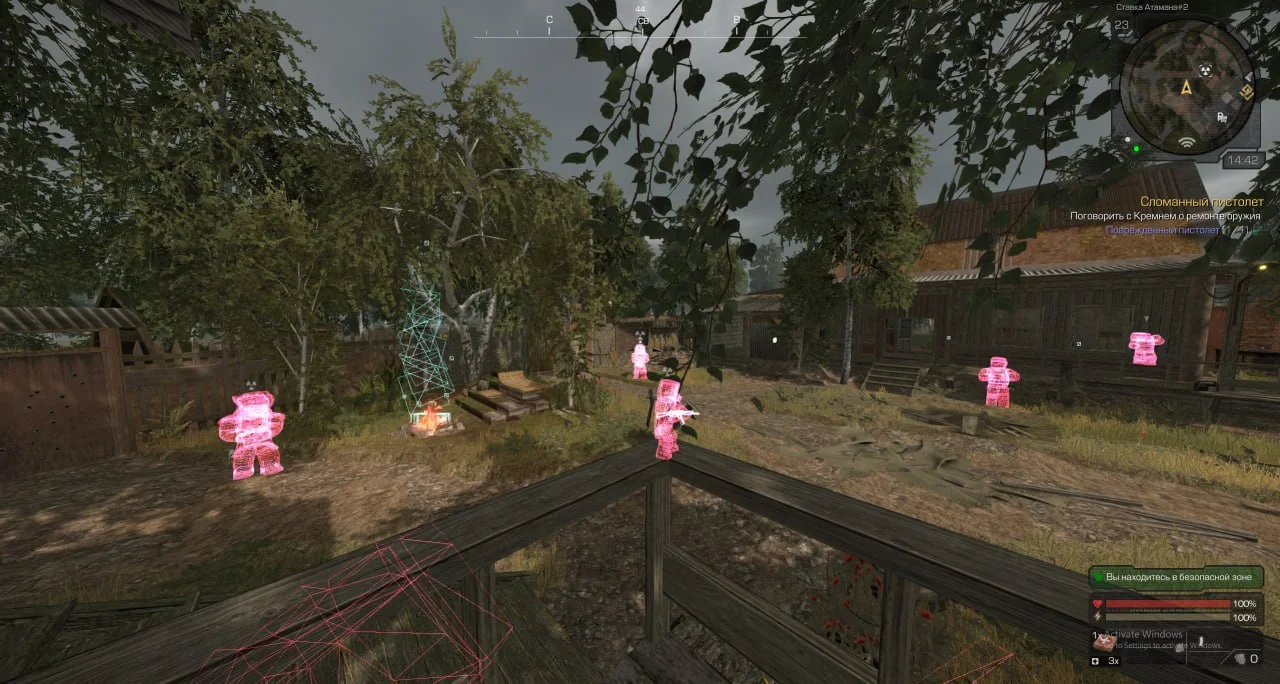
- Enemy Body Highlight
- Equipment Highlight
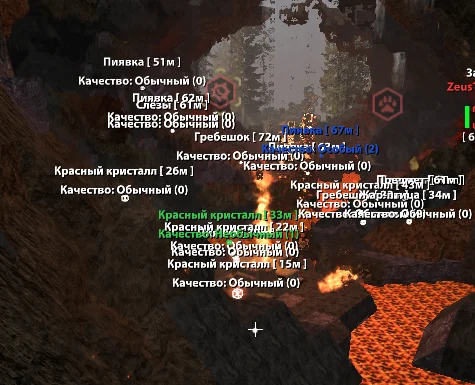
- Mutant Highlight
- Marker Highlight
- Item Highlight
- Loot Highlight
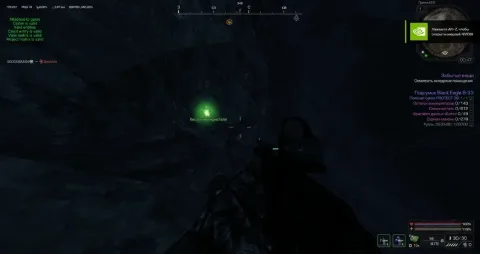
- Anomaly Highlight
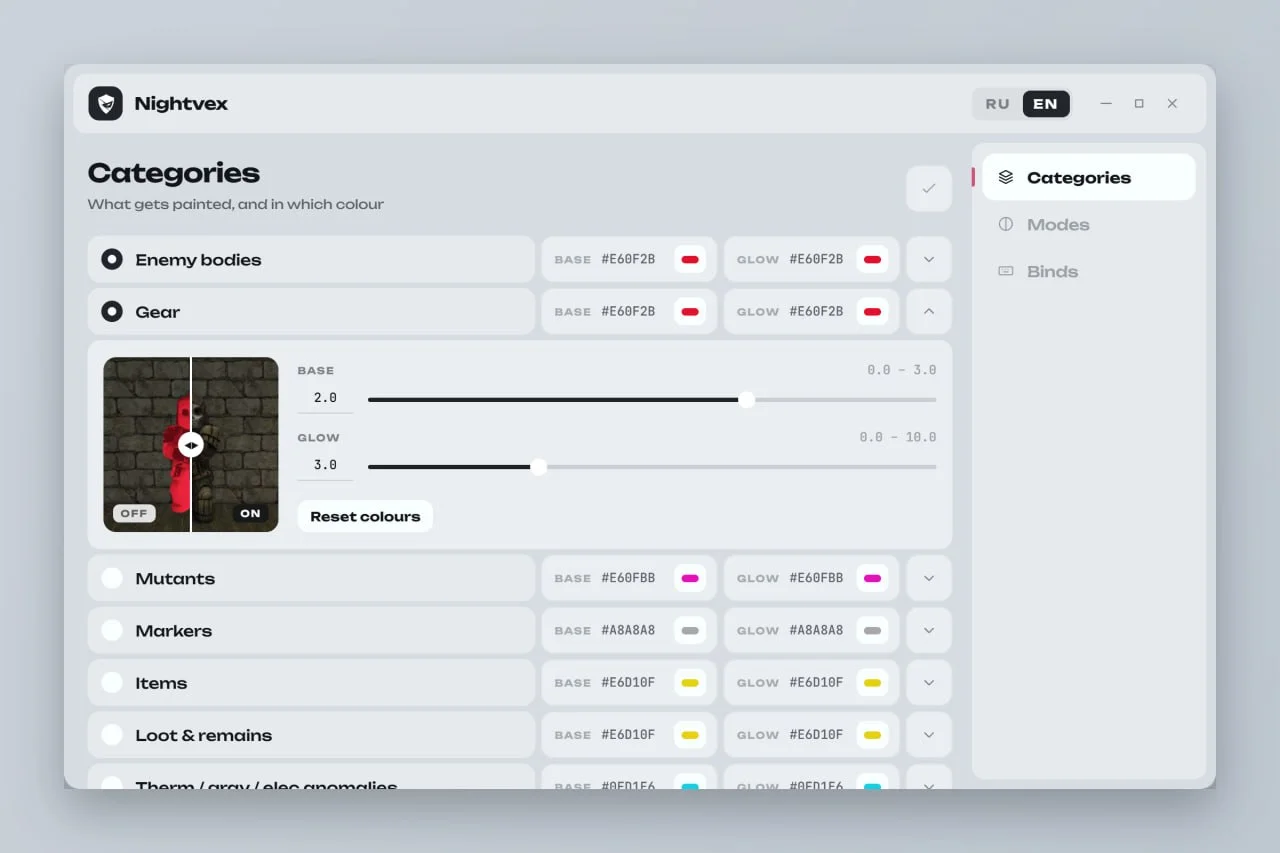
- Individual Color Settings for Each Category
- Individual Intensity Settings for Each Category
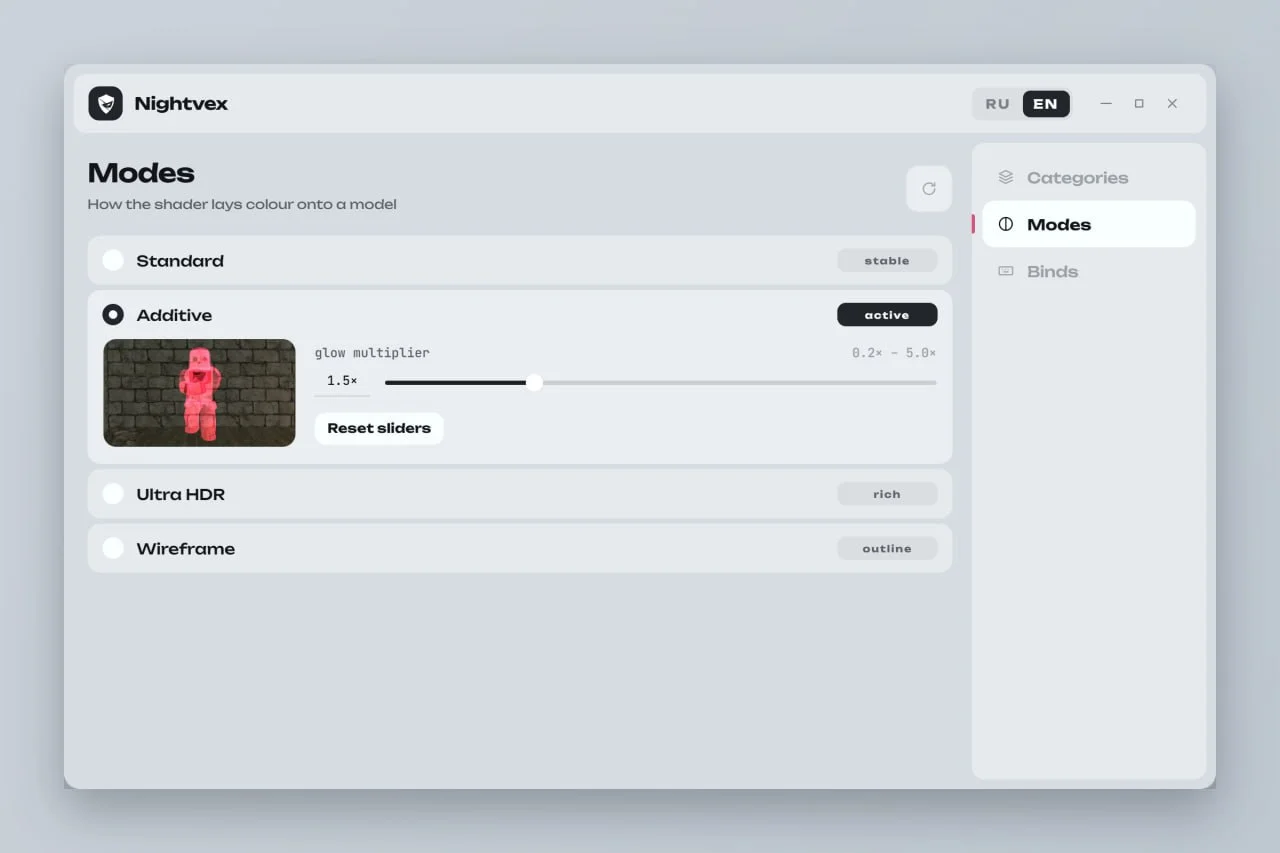
Render Modes4
- Standard
- Additive
- Ultra HDR
- Wireframe
Settings4
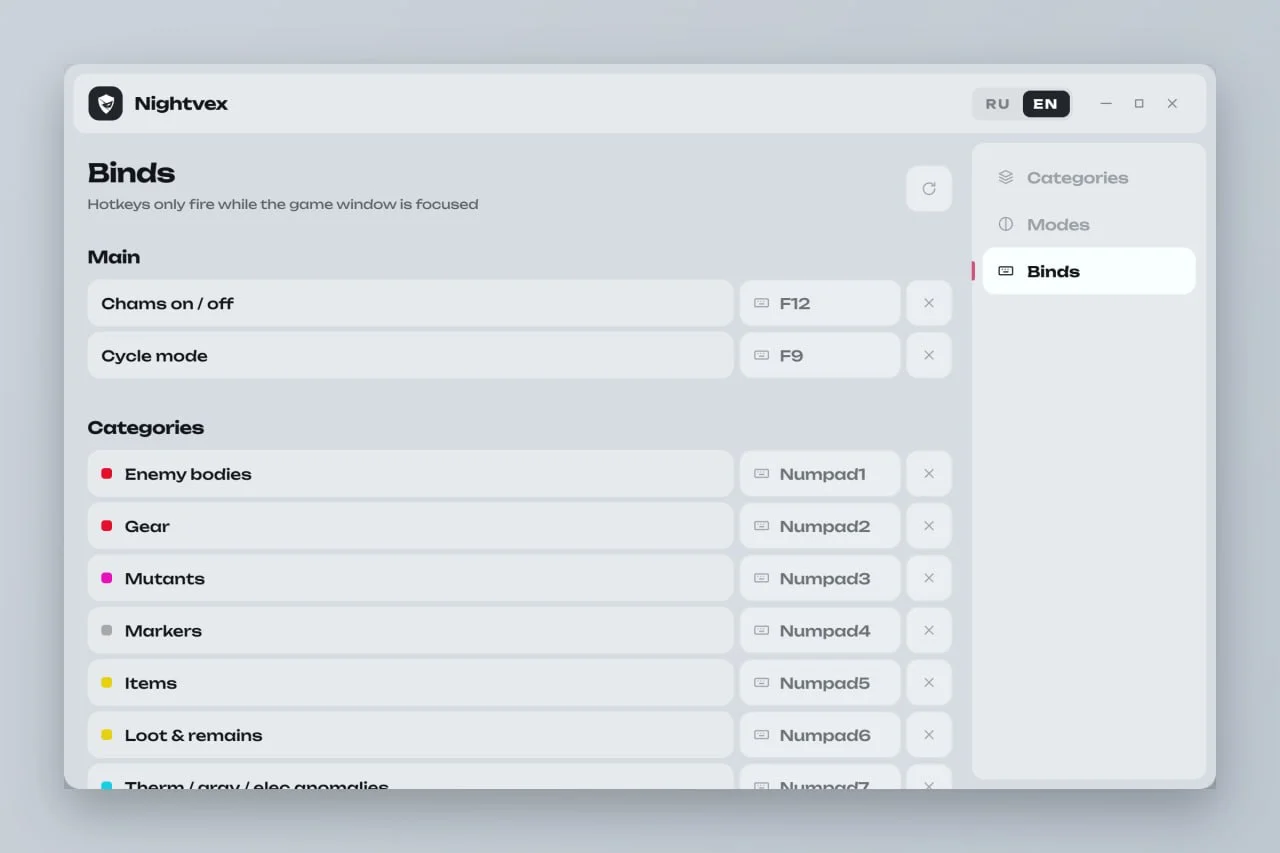
- Overlay On / Off - F12
- Real-Time Settings
- Russian Interface
- English Interface
Description
Nightvex for Stalcraft (StalZone) is a private visual cheat with a customizable highlighting system designed to make important targets, objects and loot easier to distinguish during gameplay.
Nightvex provides seven separate highlight categories: enemy bodies, equipment, mutants, markers, items, loot and anomalies. Each category has individual color and intensity settings for a personalized visual setup.
Four rendering modes are available - Standard, Additive, Ultra HDR and Wireframe. This gives users several ways to customize how highlighted objects appear on the screen.
The overlay can be instantly enabled or disabled with F12. All settings are applied in real time, and the interface is available in both English and Russian.
Buy private Nightvex cheat for Stalcraft (StalZone) at Playmate Market. Check the current product status, system requirements and instructions before use.
System requirements
- Included spoofer
- No
- Supported game version
- Steam, EXBO Launcher
- Stream Bypass
- No
- Supported game modes
- Windowed , Borderless
- Supported CPU
- Intel & AMD
- Supported OC
- Windows 10, Windows 11 (21H2, 22H2, 23H2, 24H2, 25H2)
Support
- Launch instructions come with the key.
- Before the first launch go through PC preparation — most errors will not appear.
- Answers to common questions are on the FAQ page.
- If something does not work, write to the FunPay order chat or support with a screenshot of the error and your Windows version.