Fecurity
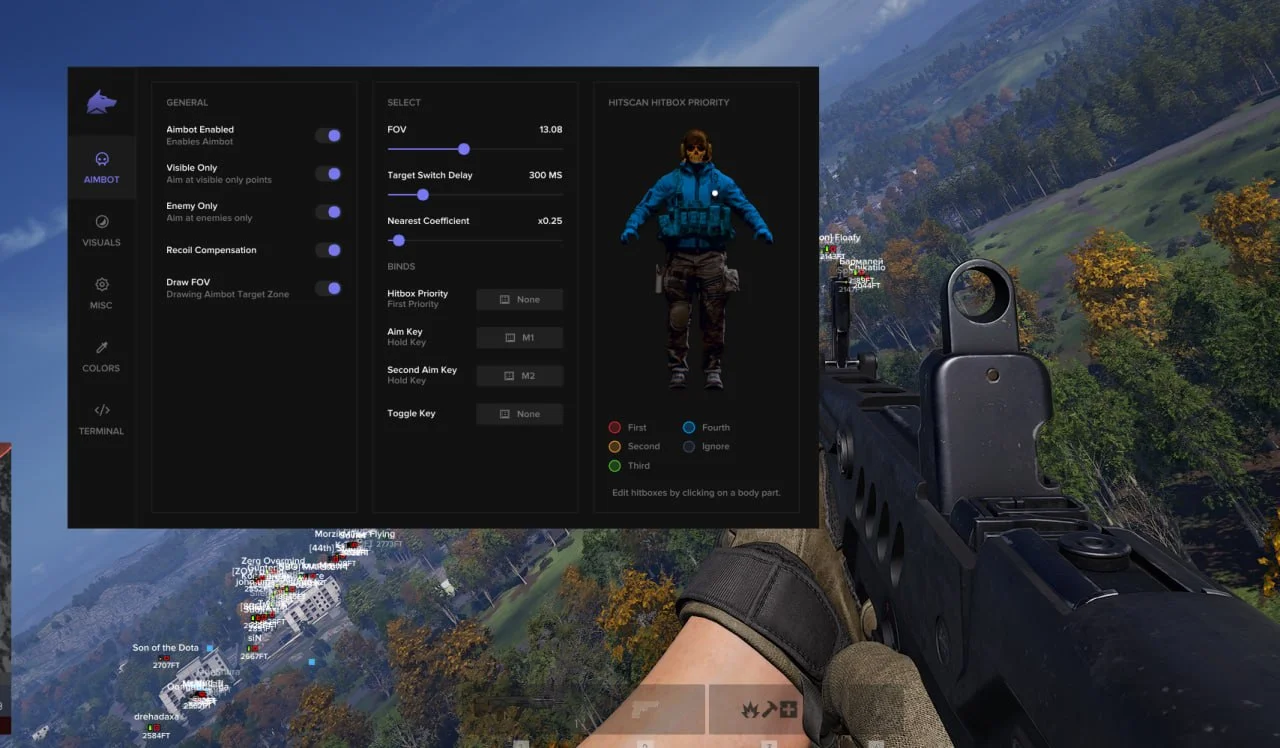
Private Fecurity cheat for WARDOGS with Silent Aim and Player ESP. Display player team and health information with accurate aiming assistance.
This term is delivered manually: the key will arrive in the FunPay order chat within 2 h after payment.
- Your key arrives right after payment
- Payment via FunPay — your money is protected by the marketplace
- Launch instructions come with the key
- Your key is issued right after payment
- Online payment with a convenient method
- Launch instructions come with the key
Functions Fecurity
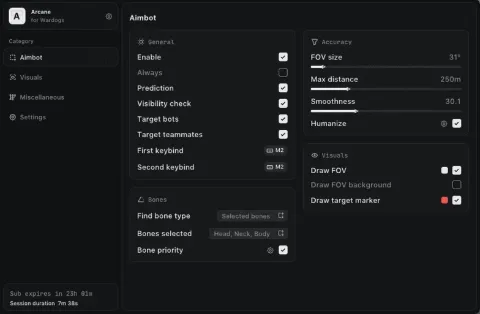
Aim Assist2
- Silent Mode
- Aim Assist
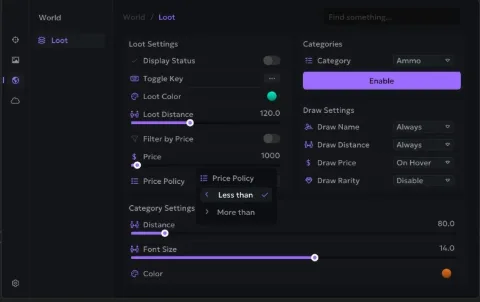
Player ESP3
- Player ESP
- Team
- Health
Description
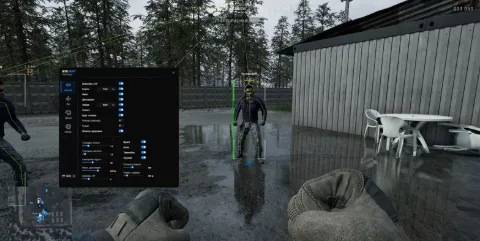
Fecurity for WARDOGS is a private cheat with a compact set of features focused on aiming assistance and additional player information. Its current functionality includes Aim Assist with Silent Mode and Player ESP.
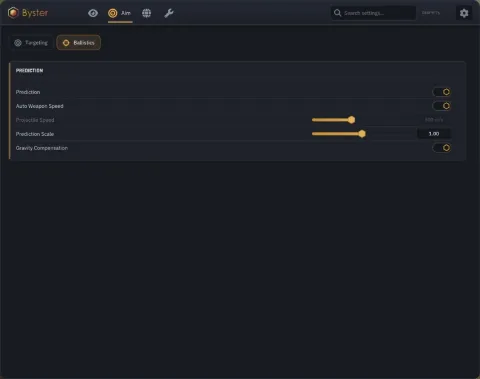
Aim Assist supports Silent Mode, providing automatic aiming assistance against enemy players. The feature is designed to improve aiming accuracy during active combat.
Player ESP provides additional information about other players. Team and health information can be displayed, making it easier to distinguish targets during a match.
Fecurity is also receiving additional features. No Recoil, No Spread, Weapon Name ESP and World ESP are currently in development and are not part of the available functionality until officially released.
Buy private Fecurity cheat for WARDOGS at Playmate Market. Check the current product status, system requirements and instructions before use.
System requirements
- Supported game version
- Steam
- Additional requirements
- Disable secure boot and TPM, BIOS needs UEFI mode
- Supported disk
- Only GPT (we dont support MBR)
- Included spoofer
- No
- Anticheat
- Game anticheat
- Stream Bypass
- No
- Supported game modes
- All
- Supported CPU
- Intel & AMD with AVX1
- Supported OC
- Windows 10 (2004, 20H2, 21H1, 21H2, 22H2) , Windows 11
Support
- Launch instructions come with the key.
- Before the first launch go through PC preparation — most errors will not appear.
- Answers to common questions are on the FAQ page.
- If something does not work, write to the FunPay order chat or support with a screenshot of the error and your Windows version.