HYPER
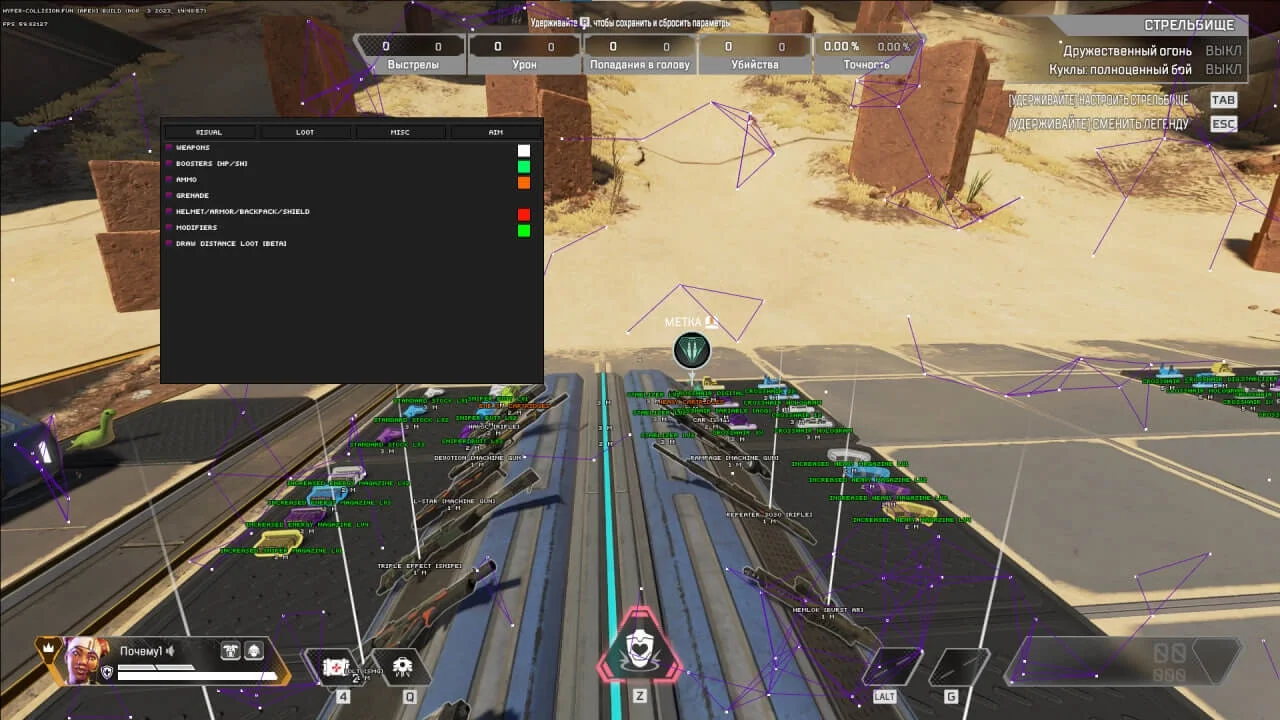
HYPER for Apex Legends offers an advanced aimbot with recoil control and prediction, along with comprehensive ESP features for full game control.
This term is delivered manually: the key will arrive in the FunPay order chat within 2 h after payment.
- Your key arrives right after payment
- Payment via FunPay — your money is protected by the marketplace
- Launch instructions come with the key
- Your key is issued right after payment
- Online payment with a convenient method
- Launch instructions come with the key
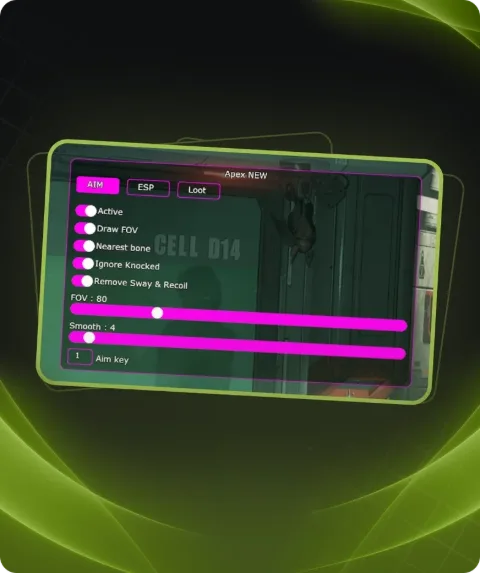
Functions HYPER
Aimbot10
Enable Aim
- Prediction
- Recoil Control
- Smooth
- Fov
- Distance Aim
- Aim Key
- Team Check
- Knock Check
- Visible Check
- Aim Target
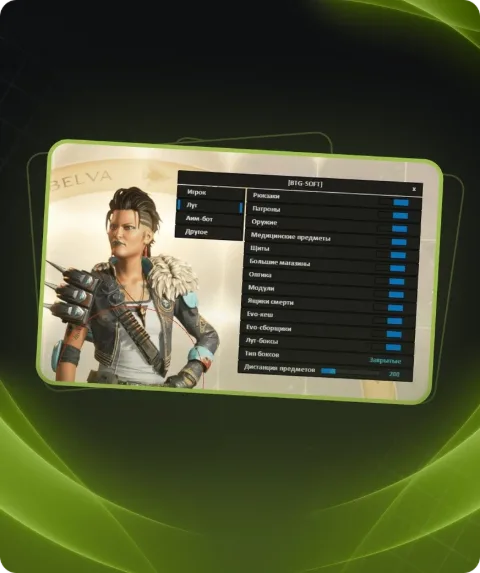
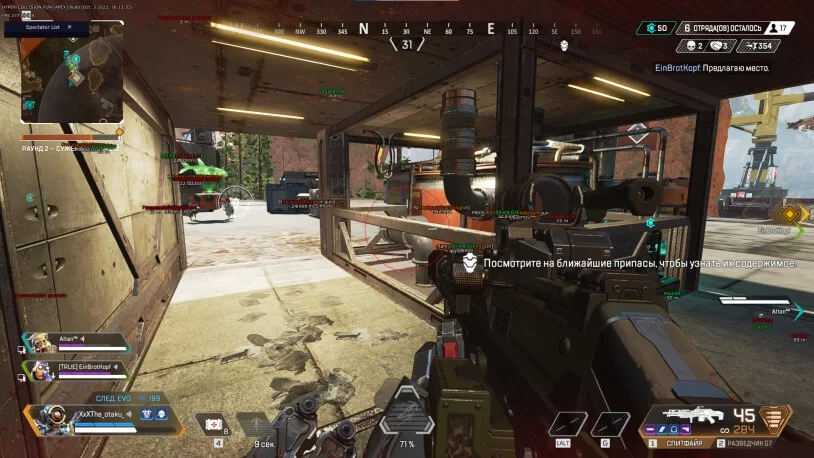
ESP19
- Enable ESP
- Player ESP
- Glow Esp
- Corner Box
- 2D Box
- 3D Box
- HP Bar
- Armor Bar
- HP text
- Am Text
- Weapon Esp
- Squad Number
- Distance
- Visible Check
- Team Check
- Snap Line
- Skeleton
- Head Point
- Spectator List
ESP Loot18
- Glow Loot
- Rifle ESP
- Sniper ESP
- Pistols ESP
- SMG ESP
- MachineGun ESP
- Shotgun ESP
- Armor ESP
- Grenades ESP
- Ammo ESP
- Medical ESP
- Scope ESP
- Stabilizer ESP
- KnockDown ESP
- Helmet ESP
- BackPack ESP
- Magazine ESP
- Stock ESP
Settings1
- Anti-Screen
Description
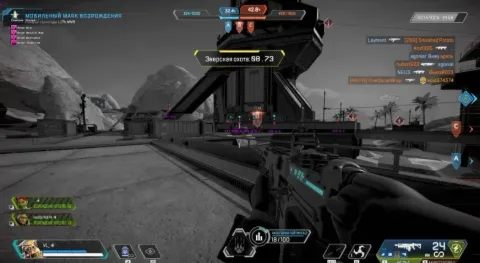
HYPER is a private software for Apex Legends that provides players with a significant advantage through its powerful aimbot and advanced ESP features. The aimbot includes aim activation, prediction, recoil control, smooth adjustment, FOV and distance settings, as well as visibility, team, and knock checks. ESP functions allow players to display opponents using various box types, skeletons, snap lines, and glow, along with health, armor, and weapon information. The Loot ESP helps identify important items such as weapons, armor, medical supplies, and ammo. Settings include anti-screen capture protection for safe streaming and recording.
System requirements
- Included spoofer
- Yes
- Supported game modes
- Windowed, Borderless
- Supported CPU
- Intel & AMD
- Supported OC
- Windows 10(PRO/HOME all winver),11(PRO/HOME all winver)
Support
- Launch instructions come with the key.
- Before the first launch go through PC preparation — most errors will not appear.
- Answers to common questions are on the FAQ page.
- If something does not work, write to the FunPay order chat or support with a screenshot of the error and your Windows version.