Ghost full
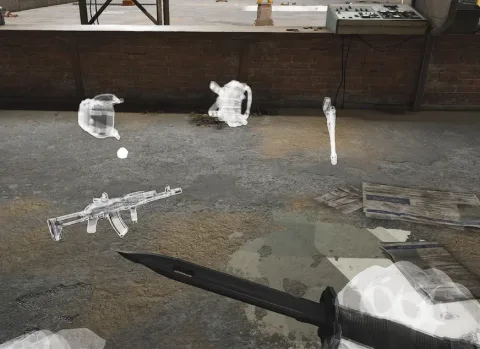
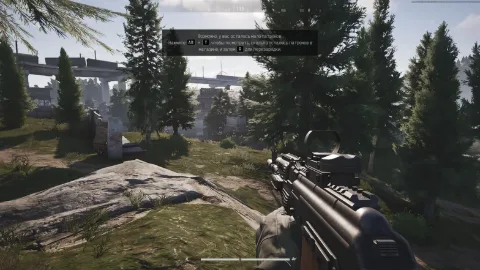
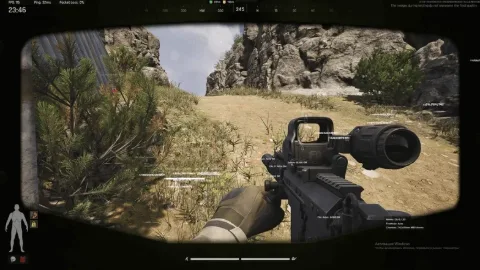
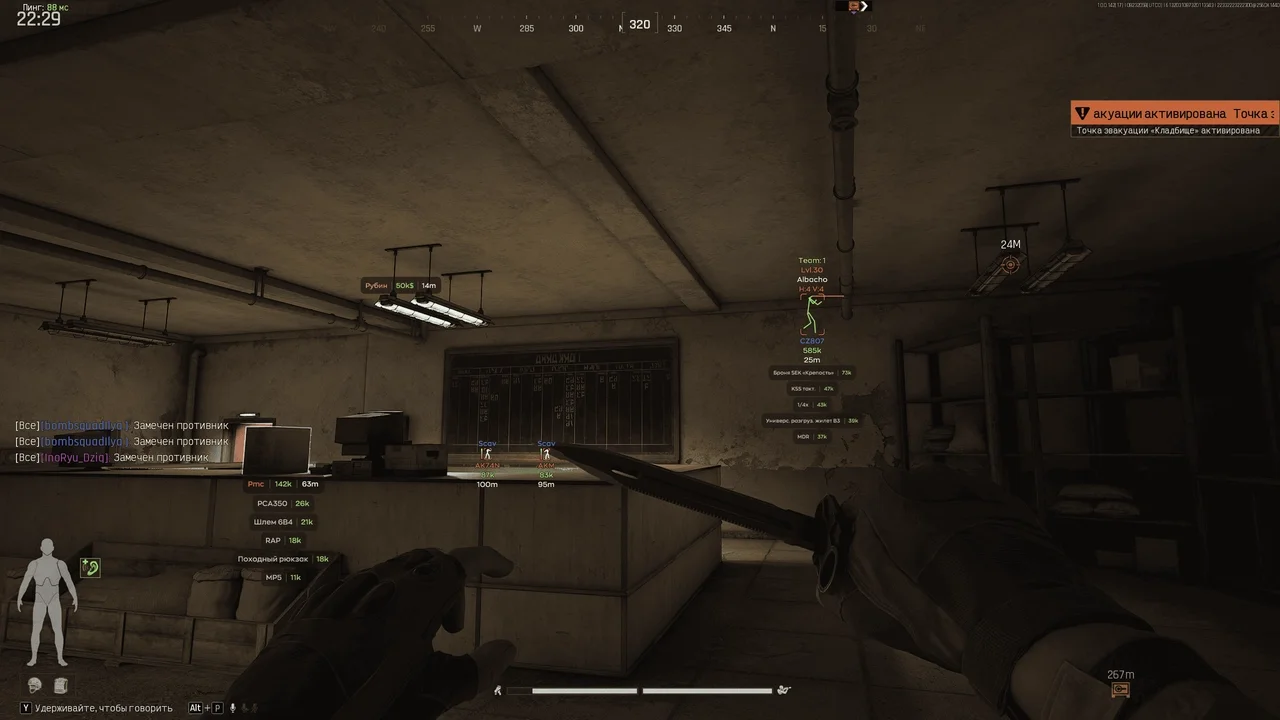
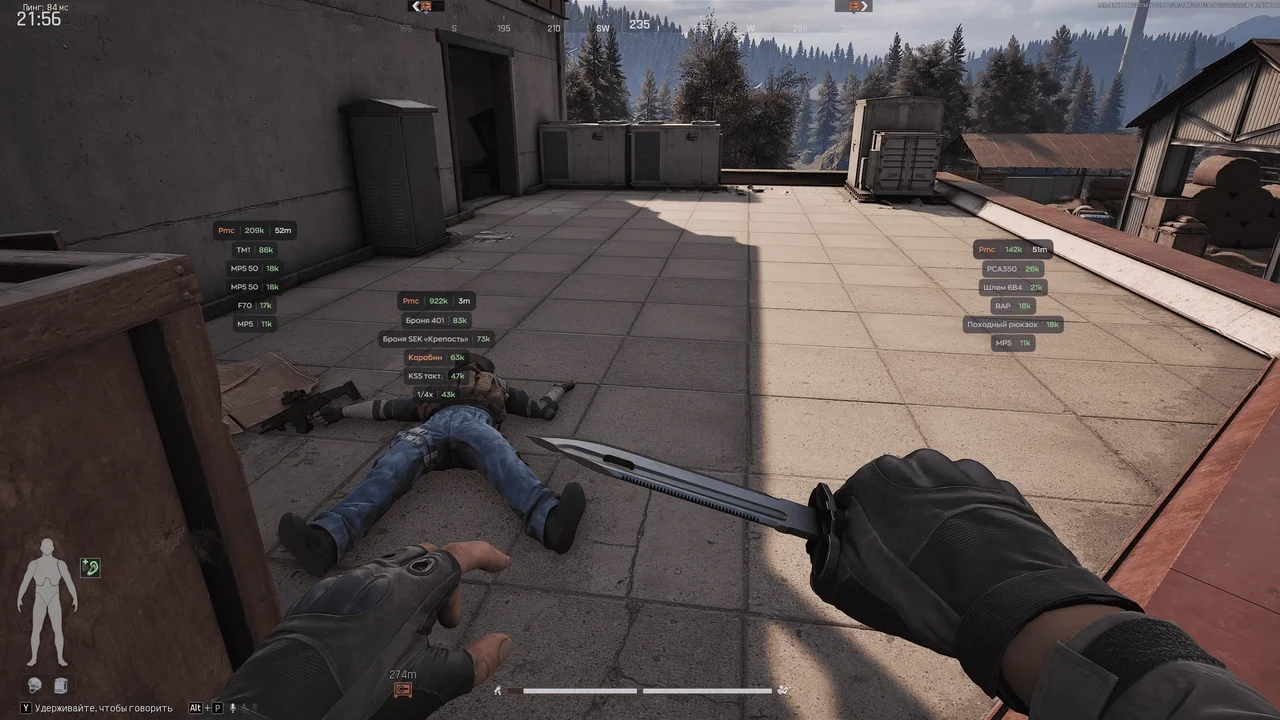
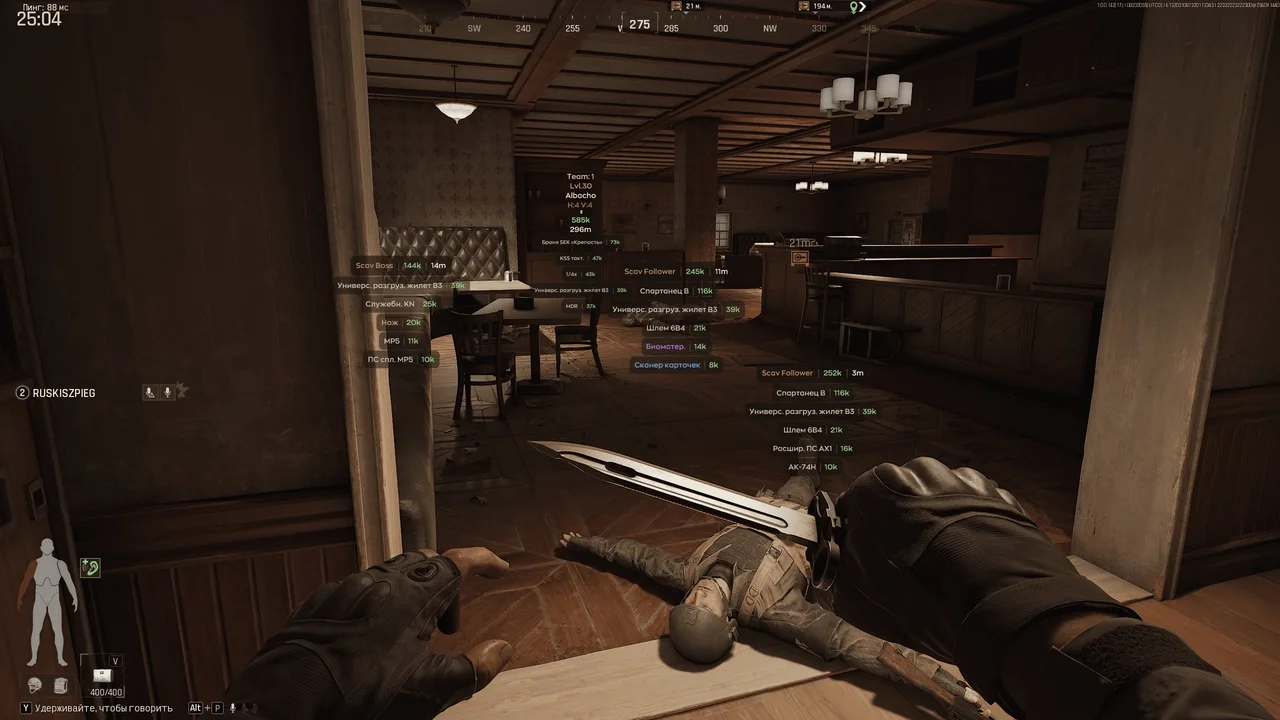
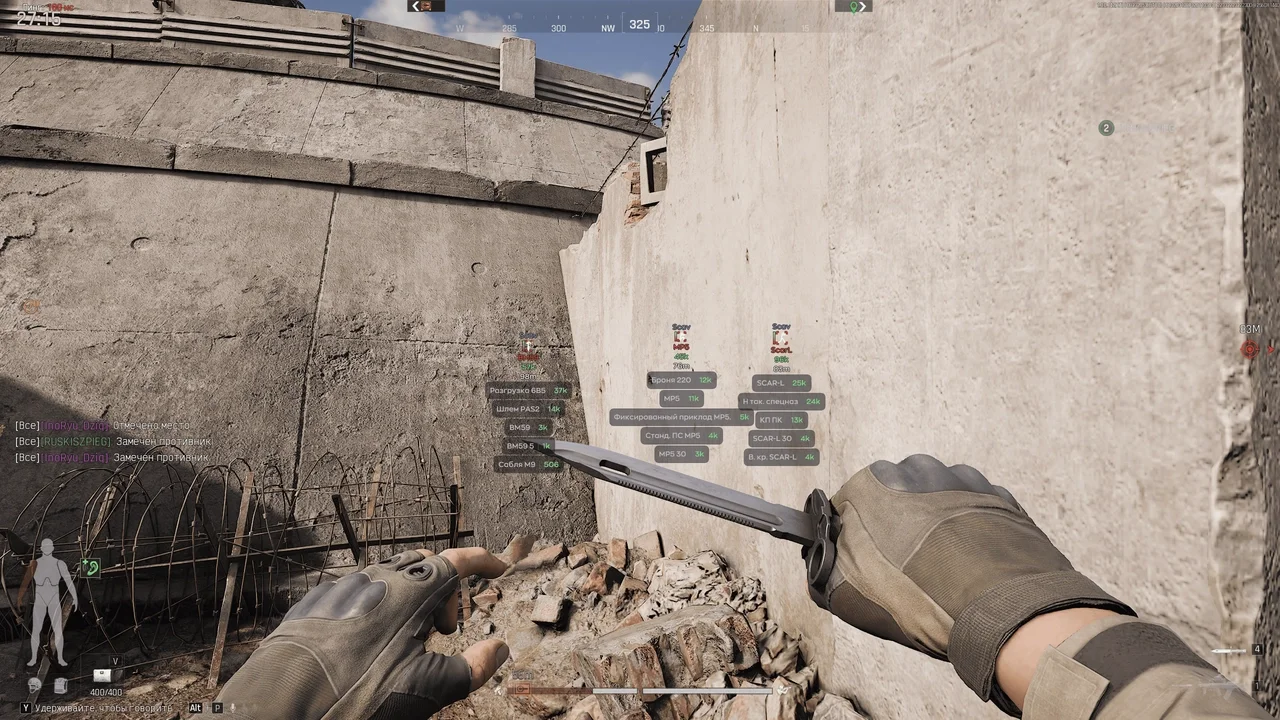
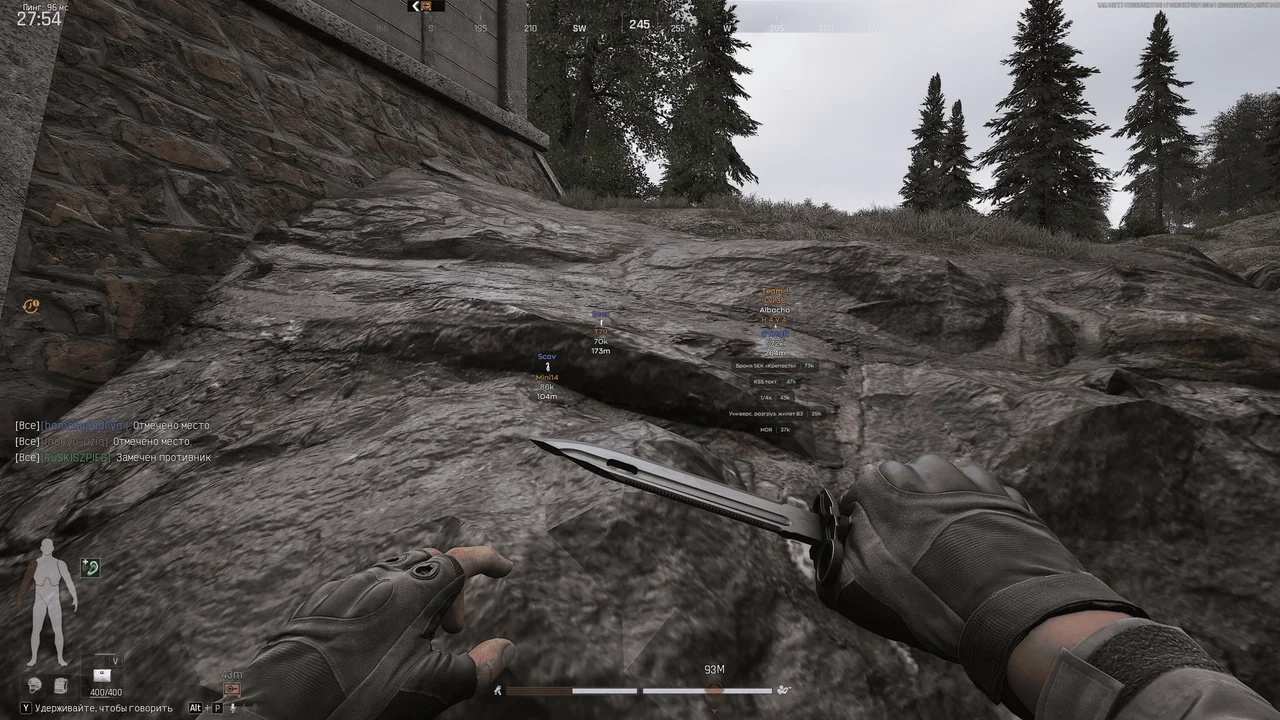
Ghost for Arena Breakout: Infinite offers an advanced aimbot with customizable FOV and ESP, allowing you to see every critical detail on the battlefield.
This term is delivered manually: the key will arrive in the FunPay order chat within 2 h after payment.
- Your key arrives right after payment
- Payment via FunPay — your money is protected by the marketplace
- Launch instructions come with the key
- Your key is issued right after payment
- Online payment with a convenient method
- Launch instructions come with the key
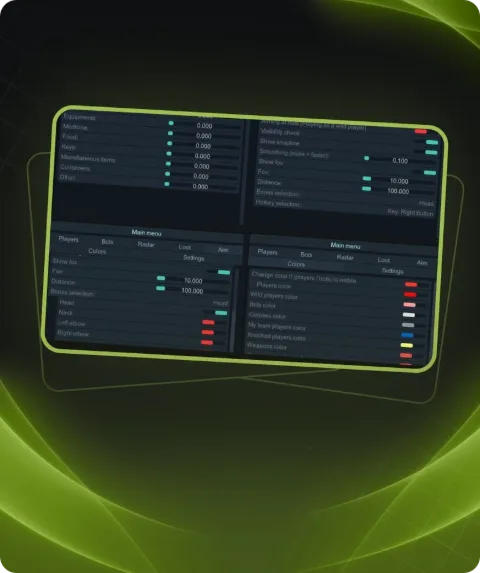
Functions Ghost full
AIMBOT5
- Enable Aimbot
- HotKey Vector
- Fov
- Smooth
- Max Distance
Silent Aimbot4
- Enable pSilent
- Hotkey
- Fov
- Max Distance
ESP PLAYERS12
- Enable
- Show Bots
- Show Name
- Show Box
- Show Skeleton
- Show weapon
- Show price
- Show distance
- Show armor
- Show ammo
- Show Health
- Max distance
ITEMS ESP19
- Enable
- Show Name
- Show Price
- Show Distance
- Weapon
- Adapter
- Ammo
- Armor
- Recovery
- Mybag
- Vestbag
- Loot Container
- Avatar
- Safe
- Badge
- Items
- Other
- Max Distance
MISC3
- Instant Kill
- Recoil Control
- Config System
Description
Ghost is a private software for Arena Breakout: Infinite that provides a significant in-game advantage. It includes a powerful aimbot with a "silent aim" feature for undetectable targeting, customizable FOV, smoothness, and max distance settings. The player ESP allows you to see names, weapons, health, armor, and other crucial details of enemies, including bots. The item ESP system helps you locate weapons, ammo, armor, and other valuable items from great distances. Additional features like instant kill and recoil control make Ghost an essential tool for dominating the game.
System requirements
- Supported OC
- Windows 10 | 11 (1903-25H2)
- Supported game version
- ALL VERSIONS
- Included spoofer
- No
- Supported game modes
- Windowed, Borderless
- Supported CPU
- Intel & AMD
Support
- Launch instructions come with the key.
- Before the first launch go through PC preparation — most errors will not appear.
- Answers to common questions are on the FAQ page.
- If something does not work, write to the FunPay order chat or support with a screenshot of the error and your Windows version.