FECURITY
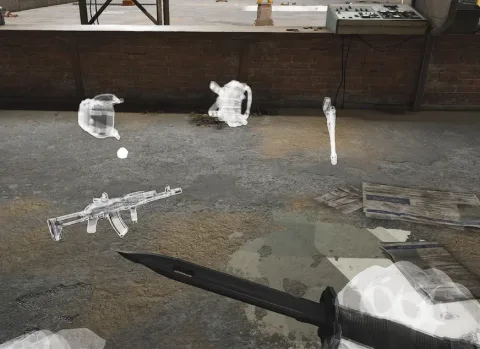
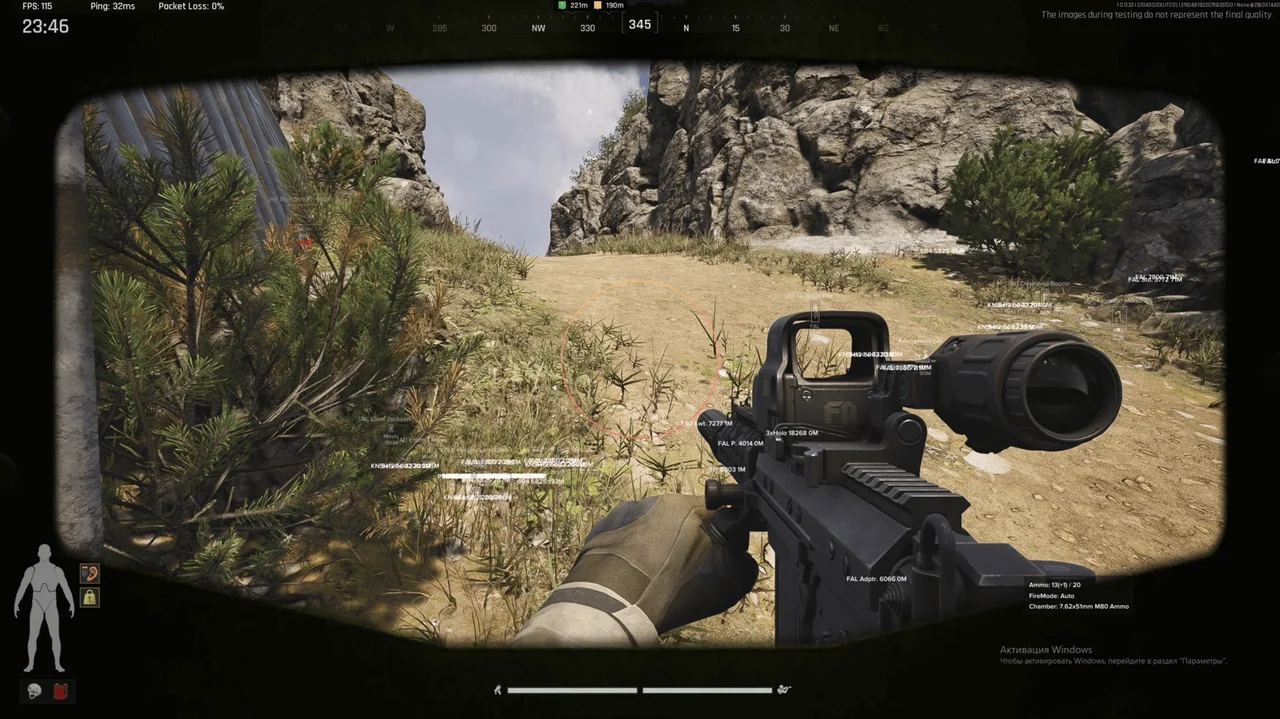
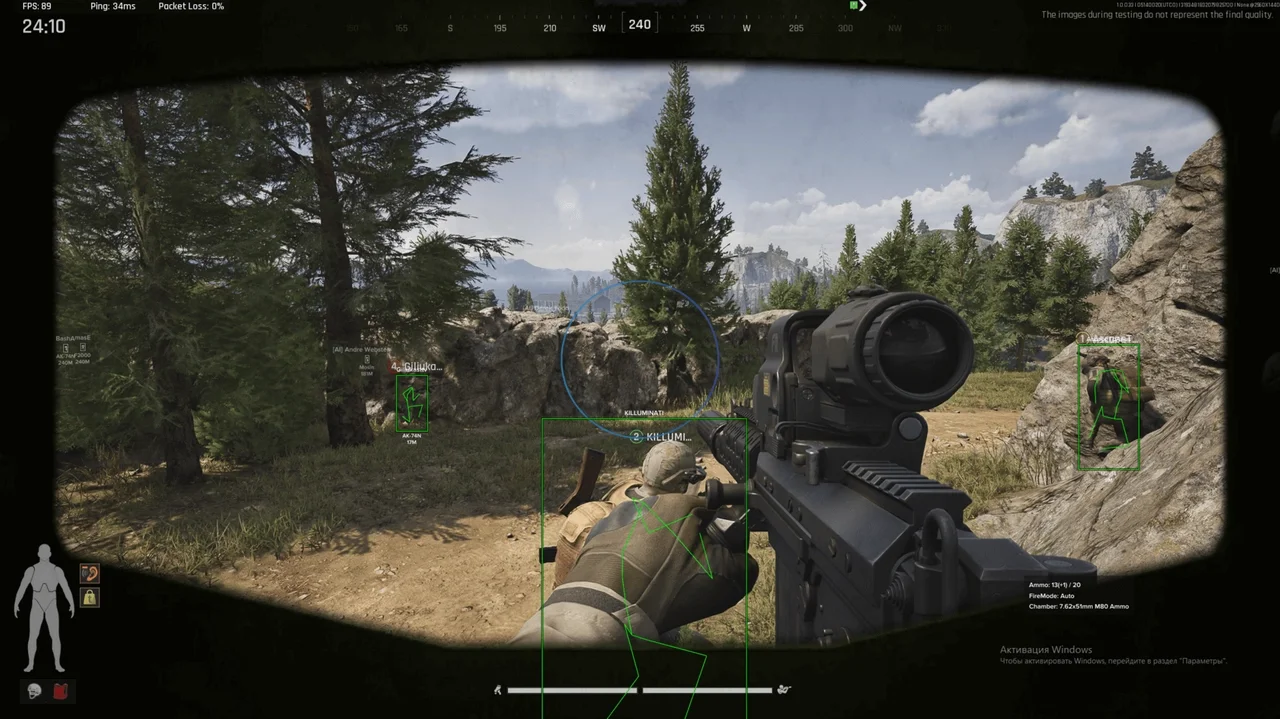
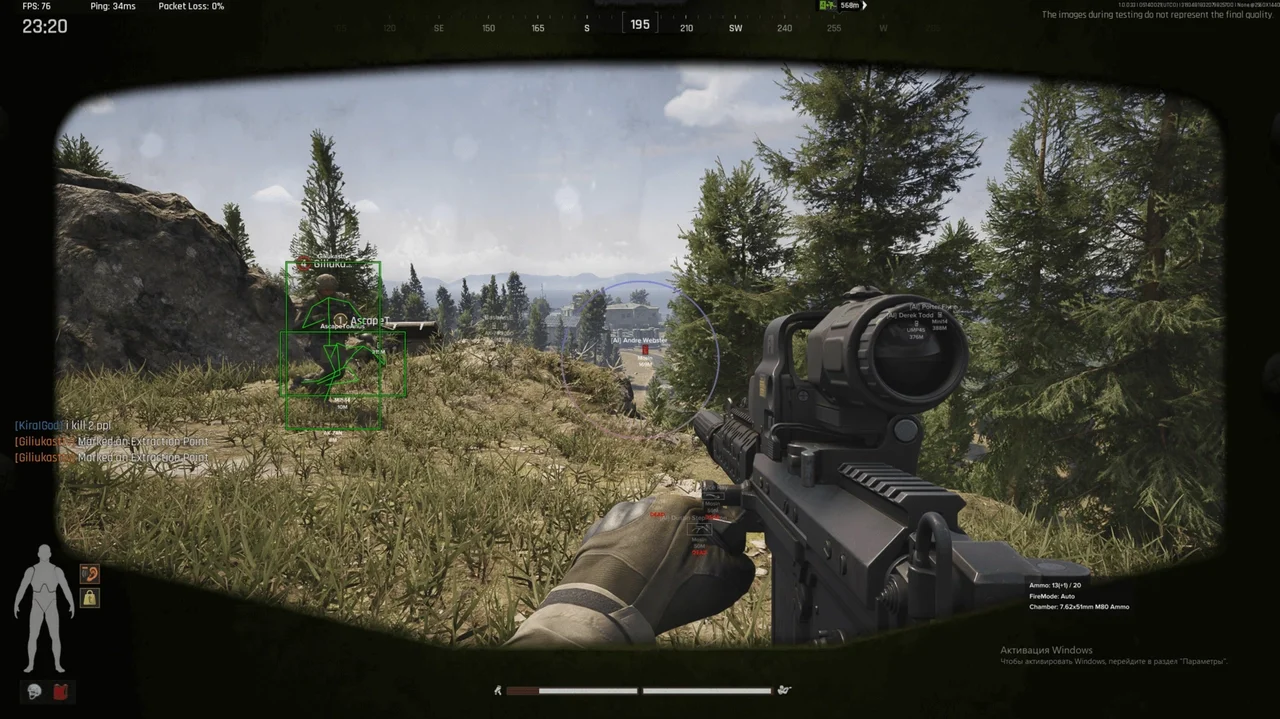
Get an advantage with FECURITY private cheat for Arena Breakout. Features include aimbot, ESP, loot ESP and more. Our cheat allows you to see all players, giving you a competitive edge. Buy private cheats from Playmate Market and dominate the world of Arena Breakout
Tick the box to go to payment
This term is delivered manually: the key will arrive in the FunPay order chat within 2 h after payment.
- Your key arrives right after payment
- Payment via FunPay — your money is protected by the marketplace
- Launch instructions come with the key
- Your key is issued right after payment
- Online payment with a convenient method
- Launch instructions come with the key
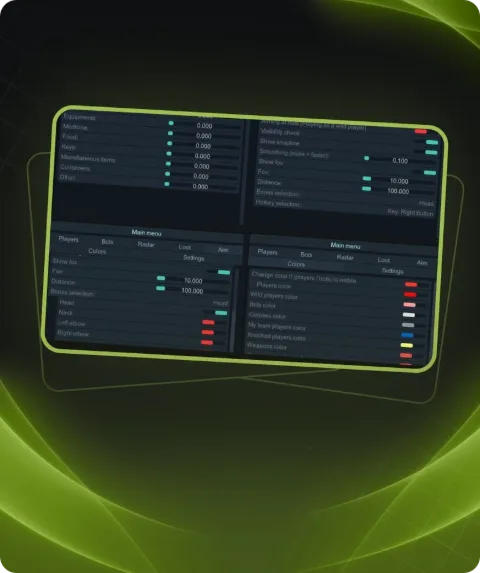
Functions FECURITY
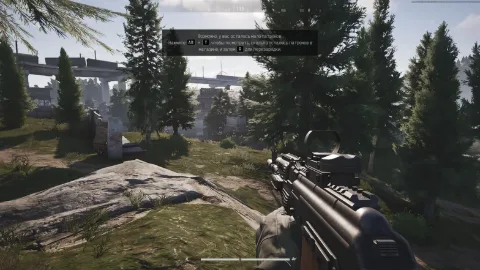
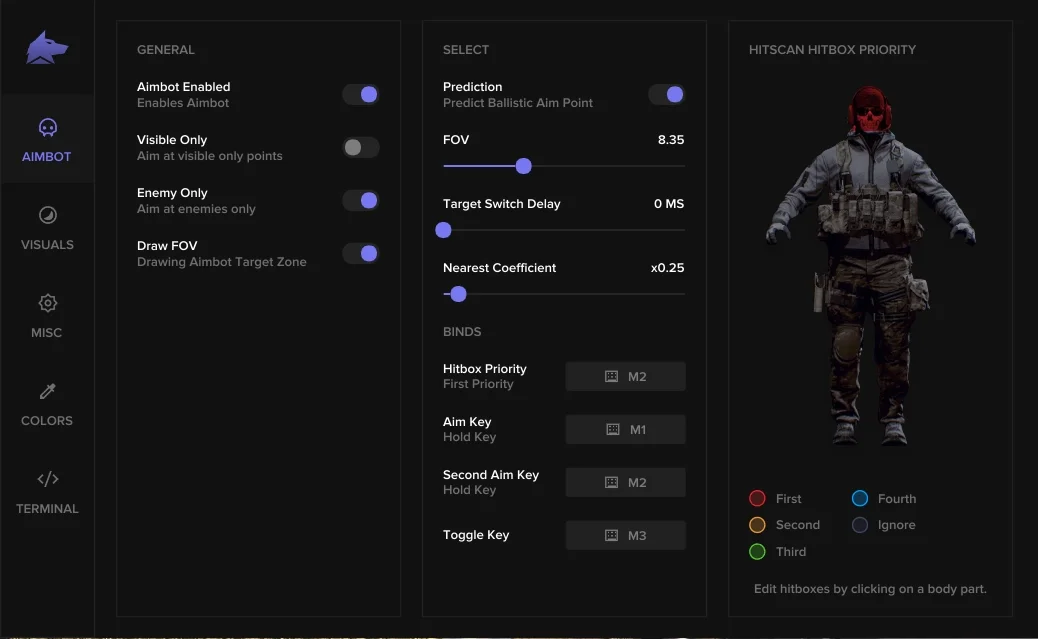
AIMBOT8
- TYPE: SILENT
- Bind
- Bone
- Draw FOV
- Invisibles
- On Players
- On Bots
- Draw Snapline
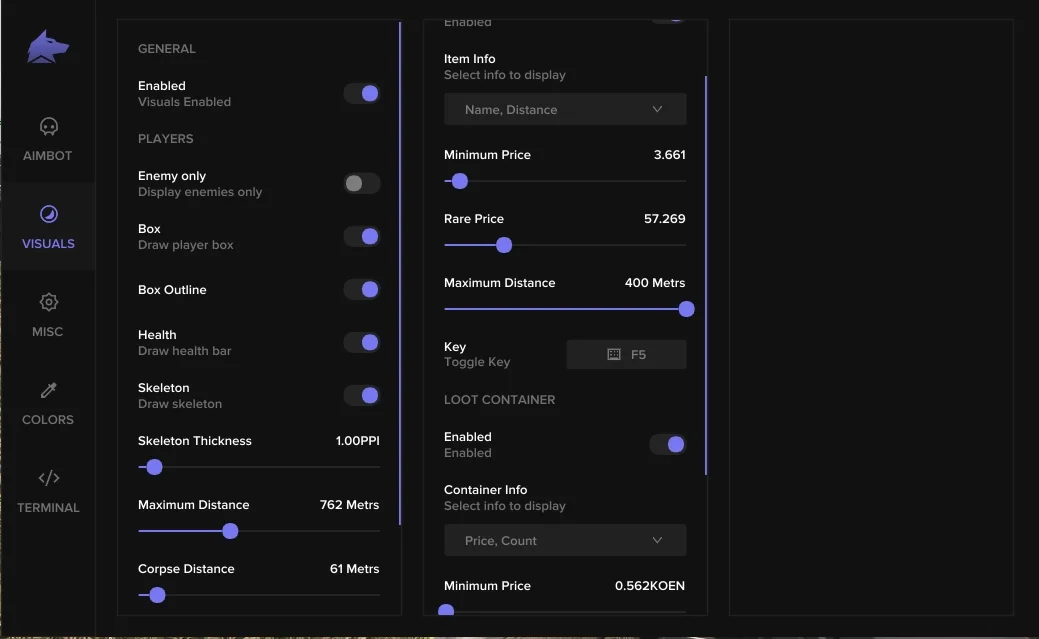
ESP (Visual)6
- LOOT
- Item Price
- Maximum distance
- Minimum price
- Price of expensive items
- Container information
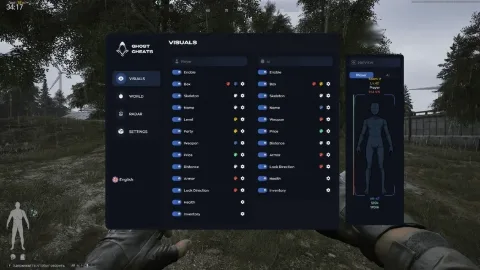
VISUALS11
- Player information
- Player level
- Player's Weapon
- Player Status
- Player Cost
- Line to player
- Skeleton
- Skeleton thickness
- Distance to player
- Player Health
- Corpse information
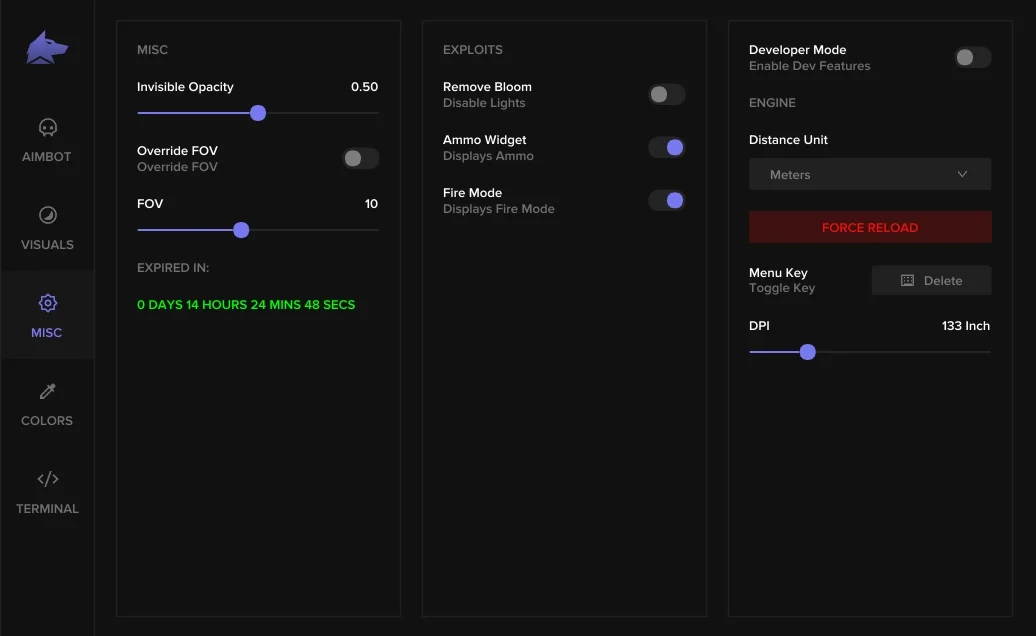
MISC2
- Ammo widget
- Shooting mode
Description
Improve your performance in Arena Breakout with the FECURITY private cheat from Playmate Market. Our cheat offers unique features that make the game more exciting and successful.
With FECURITY you will be able to easily bypass obstacles, get resources even from hard to reach places with the help of loot ESP. Enjoy silent aimbot, which will allow you to easily defeat your opponents. Do not miss the opportunity to buy private cheat FECURITY.
Buy private cheats today and top the leaderboard in Arena Breakout!
System requirements
- BIOS Mode [Windows Search / "msinfo32"]
- UEFI only, Legacy not supported, Secure Boot disabled
- Supported Disk format
- Support only GPT DISK (MBR doesnt work)
- Anticheat
- ACE
- Stream Bypass
- No
- Supported game modes
- Windowed, Borderless, Fullscreen
- Supported CPU
- Intel & AMD
- Supported OC
- Windows 10 (21H2, 22H2, 23H2) , Windows 11
Support
- Launch instructions come with the key.
- Before the first launch go through PC preparation — most errors will not appear.
- Answers to common questions are on the FAQ page.
- If something does not work, write to the FunPay order chat or support with a screenshot of the error and your Windows version.