HYPER
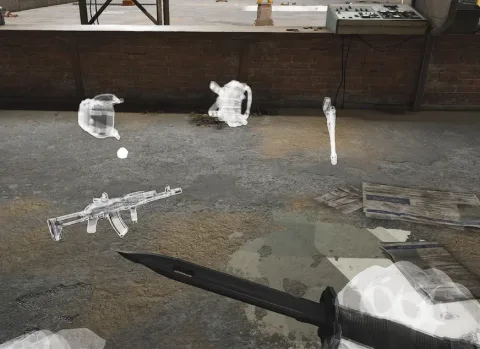
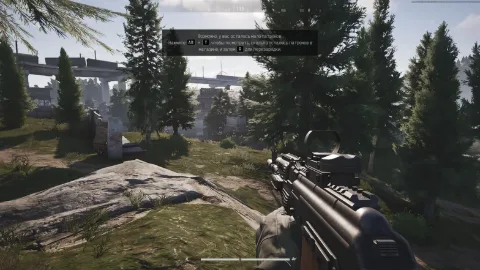
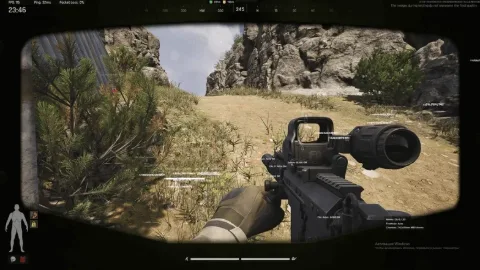
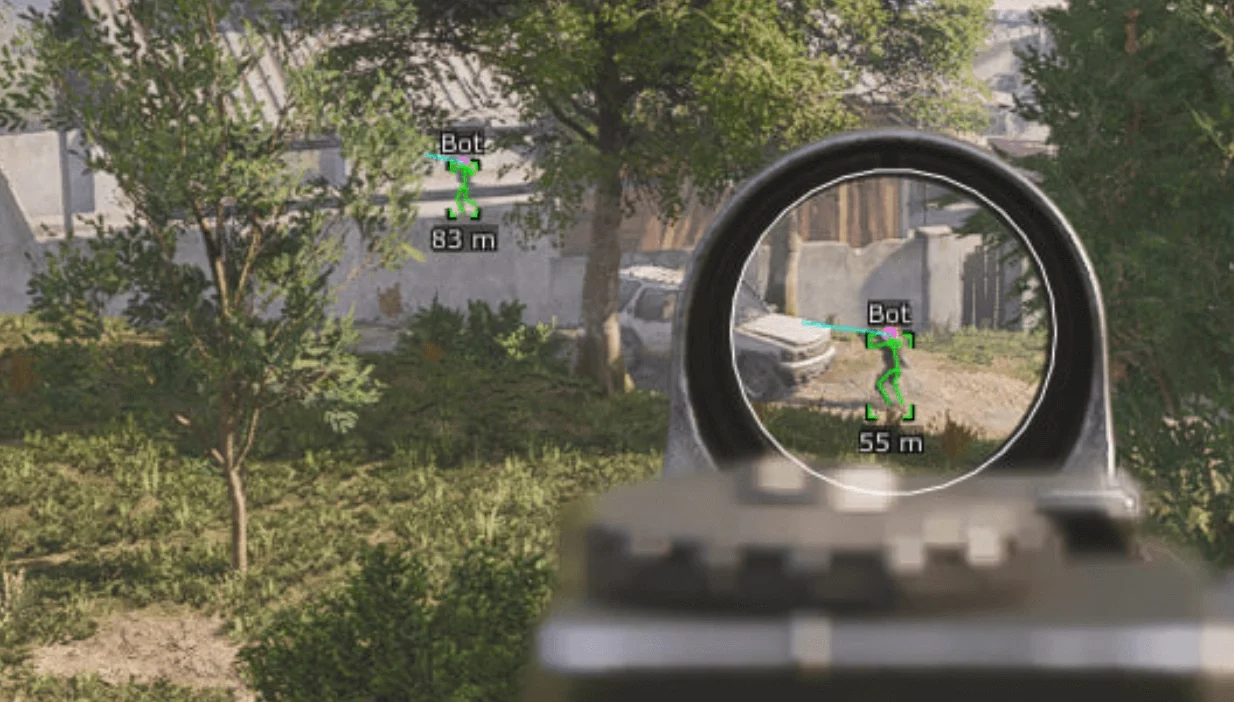
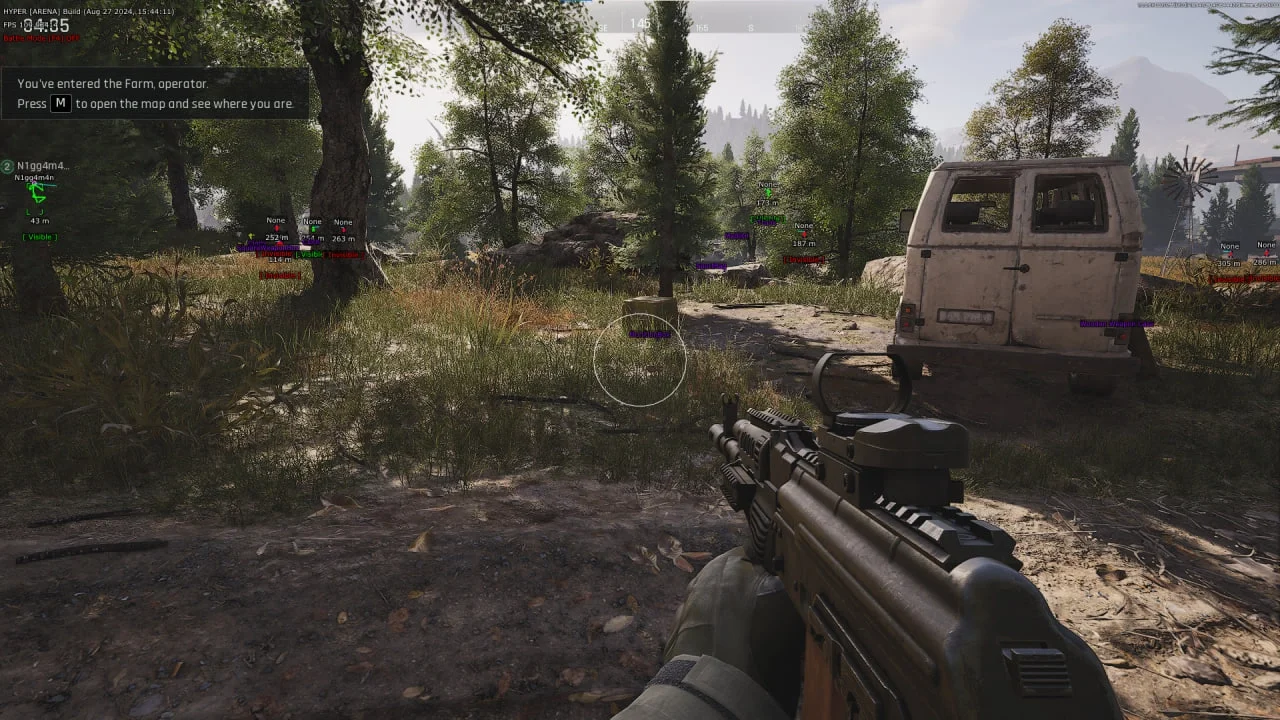
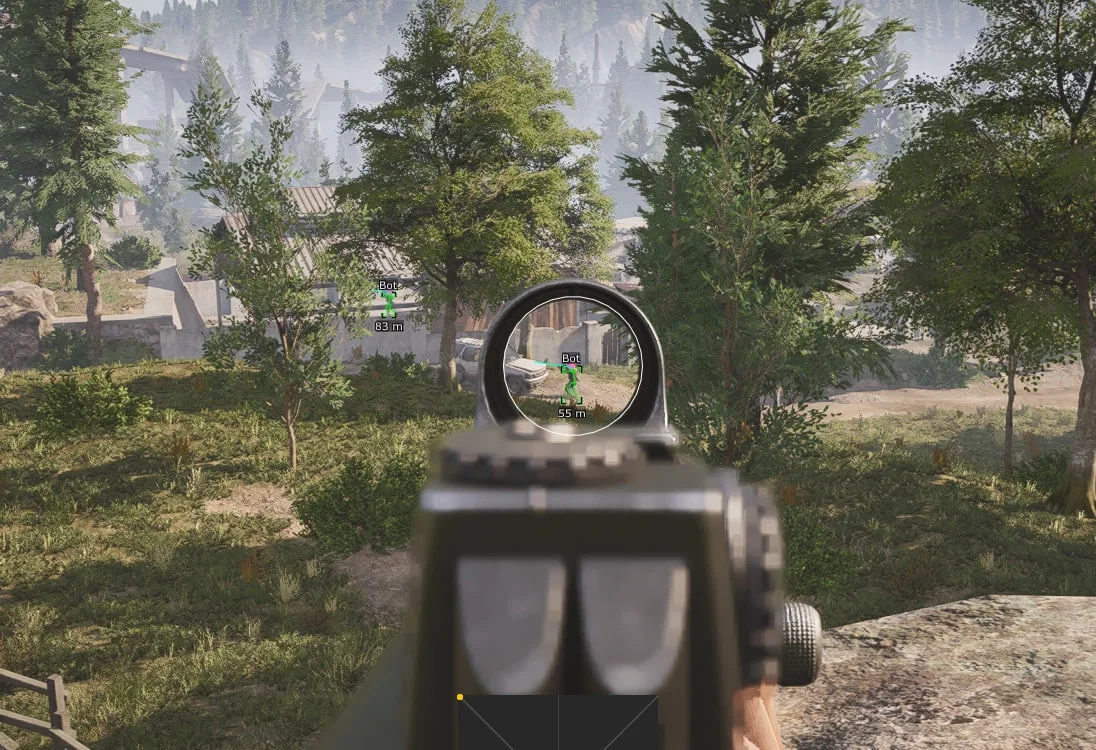
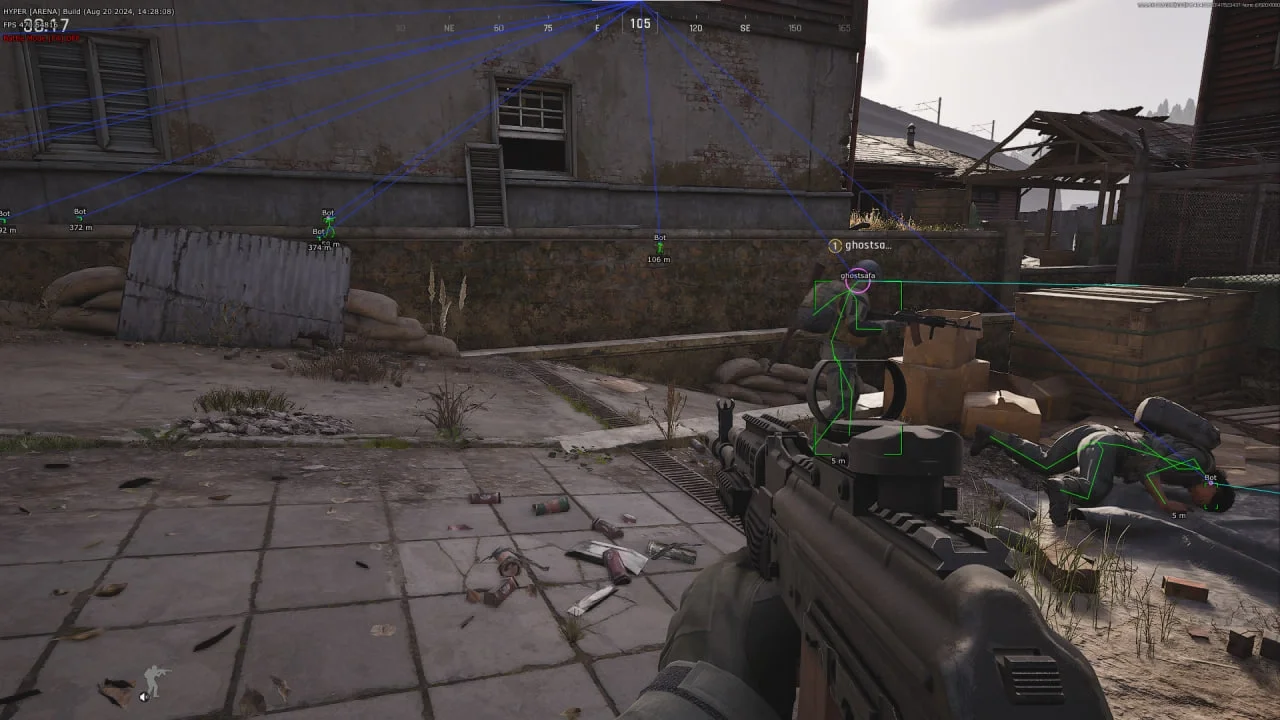
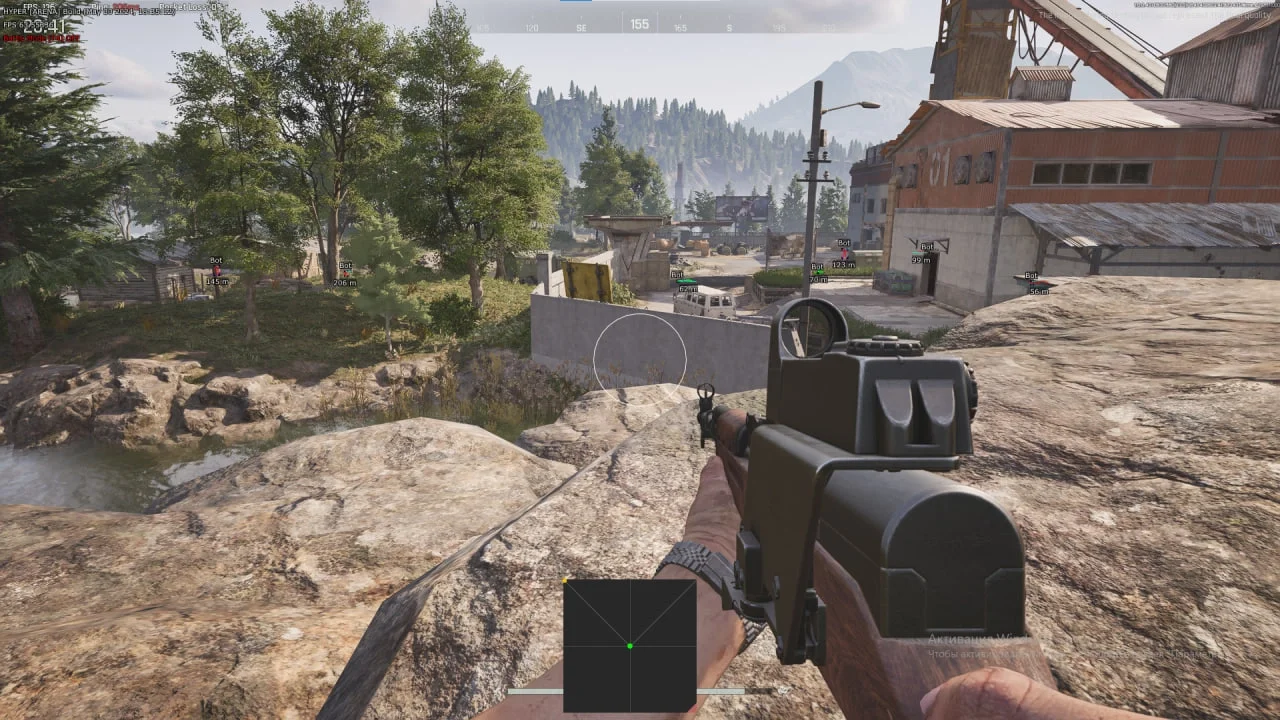
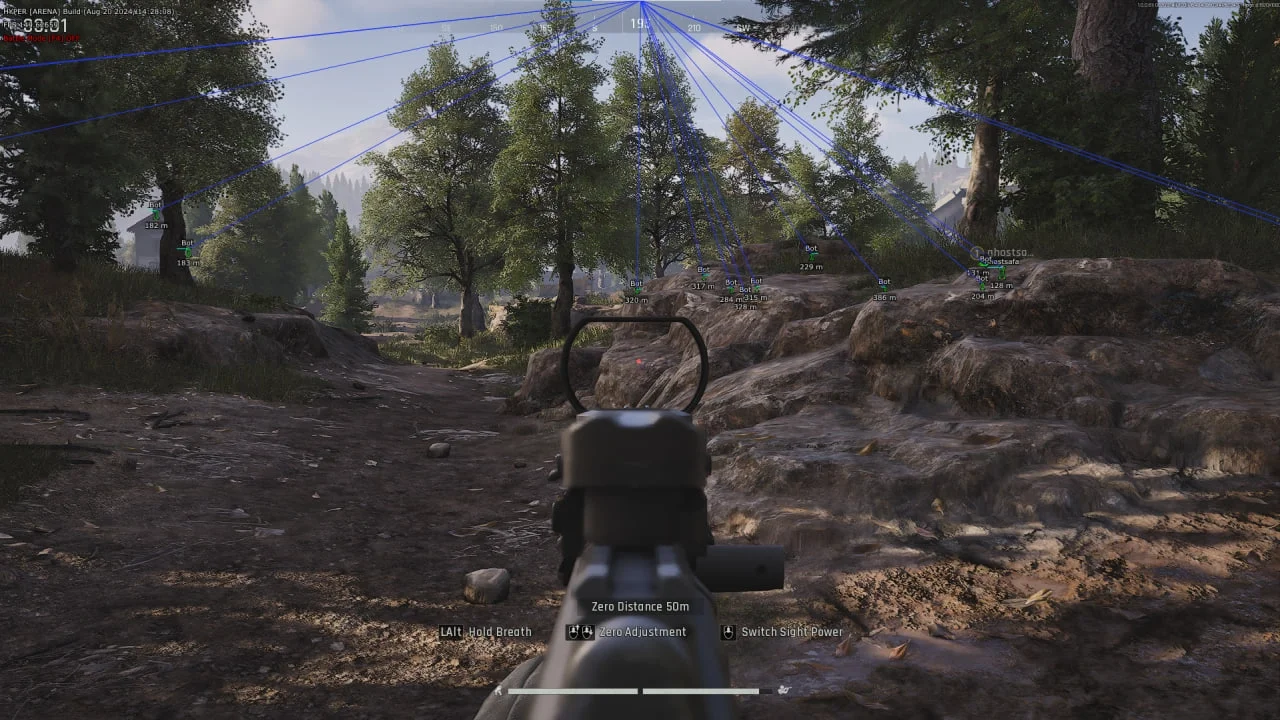
HYPER is a private software for ARENA BREAKOUT: INFINITE, featuring a powerful aimbot, WallHack with visible players, and ESP Loot for displaying items, weapons, and more.
This term is delivered manually: the key will arrive in the FunPay order chat within 2 h after payment.
- Your key arrives right after payment
- Payment via FunPay — your money is protected by the marketplace
- Launch instructions come with the key
- Your key is issued right after payment
- Online payment with a convenient method
- Launch instructions come with the key
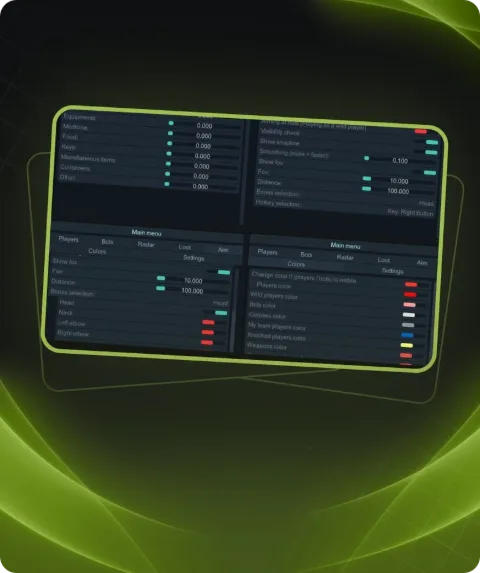
Functions HYPER
Aimbot8
- Enable
- Visible Check
- Target Line
- Aim Fov
- Smooth
- Aim Key
- Bot
- Bone Select
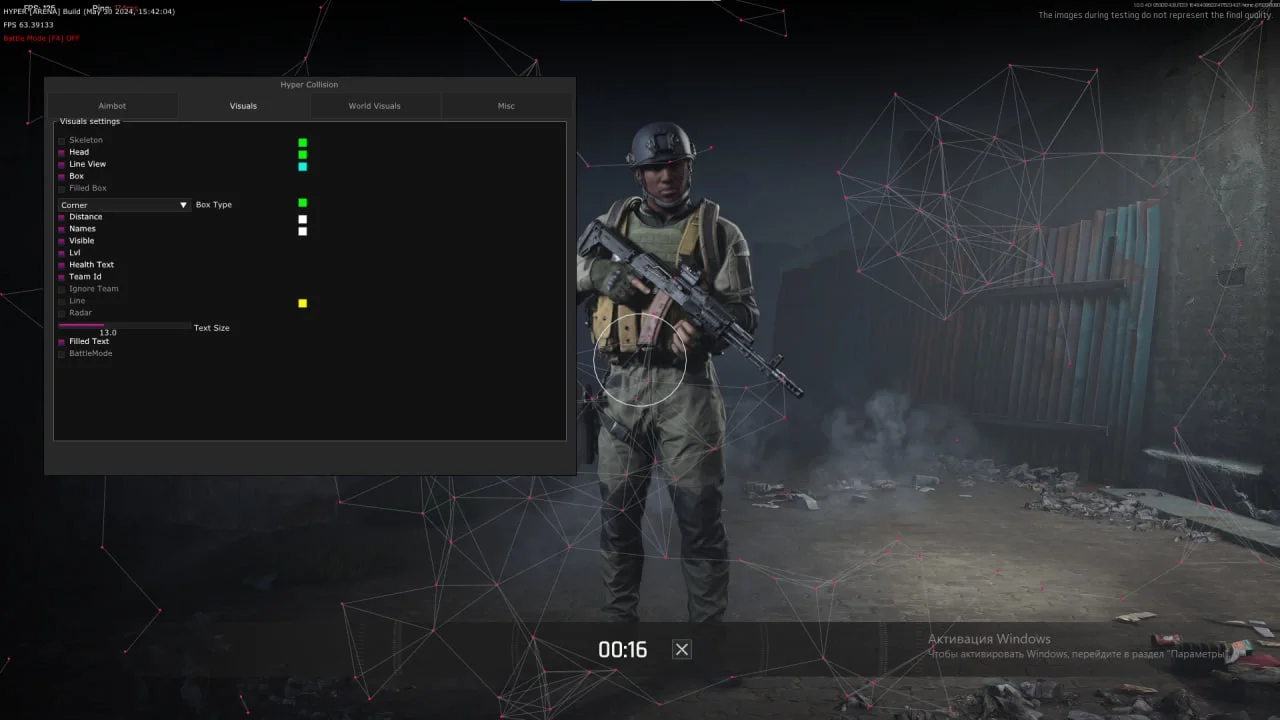
WallHack13
- Visible Check
- Distance
- Skeleton
- Head Point
- 2D Box
- 3D Box
- Corner Box
- Bot
- Lvl
- Names
- Line
- Radar
- Radar scale
ESP Loot15
- Filled
- Price
- Attachments
- Other Items
- Containers
- Medicine
- Backpack
- Vestbag
- Weapon
- Armor
- Drink
- Food
- Ammo
- Container distance
- Loot distance
Description
The HYPER private software for ARENA BREAKOUT: INFINITE offers players superior tools to enhance gameplay. Activate the aimbot with visibility checks, customize aim radius and smoothness, select target bones, and enable bot support. WallHack allows players to see enemies through walls, displaying their skeletons, head points, and more. Additionally, activate ESP Loot to view item prices, types, weapons, armor, and loot distance. This software is the perfect choice for achieving maximum control and efficiency in the game.
System requirements
- Additional requirements
- GPT Disk C , UEFI Bios , Enabled virtualization , disabled Secure Boot
- Game Version
- Steam and PC
- Included spoofer
- Yes(at own risk)
- Supported game modes
- Windowed, Borderless
- Supported CPU
- Intel & AMD
- Supported OC
- Windows 10-11 [2004 - Last]
Support
- Launch instructions come with the key.
- Before the first launch go through PC preparation — most errors will not appear.
- Answers to common questions are on the FAQ page.
- If something does not work, write to the FunPay order chat or support with a screenshot of the error and your Windows version.