Suit Radar
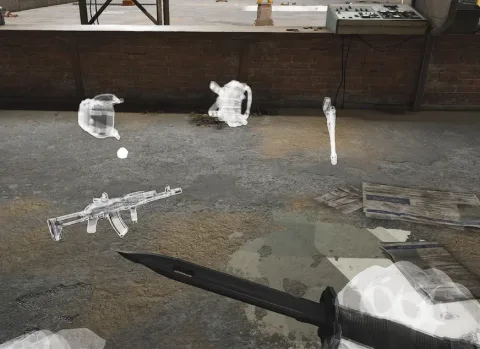
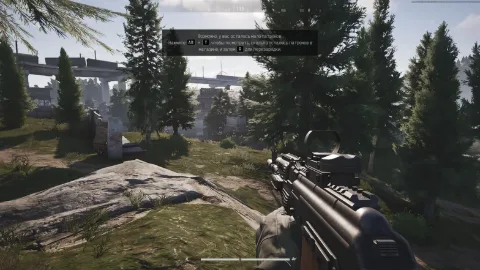
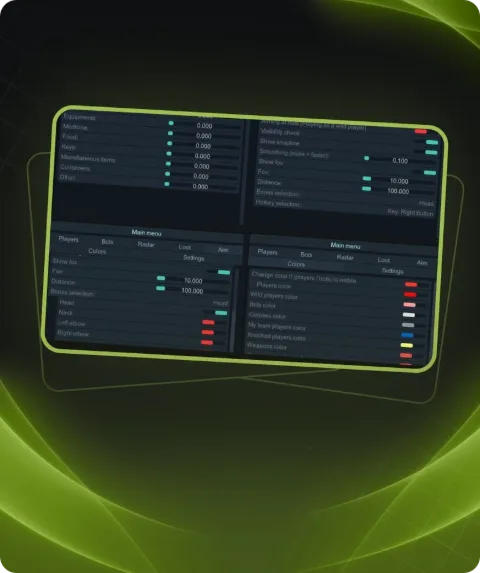
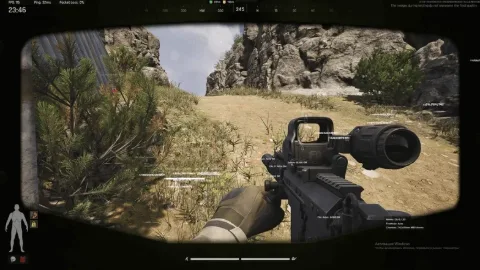
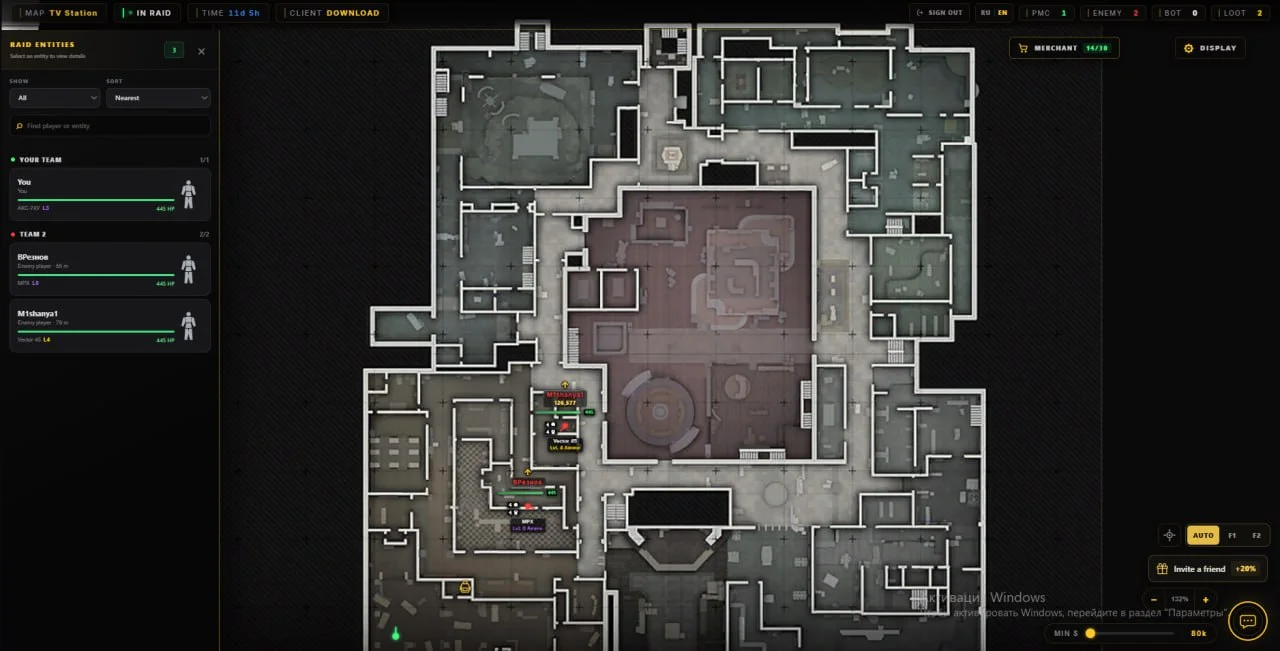
Private Suit radar for Arena Breakout: Infinite with Players, Bots, Bosses, Loot, Bodies, Weapons, Armor and additional target information.
This term is delivered manually: the key will arrive in the FunPay order chat within 2 h after payment.
- Your key arrives right after payment
- Payment via FunPay — your money is protected by the marketplace
- Launch instructions come with the key
- Your key is issued right after payment
- Online payment with a convenient method
- Launch instructions come with the key
Functions Suit Radar
Radar10
- Players
- Bots
- Bosses
- Loot
- Bodies
- Nicknames
- Bot Hit Points
- Armor and Helmets
- Weapons
- Elevation
Description
Suit for Arena Breakout: Infinite is a private radar focused on tracking players, AI enemies and important game objects through a separate radar interface.
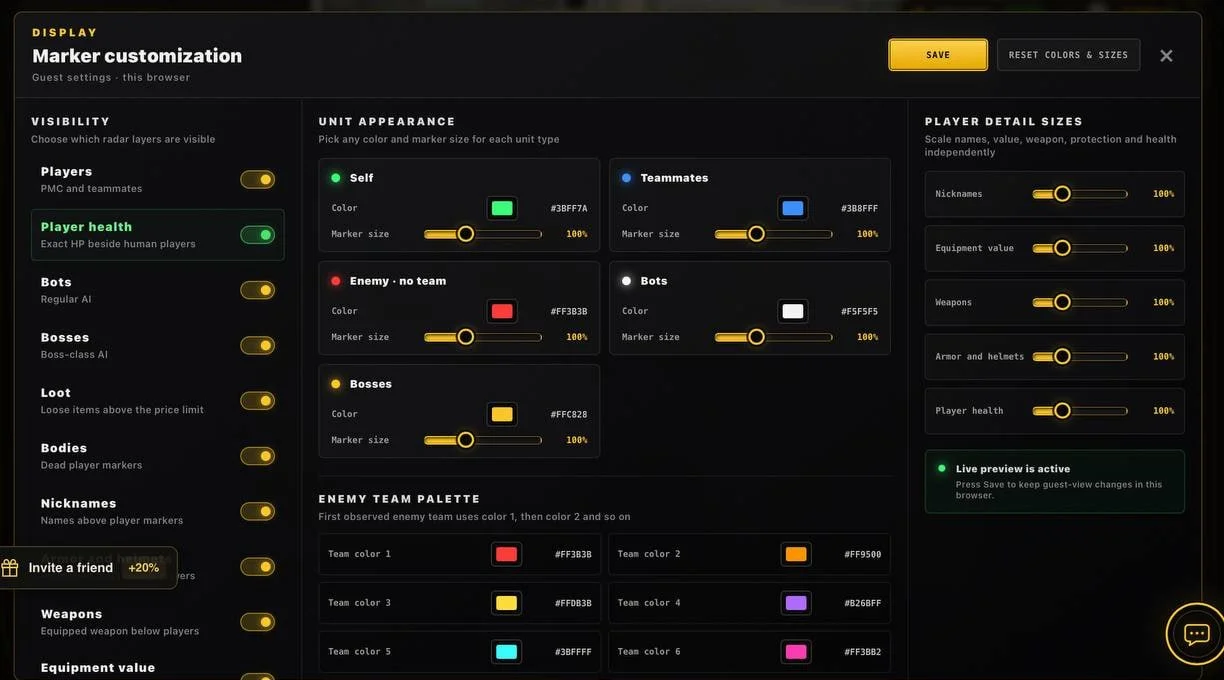
The radar can display Players, regular Bots and Bosses, making it easier to monitor nearby activity. Nicknames and additional target information are also available.
Suit can show Bot Hit Points, Armor and Helmets, as well as equipped Weapons. This provides more information about nearby targets and their current equipment.
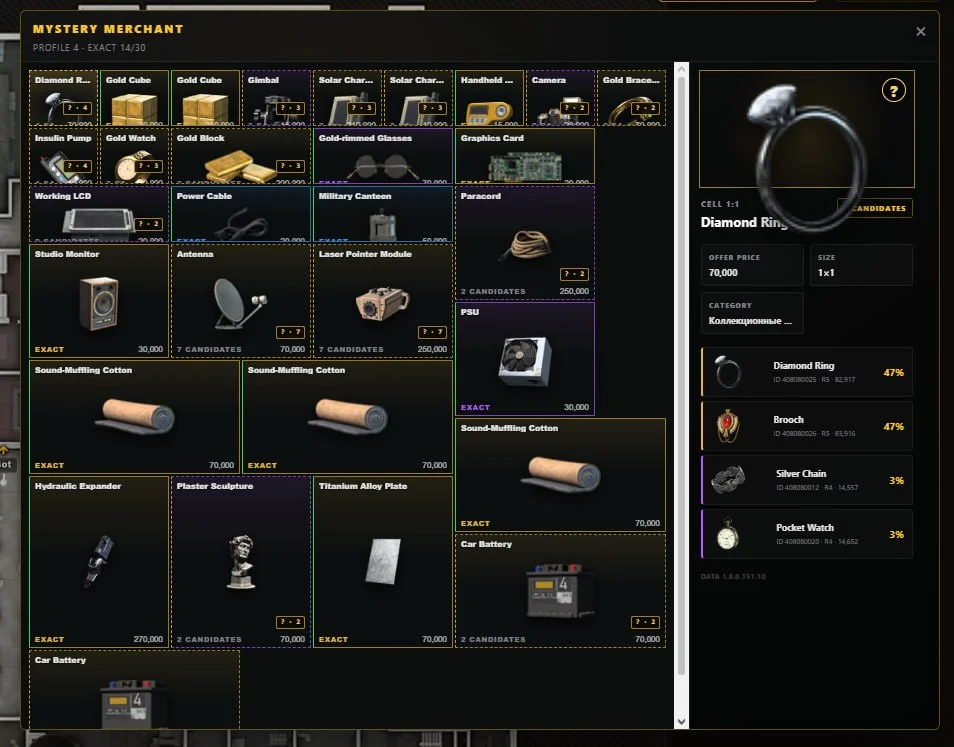
Loot markers are available for finding loose items, while Bodies can also be displayed on the radar. Elevation indicators show whether a target is positioned above or below the player.
Suit is focused specifically on radar functionality and essential information display without unnecessary additional modules.
Buy private Suit radar for Arena Breakout: Infinite at Playmate Market. Check the current product status, system requirements and instructions before use.
System requirements
- Additional requierements
- Need usb flash drive
- Supported game version
- Steam / Game launcher
- Stream Bypass
- No
- Supported game modes
- Windowed
- Supported CPU
- Intel & AMD
- Supported OC
- Windows 10, Windows 11(22H2-25H2)
Support
- Launch instructions come with the key.
- Before the first launch go through PC preparation — most errors will not appear.
- Answers to common questions are on the FAQ page.
- If something does not work, write to the FunPay order chat or support with a screenshot of the error and your Windows version.