PIRATE BC
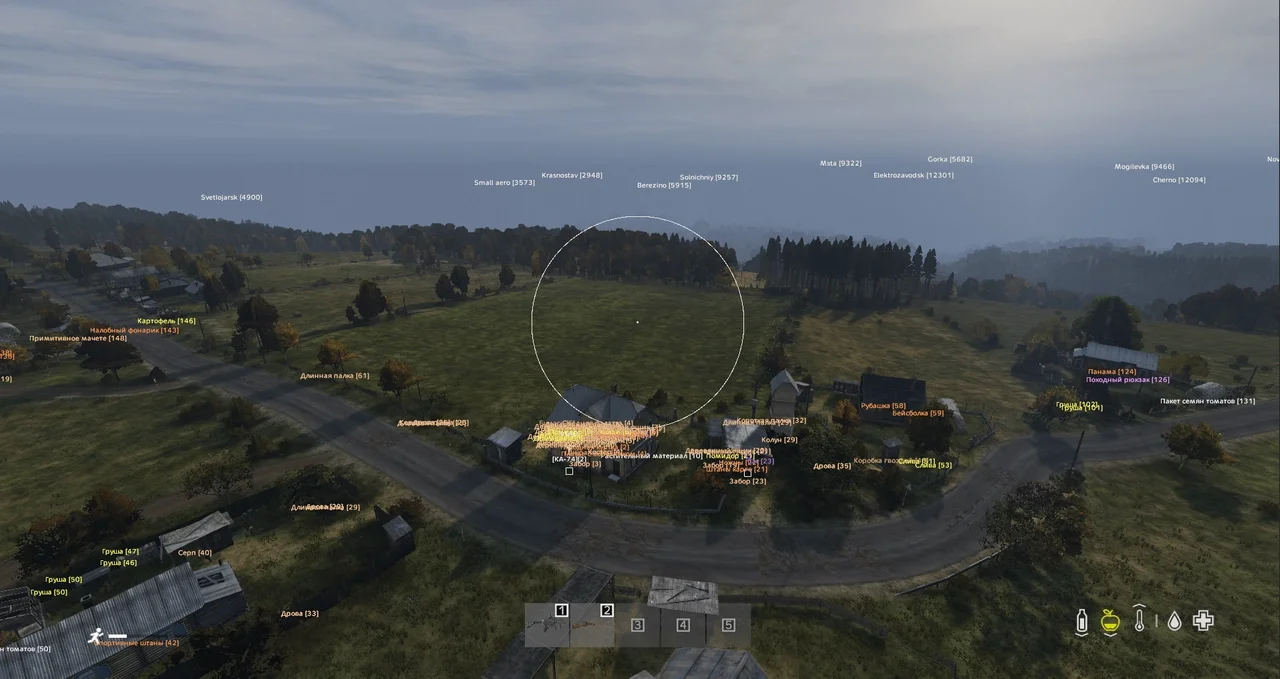
PIRATE BC is a private cheat for DayZ cracked versions with ESP for players, zombies, animals, vehicles and loot. Easy menu control with hotkeys. Available at Playmate Market at a bargain price.
Tick the box to go to payment
This term is delivered manually: the key will arrive in the FunPay order chat within 2 h after payment.
- Your key arrives right after payment
- Payment via FunPay — your money is protected by the marketplace
- Launch instructions come with the key
- Your key is issued right after payment
- Online payment with a convenient method
- Launch instructions come with the key
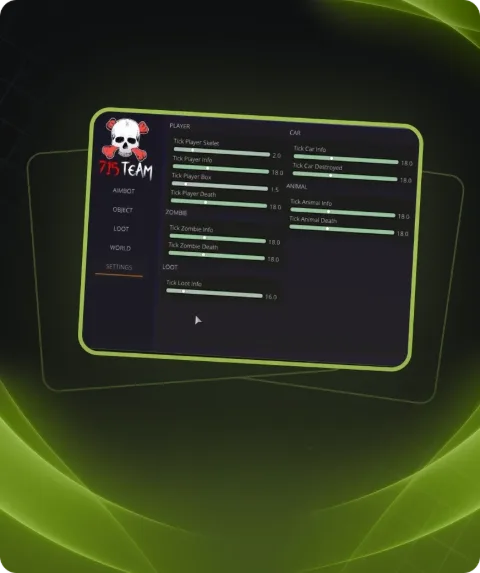
Functions PIRATE BC
ESP7
- Player
- PlayerInfo
- Info HotKey
- Zombie
- Animal
- Veh
- Crosshair
Loot13
- Draw Loot
- Dead Player
- Dead Animal
- Dead Zombie
- Weapon
- Backpack
- Clothes
- Food
- Container
- Veh
- Medicine
- Loot HotKey
- Max Dist
MSC/MISC2
- Menu the "F6" or "Home" key
- Panic key for all cheat "END" key
Description
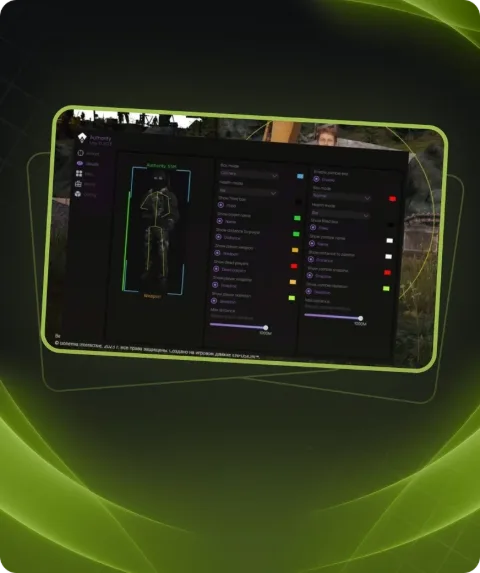
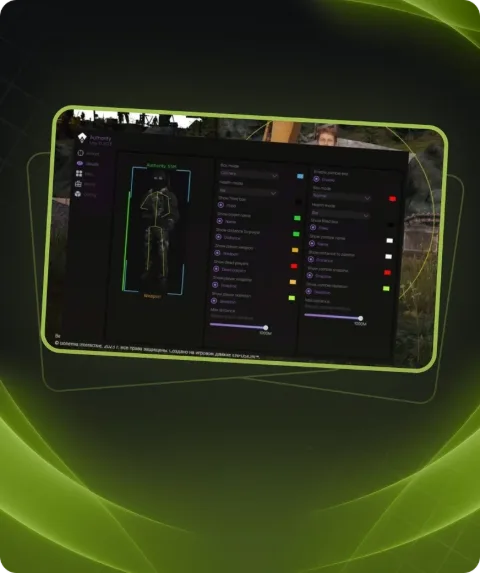
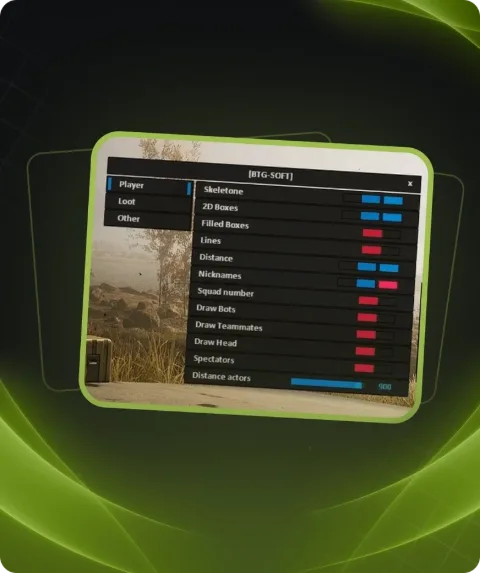
PIRATE BC is a private cheat for cracked versions of DayZ that gives you complete awareness of the game. Player ESP displays full info about enemies, while zombies, animals and vehicles are also highlighted for maximum control.
Loot ESP shows everything you need: weapons, backpacks, food, medicine, clothing, containers and vehicle parts. Dead players, animals and zombies are also displayed to keep track of the battlefield.
With a built-in crosshair for better accuracy and simple hotkey management (menu on F6/Home, panic key on END), PIRATE BC is both powerful and easy to use.
Buy PIRATE BC exclusively at Playmate Market for a bargain price and enjoy full control in DayZ cracked versions.
System requirements
- Supported Pirate version
- 1.19/1.20/1.21/1.22/1.23/1.24/1.25
- Included spoofer
- No
- Anticheat
- Game anticheat (Only cracked servers)
- Stream Bypass
- Yes
- Supported game modes
- Windowed
- Supported CPU
- Intel & AMD
- Supported OC
- Windows 10 (20H2, 21H1, 21H2, 22H2) , Windows 11 (21H2, 22H2)
Support
- Launch instructions come with the key.
- Before the first launch go through PC preparation — most errors will not appear.
- Answers to common questions are on the FAQ page.
- If something does not work, write to the FunPay order chat or support with a screenshot of the error and your Windows version.