Mason Rust Spoofer
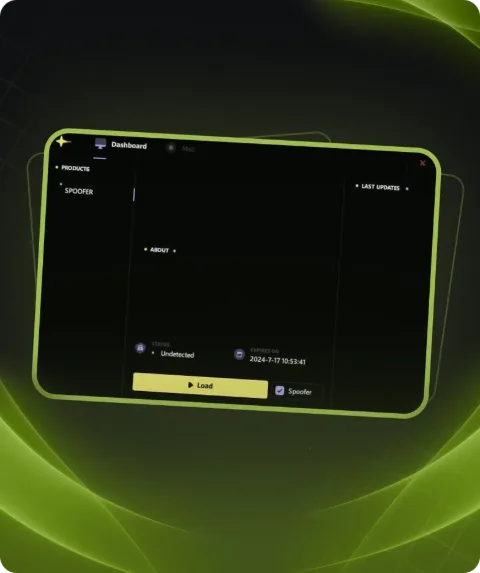
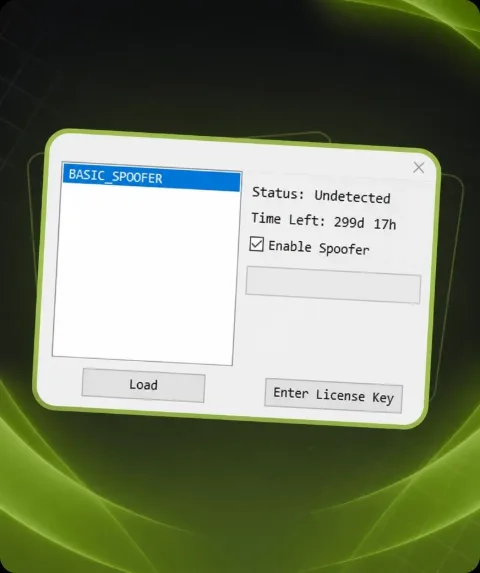
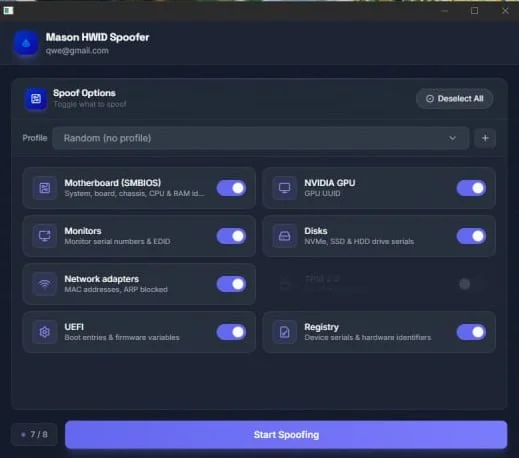
Mason HWID Spoofer for SMBIOS, NVIDIA GPU UUID, drive and monitor serial numbers, EDID, MAC addresses and other hardware identifiers.
Tick the box to go to payment
This term is delivered manually: the key will arrive in the FunPay order chat within 2 h after payment.
- Your key arrives right after payment
- Payment via FunPay — your money is protected by the marketplace
- Launch instructions come with the key
- Your key is issued right after payment
- Online payment with a convenient method
- Launch instructions come with the key
Functions Mason Rust Spoofer
Spoofer14
- SMBIOS Spoofing
- Motherboard Information Spoofing
- CPU Information Spoofing
- RAM Information Spoofing
- NVIDIA GPU UUID Spoofing
- NVMe Serial Number Spoofing
- SSD Serial Number Spoofing
- HDD Serial Number Spoofing
- Monitor Serial Number Spoofing
- Monitor EDID Spoofing
- Network Adapter MAC Address Spoofing
- UEFI Boot Entry Modification
- Firmware Variable Modification
- Hardware Identifier Modification in Registry
Description
Mason HWID Spoofer is a tool designed to modify hardware identifiers across multiple PC components. It covers several HWID categories and provides spoofing options for core system hardware.
SMBIOS functionality includes system, motherboard, CPU and RAM information spoofing. NVIDIA graphics cards are supported through GPU UUID modification.
Mason supports NVMe, SSD and HDD drives with serial number spoofing. Monitor functionality includes serial number and EDID modification.
Network adapter support provides MAC address spoofing. Additional functionality covers UEFI boot entries, firmware variables, the Windows registry and hardware identifiers.
Buy Mason HWID Spoofer at Playmate Market. Check the current product status, supported hardware, system requirements and instructions before use.
System requirements
- Anticheat
- EAC
- Supported CPU
- Intel & AMD
- Supported OC
- Windows 10&11 (2004-26H1)
Support
- Launch instructions come with the key.
- Before the first launch go through PC preparation — most errors will not appear.
- Answers to common questions are on the FAQ page.
- If something does not work, write to the FunPay order chat or support with a screenshot of the error and your Windows version.