BYSTER
BYSTER is a private software for Marvel Rivals featuring a powerful Aimbot and flexible ESP settings. It helps you detect enemies easily, control shot accuracy, and save configurations for convenience.
Tick the box to go to payment
This term is delivered manually: the key will arrive in the FunPay order chat within 2 h after payment.
- Your key arrives right after payment
- Payment via FunPay — your money is protected by the marketplace
- Launch instructions come with the key
- Your key is issued right after payment
- Online payment with a convenient method
- Launch instructions come with the key
Functions BYSTER
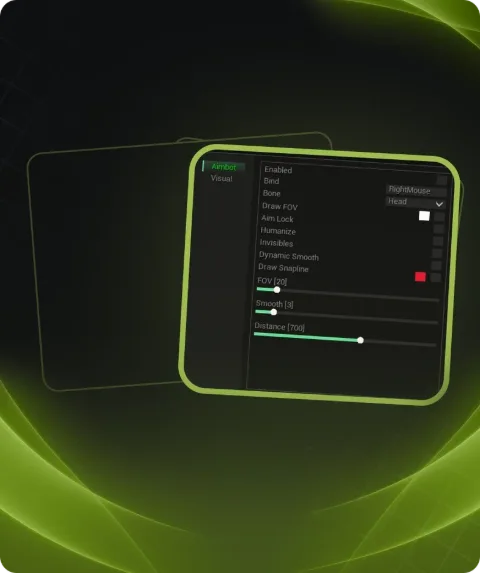
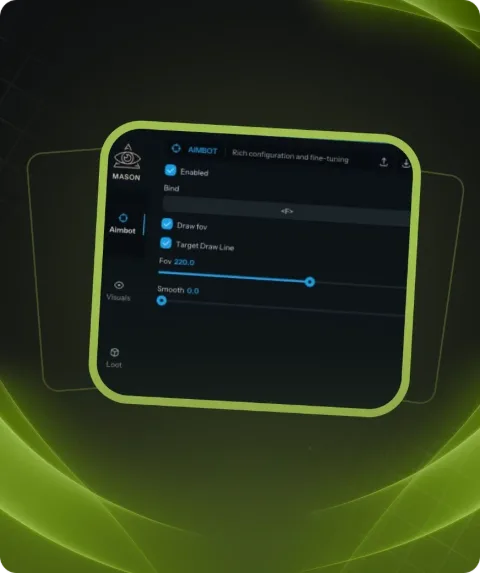
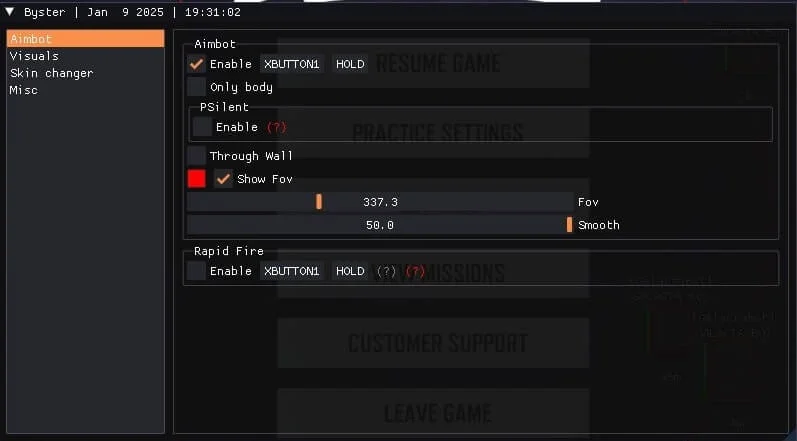
AIMBOT9
- Enable AIM
- Only body
- Psilent
- Silent AIM
- Magic Bullet
- AIM Bind
- Show FOV
- FOV Slider
- Smooth Slider
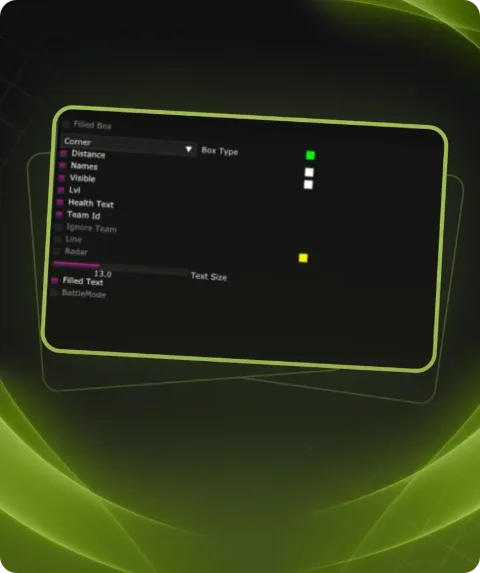
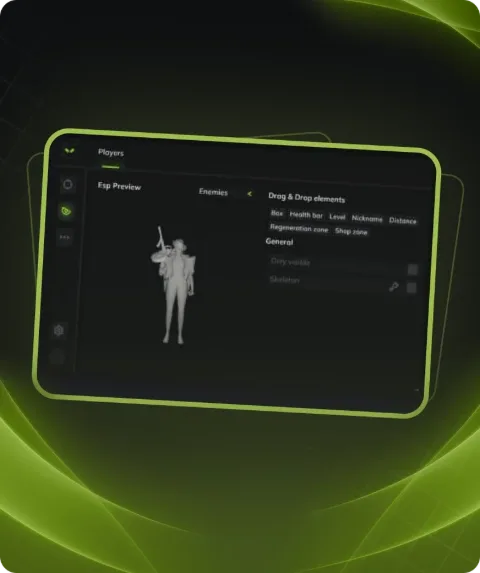
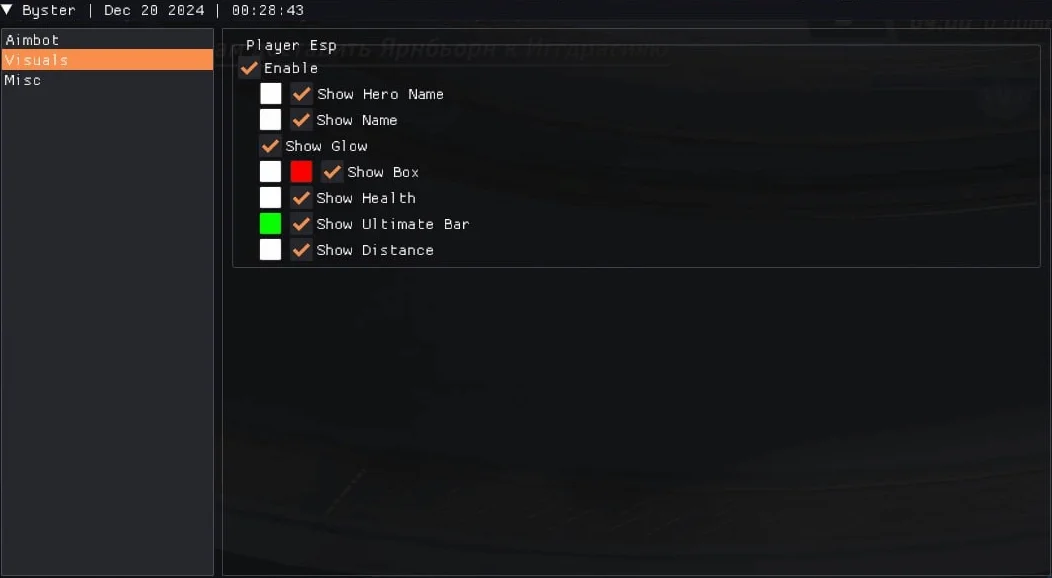
VISUAL10
- Enable ESP
- Show Hero Name
- Show Player Name
- Show Box
- Show Skeletons
- Show Health
- Show Distance
- FPS Indicator
- Ultimate Bar
- Glow ESP
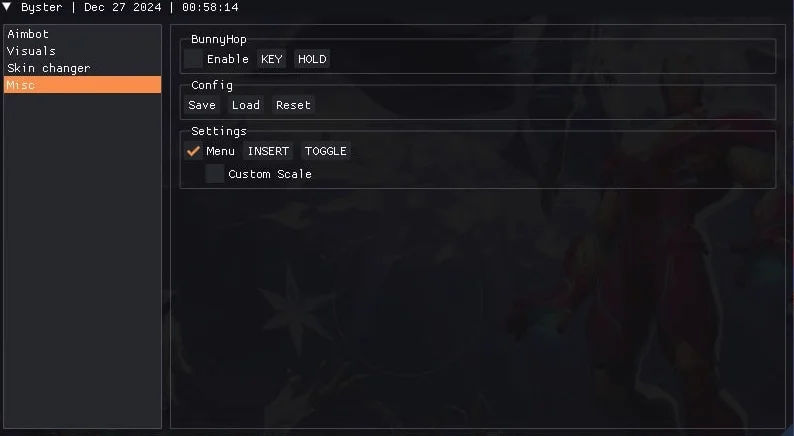
MISC6
- Save configs
- BunnyHop
- SpinBot
- Load config
- Reset config
- Custom scale for 2k and 4k monitors
Description
BYSTER is private software for Marvel Rivals, designed to maximize battlefield efficiency. Its key strengths include a precise Aimbot with adjustable FOV and Smooth sliders, as well as a convenient aim bind for quick toggling. The visual ESP functions enable you to see hero and player names, health, distance, skeletons, and even an ultimate indicator, allowing you to react swiftly to changing conditions. Additional tools such as Glow ESP, an FPS indicator, and configuration saving streamline your gameplay experience. With support for 2K and 4K monitor scaling, BYSTER ensures comfort on any device. Achieve a clear advantage and maintain full flexibility in your settings with BYSTER.
System requirements
- Supported game version
- Game Launcher, Steam
- Included spoofer
- Yes
- Anticheat
- NetEasy
- Stream Bypass
- No
- Supported game modes
- Windowed
- Supported CPU
- Intel & AMD (Min requierements i5-10400 / r5 2600)
- Supported OC
- Windows 10 (21H2-23H2), Windows 11
Support
- Launch instructions come with the key.
- Before the first launch go through PC preparation — most errors will not appear.
- Answers to common questions are on the FAQ page.
- If something does not work, write to the FunPay order chat or support with a screenshot of the error and your Windows version.