ANCIENT RADAR
Buy Ancient Radar for ABI at low price on Playmate Market - player, AI, loot and map radar
Tick the box to go to payment
This term is delivered manually: the key will arrive in the FunPay order chat within 2 h after payment.
This product cannot be bought right now: the developer is updating it after a game update. It usually takes from a few hours to a couple of days.
- Your key arrives right after payment
- Payment via FunPay — your money is protected by the marketplace
- Launch instructions come with the key
- Your key is issued right after payment
- Online payment with a convenient method
- Launch instructions come with the key
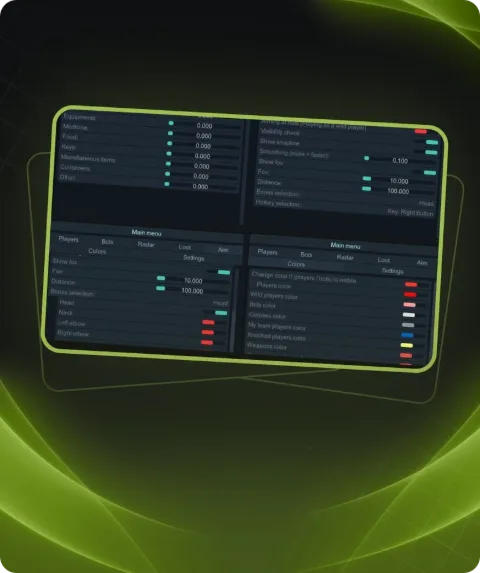
Functions ANCIENT RADAR
SHARING1
- Share radar link
RADAR SETTINGS4
- Follow Player
- Return To Player
- Rotate Map
- Fullscreen
MAP2
- Auto Detect Map
- Text / Icon Scale
LANGUAGES3
- Russian
- English
- Chinese
PLAYERS7
- Show Enemies
- Show Nicknames
- Show Look Direction
- Show Dead Players
- Show Weapon
- Show Price
- Instant Hit
AI5
- Show AI
- Show Bosses
- Show AI Price
- Show Dead AI
- Show AI Weapon
ITEMS3
- Loot Containers
- Show Prices
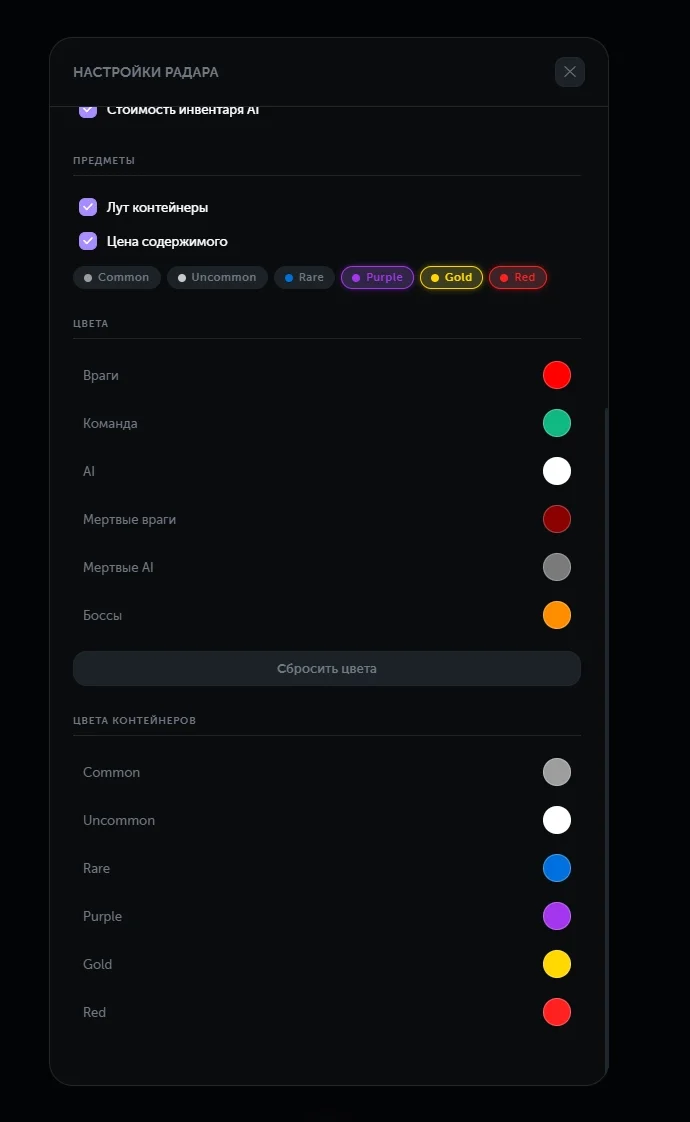
- Rarity (Common / Uncommon / Rare / Purple / Gold / Red)
COLORS6
- Enemy Color
- Team Color
- AI Color
- Dead Enemy Color
- Dead AI Color
- Boss Color
Description
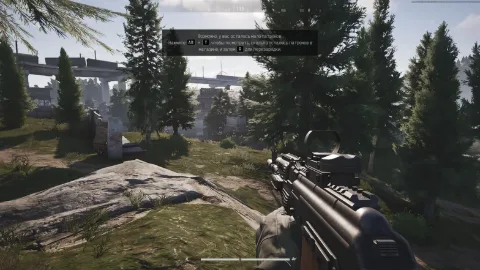
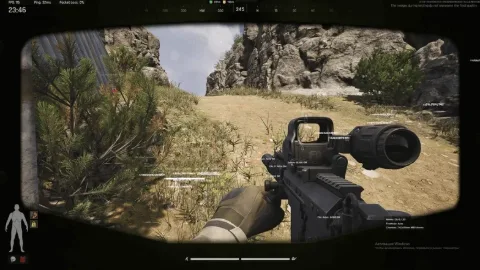
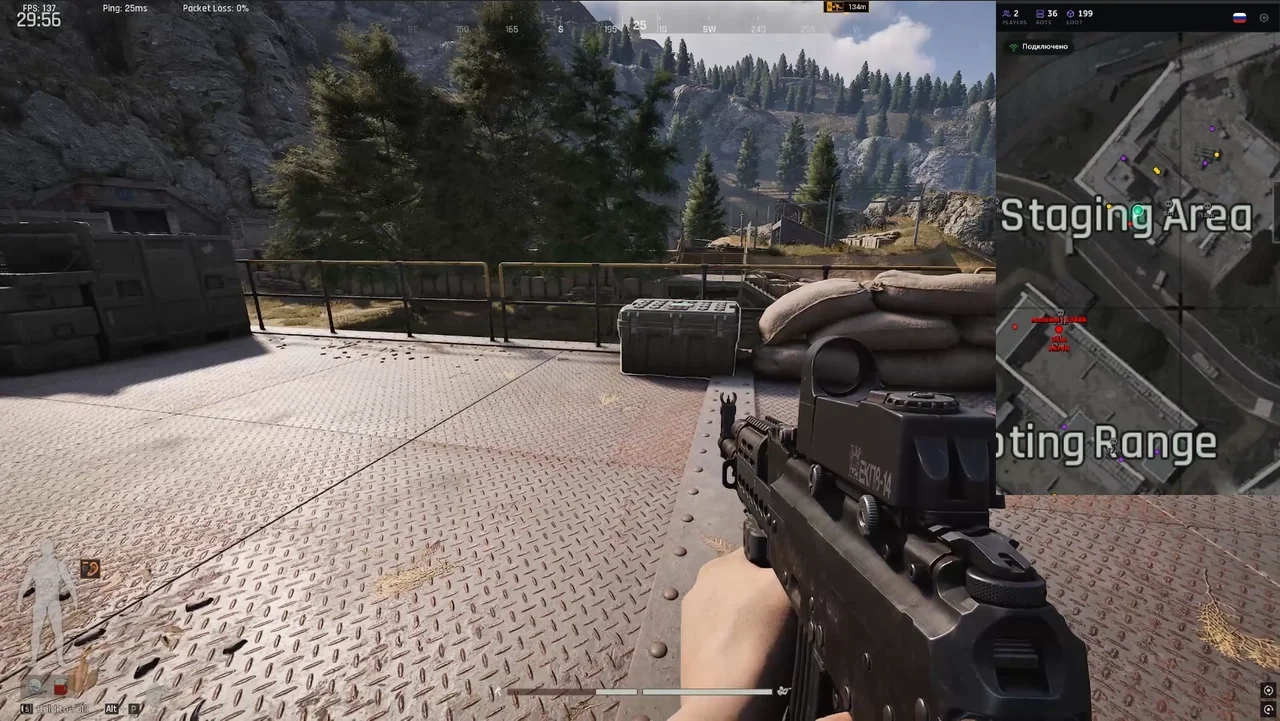
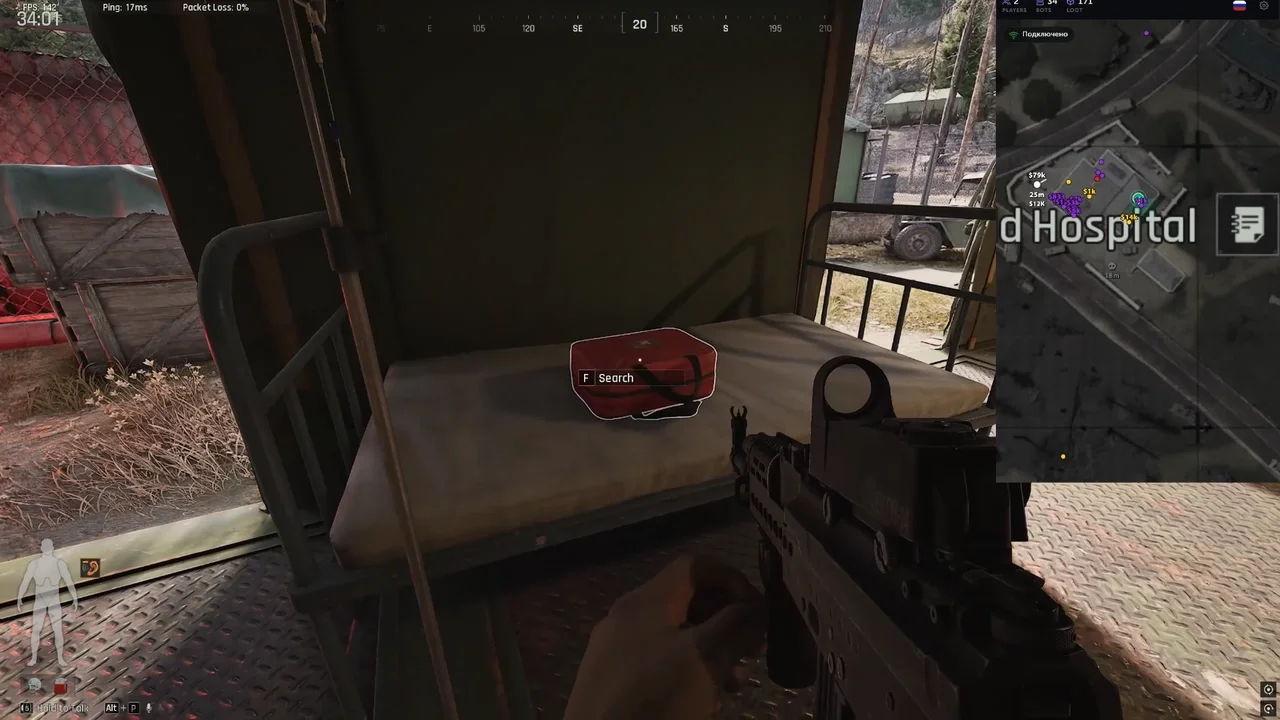
Ancient Radar is an external radar for Arena Breakout Infinite providing full real-time map awareness.
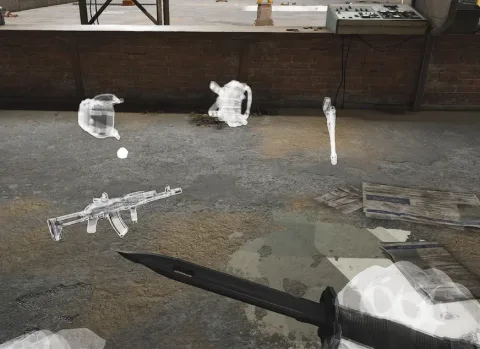
It displays players, AI and bosses with detailed info including nickname, distance, view direction, weapon and price. Dead targets and filters are supported.
Loot system shows containers, items and rarity with color coding and distance settings.
The map supports auto detection, scaling, fullscreen mode and rotation.
Additional features include link sharing, full color customization and multi-language support.
Ancient Radar for ABI is available on Playmate Market.
System requirements
- Supported Game version
- Steam, Launcher
- Included spoofer
- No
- Stream Bypass
- Yes
- Supported game modes
- Borderless
- Supported CPU
- Intel & AMD
- Supported OC
- Windows 10 1903 and all newest, Windows 11
Support
- Launch instructions come with the key.
- Before the first launch go through PC preparation — most errors will not appear.
- Answers to common questions are on the FAQ page.
- If something does not work, write to the FunPay order chat or support with a screenshot of the error and your Windows version.